

Apple doesn’t have too many striking innovations in store for macOS 27. The most notable change is the end of support for Intel chips. Furthermore, AI is primarily meant to make the update worthwhile.
At WWDC, Apple unveils macOS 27 Golden Gate: the latest version of its operating system for laptops. No major innovations are on the agenda for that OS this year. Apple is mainly adding some features on the margins and, like other software manufacturers, cannot resist showing off AI features.
AI takes center stage
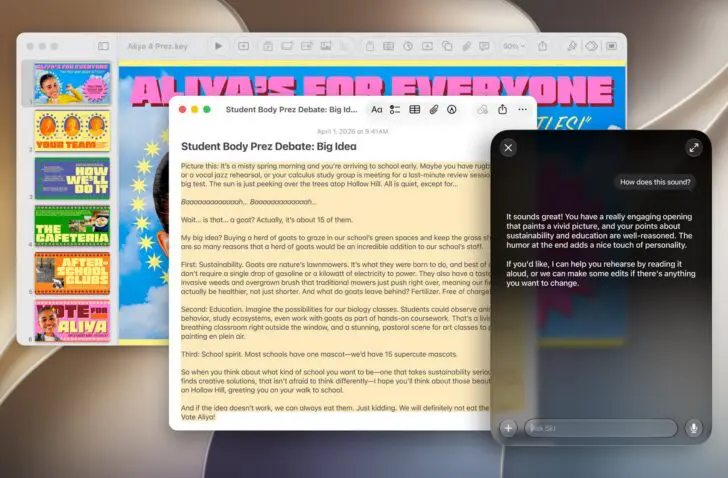
The biggest innovation relates to Siri. Siri AI is evolving into a more capable AI assistant and will be able to help users more based on natural language queries. The functionality here is in line with what you have come to expect from a generative AI assistant. You can ask open-ended questions, brainstorm, search for a photo or email based on context, and ask questions about images.

Apple also showcases several other examples. For instance, you can select various (types of) documents and ask a question about them. Other examples lean more toward gimmicks: for example, ask for recipes inspired by the Brazil-Morocco World Cup match, and then send a menu to your friends along with an invitation to a watch party.
Gimmick
Such scripted demos are not new. It is striking that Apple is also betting so heavily on this, while major competitor Microsoft is receiving just as much negative feedback with Windows regarding the inclusion of AI in its operating system. Apple assumes that macOS users are indeed waiting for genAI, baked into the OS.
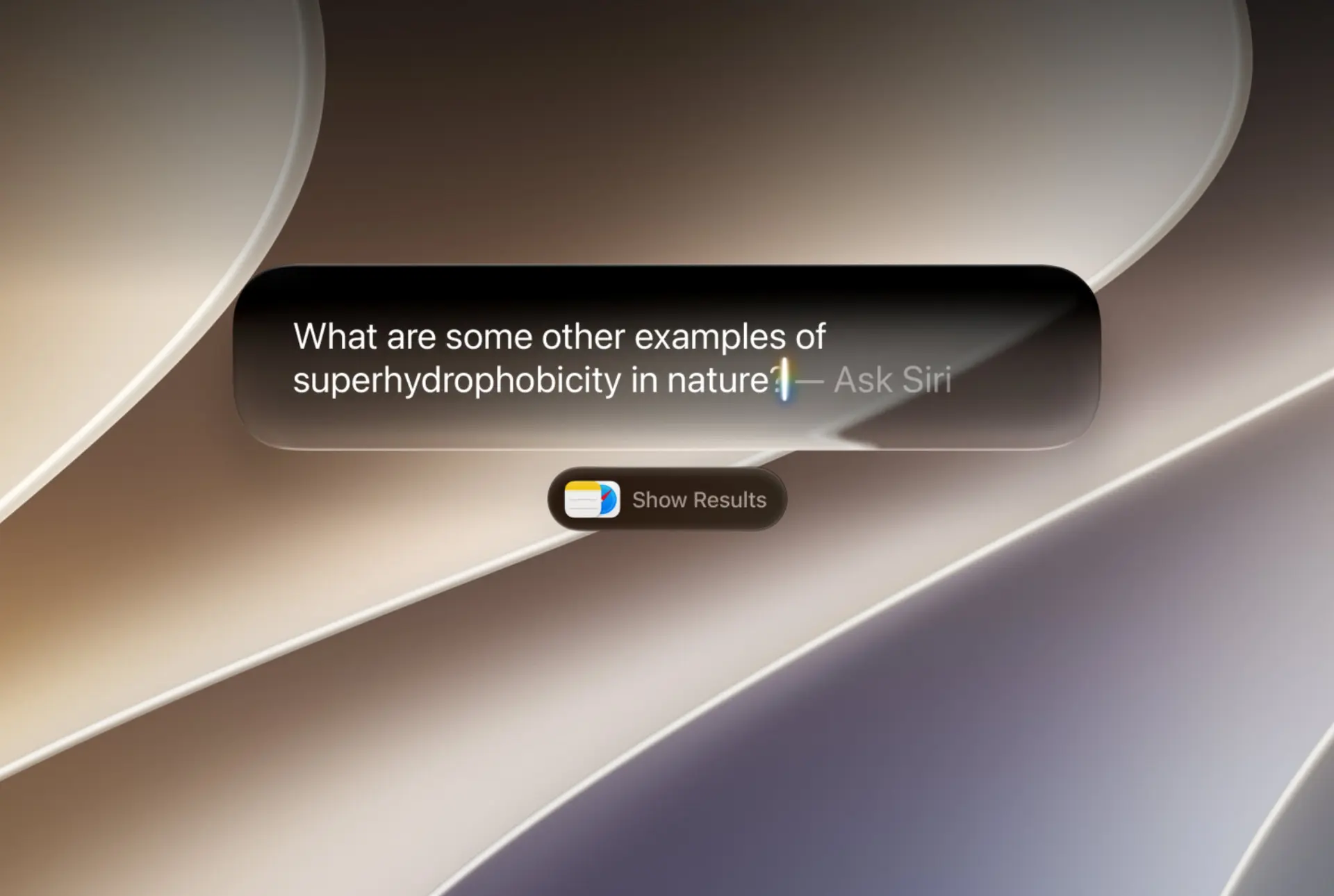
To make all of this possible, the innovations in macOS 27 are largely in the code. For example, the search function under the hood has also been adjusted. It can better index the entire content of your device. This innovation goes hand in hand with Siri’s expanded capabilities. Apple, by the way, wants to maintain full control: while the LLMs behind AI are increasingly seen as interchangeable in an enterprise context, Apple hopes to keep its AI offering strictly in-house.
We should note that the entire Siri AI story currently only applies to English. Other languages will have to wait even longer for these capabilities. To enjoy all local AI capabilities, Apple also requires you to own a device with at least an M3 chip and 12 GB of RAM. Basic AI functionality is also coming to older devices.
Other improvements
Apart from AI, there are few noteworthy novelties to be found this year. Small updates, such as the ability to adjust the transparency of the Liquid Glass UI effects, can hardly be called groundbreaking.
For graphics professionals, support for higher resolution screens, including 5K at 120 Hz, is still an added value. All in all, it is not surprising that Apple did not waste too many words on macOS 27 during this keynote.
Break with Intel
The most striking adjustment lies in what is missing. With macOS 27, Apple is as expected drawing a clear line under its x86 chapter with Intel. The update for the MacBook operating system is, after all, exclusively available for ARM-based devices. For those who still have an Intel Mac, macOS 26 is the end of the line.
In practice, this means your Apple laptop must have at least an M1 chip inside. Those who get stuck on macOS 26 Tahoe can still enjoy two years of security updates until Apple turns off the tap there as well.
Apple will also steadily phase out Intel support on its ARM Macs. On macOS 27, you can still run x86 applications via the Rosetta 2 compatibility layer, but Apple has already indicated that its ambition is to gradually phase out the emulator’s capabilities in the coming years.