

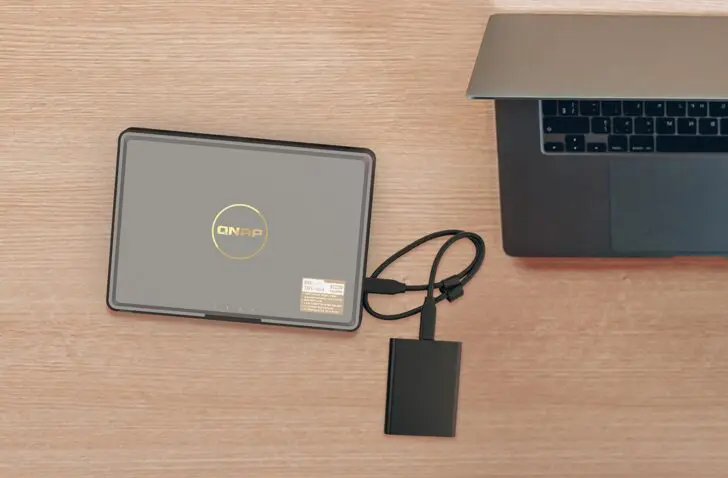
The Qnap TBS-464 is a compact NAS with room for four M.2 NVMe SSDs, an Intel Celeron processor, and two 2.5GbE ports. With this, Qnap targets mobile professionals and content creators who want to replace their external drive with something smarter.
The Qnap TBS-464 is a very original NAS. While you usually think of a tower model with two, four, or more bays for 3.5-inch drives when it comes to a NAS, Qnap opts for a radically different design with the TBS-464. The manufacturer ditches those bays and builds a NAS around four M.2 NVMe SSDs.
Exclusively for M.2 SSDs
Space for M.2 NVMe drives is not new in a NAS: many models today have one or two slots that allow you to create a flash volume or set up a fast cache. In those cases, the M.2 slots are complementary to the 3.5-inch bays.
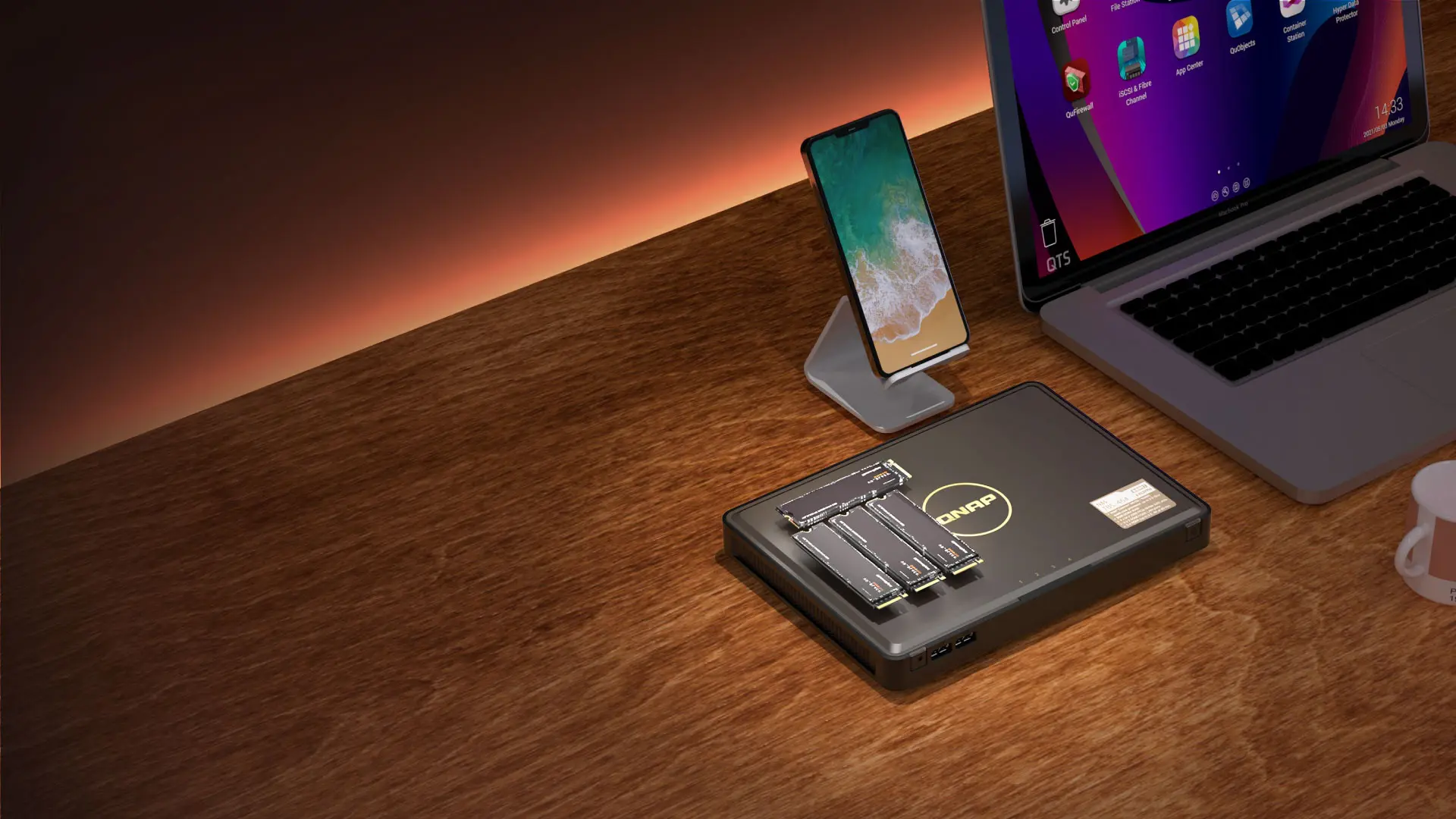
However, the Qnap TBS-464 exclusively offers space for four M.2 NVMe SSDs, making it unique in the market. This has advantages: the device weighs barely 1.4 kg and is very compact (3 x 23.0 x 16.5 cm). Furthermore, the NAS is very quiet, as there are no mechanical HDD sounds to be heard. The only sound comes from a single fan, which rarely goes into overdrive. Power consumption is also low.
NASbook, what?
The Qnap TBS-464 is called a NASbook by the manufacturer itself, referring to notebook in the context of a laptop. Portability is, after all, one of the selling points.
The device explicitly targets an audience that is hardly served by traditional NAS vendors: mobile workers, small teams who take their storage from meeting to meeting, and content creators who are frequently on the move and prefer a NAS solution over a classic external drive.
The question is whether that concept is also convincing in practice. After all, a NAS is Network Attached Storage: in principle, the storage is only accessible within a network context. Qnap offers a creative solution for this, as we will discuss shortly.
Specifications
Let’s first look at exactly what you’re getting. Under the hood is an Intel Celeron N5105: a chip with four cores clocking up to 2.9 GHz. Alongside it is 8 GB of DDR4 memory, which unfortunately is not expandable. This is sufficient for the target group: the TBS-464 does not aim for heavy virtualization workloads or dozens of simultaneous users. Qnap does claim support for up to 1,500 simultaneous CIFS connections, which is more than enough in this segment.
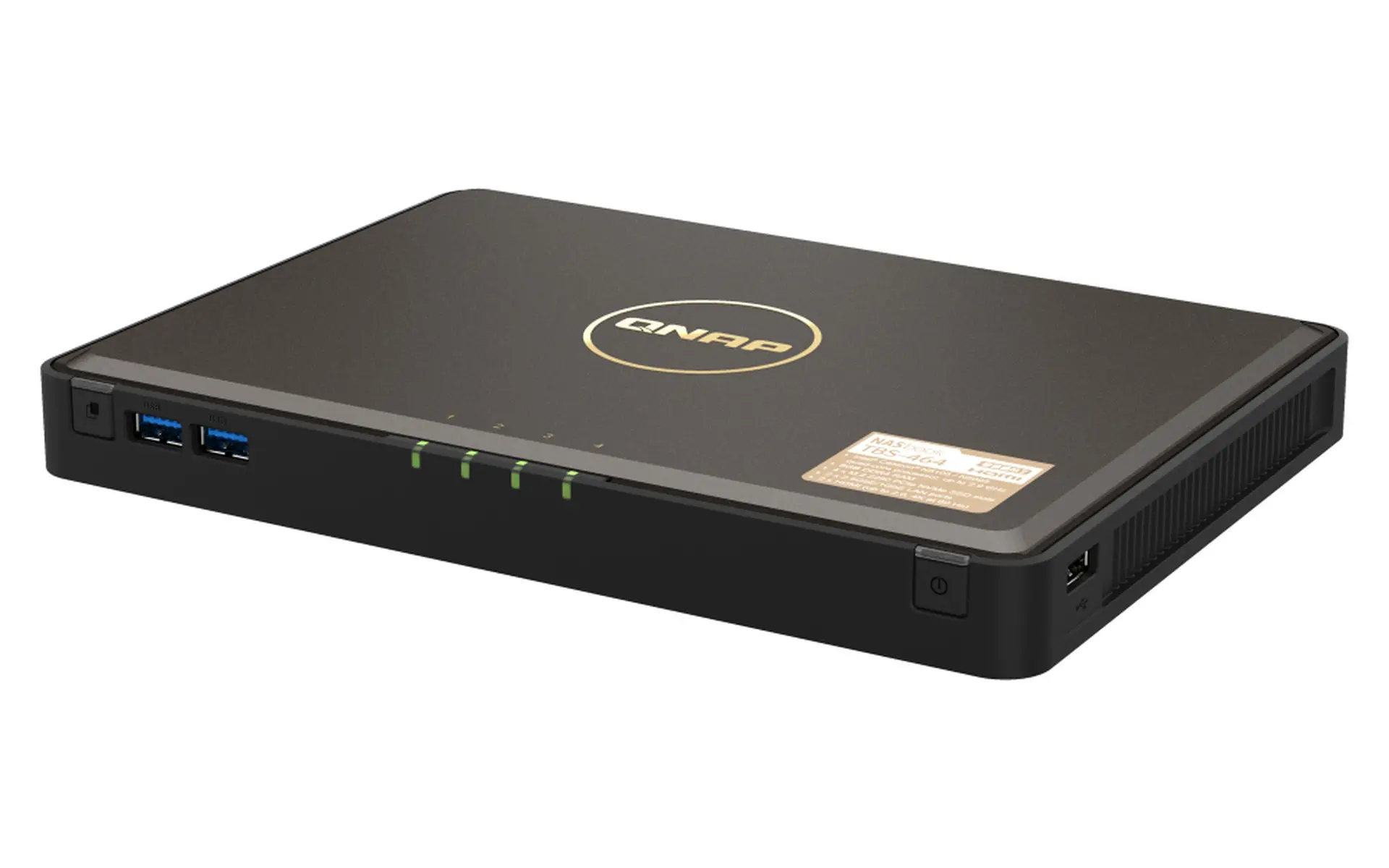
On the connectivity side, Qnap provides more than you would expect in this form factor. The device has two 2.5GbE ports, which together achieve up to 5 Gbps throughput via SMB Multichannel. Qnap’s own tests with four Seagate Ironwolf 510 NVMe SSDs in RAID 5 achieve 574 MB/s download and 586 MB/s upload when using both ports, which comes close to the practical limit of 2.5GbE bonding. With one port, the figures are around 290 MB/s.
Furthermore, there are two HDMI 2.0 outputs that can each drive 4K images at 60 Hz, three USB 2.0 ports, and two USB 3.2 Gen 1 ports good for 5 Gbps. A physical One Touch Copy button on the device copies the contents of a connected USB drive to the NAS in one click. For those who regularly work with external recordings or memory cards, this is a pleasant feature. The Kensington lock is a welcome detail for securing a device that is literally meant to be taken with you.
No bays, but some assembly required
The four M.2 2280 NVMe slots work with PCIe Gen3 x2 and are accessible from the bottom of the device. Qnap does not provide convenient bays like a classic NAS. Under the four removable rubber feet are four screws that you can loosen to remove the bottom panel. This is necessary to reach the slots.
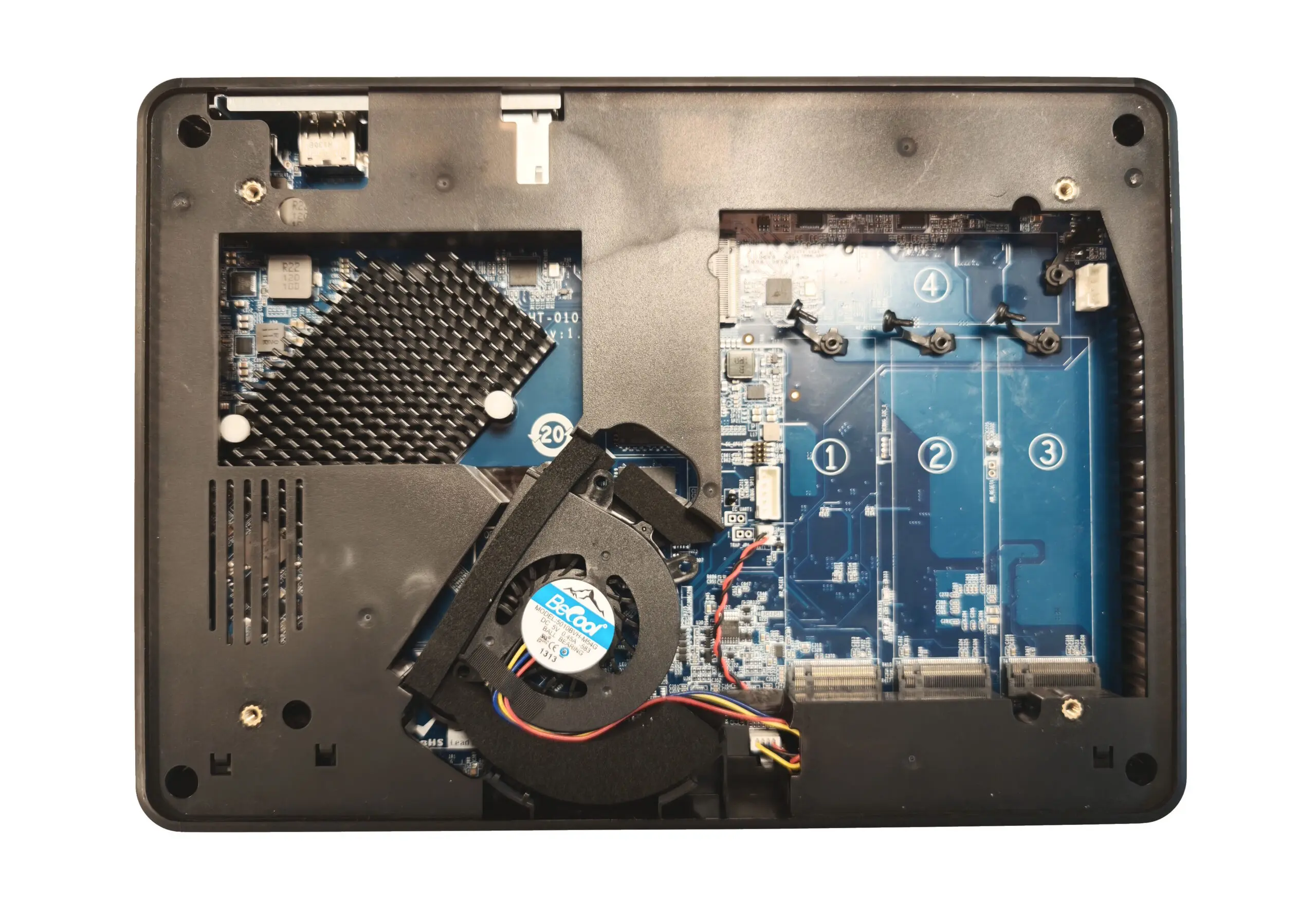
The work isn’t finished yet: you have to prepare your M.2 SSDs before you can put them in the housing. You do this by removing any stickers and applying a strip of adhesive conductive gel.
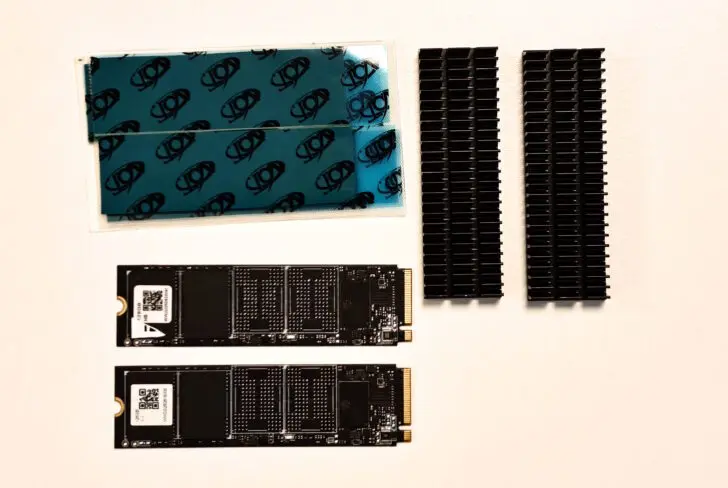
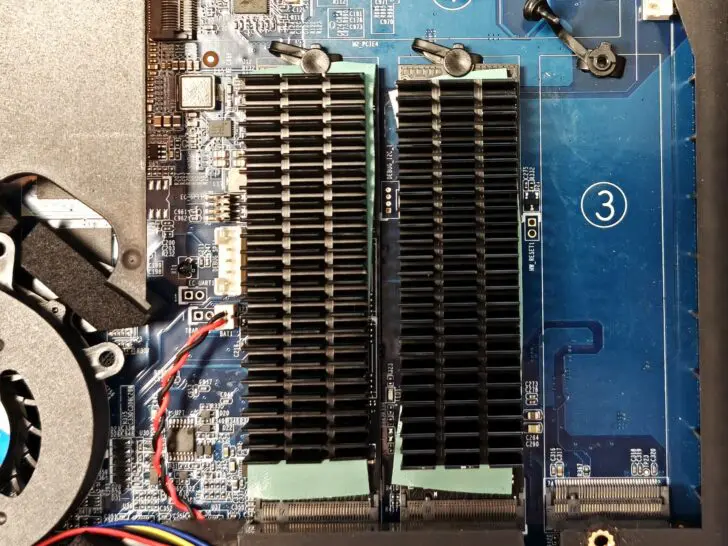
You then stick a metal heatsink on top. Qnap includes the gel strips and heatsinks, as well as a manual to successfully complete the task above. It’s not difficult, but compared to a classic NAS with bays, we can’t exactly call this method user-friendly.
Pricey to fill
With four 4 TB SSDs in RAID 5, you end up with 12 TB of usable storage, which is more than adequate for most mobile use cases. In principle, any M.2 SSD works, but Qnap maintains an (extensive) compatibility list.
Filling the Qnap TBS-464 is a very pricey affair. The AI hype has driven up SSD prices significantly. A single 4 TB Samsung 9100 Pro, for example, will cost you about 600 euros (incl. VAT). That is a lot more than an HDD with a similar capacity. HDDs have always been cheaper than SSDs, but the price difference has increased significantly in recent months, with the market price for most SSDs doubling.
SSDs are faster, lighter, and more energy-efficient but more expensive than HDDs: weigh for yourself whether that extra cost is worth it for you. With the TBS-464, Qnap focuses on speed, form factor, and silence, not on capacity per euro.
QTS 5, or QuTS Hero
The TBS-464 runs on QTS 5, Qnap’s standard operating system, by default. Those who prefer ZFS and snapshots with data integrity can switch to QuTS hero starting from QTS 5.2.1. It is a welcome choice, although you must choose it deliberately: the switch means you have to re-convert your pools and cannot go back without data loss.
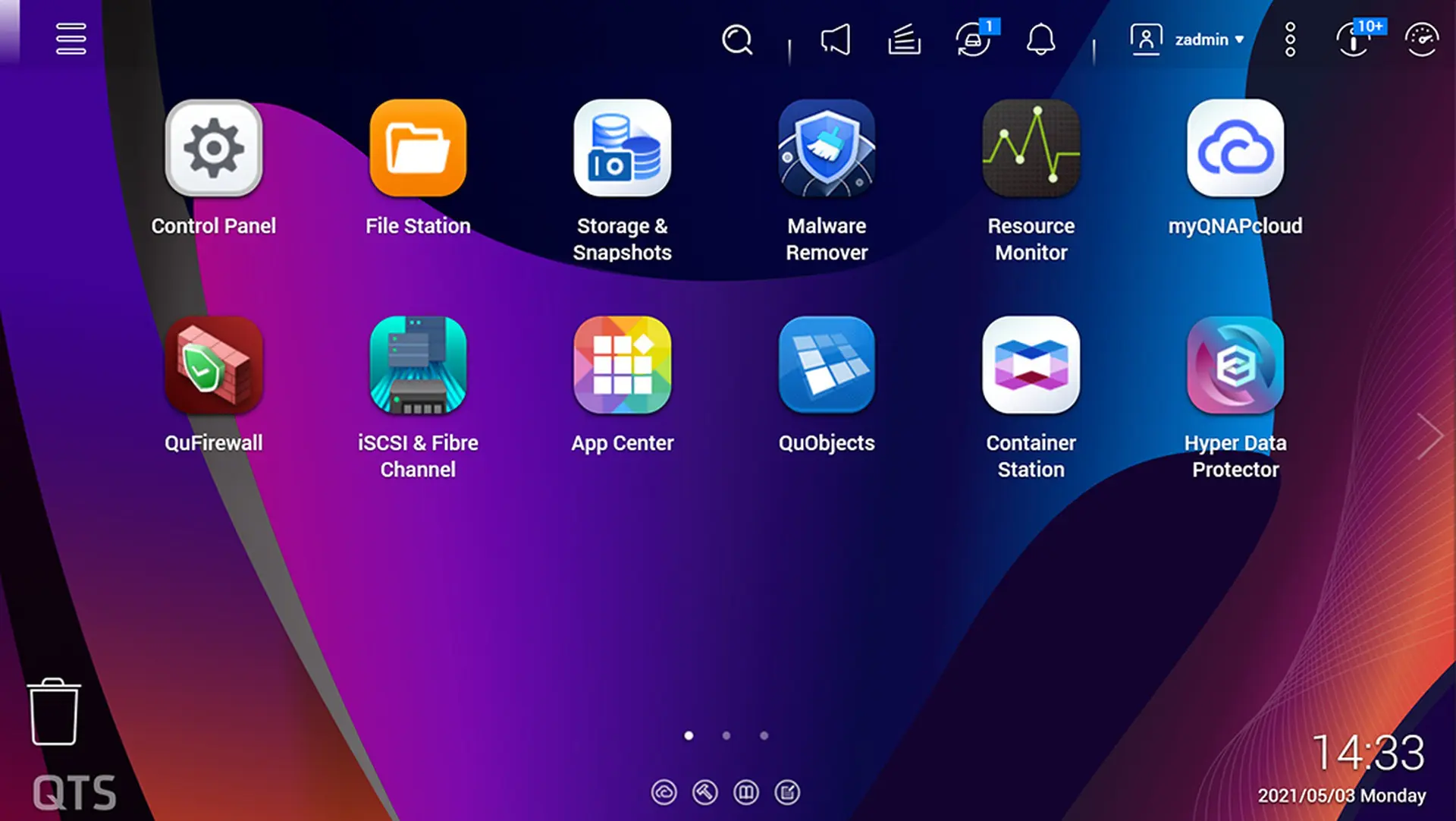
The full QTS app ecosystem is available. Qsirch provides full-text search and can recognize text in images, QuMagie uses Intel’s OpenVINO toolkit to automatically categorize photos via the integrated Intel UHD Graphics, and Qsync handles file synchronization between team members. Installing the OS and applications is fast, thanks to the responsiveness of the SSDs.
The integrated GPU also handles hardware video transcoding, which comes in handy when streaming media to mobile devices with limited bandwidth. The AES-NI encryption engine keeps volume encryption in check without overloading the CPU. You can, of course, also run virtual machines and containers. The NAS is not a heavyweight in terms of CPU and RAM, but the speed of the SSDs ensures a smooth experience.
Limited consumption
With 28 watts of consumption under typical load and 18 watts in standby, the TBS-464 is efficient. There is one system fan, which, combined with the SSD storage, results in remarkably quiet operation. No clicking drive heads, no humming rack fans: in an office or meeting room, you will hardly hear the device, even if it is on the table next to you.
The operating temperature is between 0 and 40 °C and the warranty is two years as standard. The latter is in line with the rest of the Qnap range in this price bracket.
Portable, but also usable?
A NAS is not a DAS (Direct Attached Storage, a classic USB stick or drive), so how portable is this Qnap TBS-464 really? You can certainly take the thing with you (as long as you don’t forget the power adapter), but is it actually useful? Switching between two fixed locations works fine: you will have to configure the NAS on the network in both cases, but once that’s done, you’re good to go.
However, true portability is provided by the HDMI and USB outputs. You can install HybridDeskStation on the NAS. This transforms the device into a Linux computer. The user interface strongly resembles the network interface but is more limited.
To use the NAS in this mode, you must connect a keyboard, mouse, and screen. You can then access the files on the Qnap TBS-464 even without network access. You can also browse the internet or connect external drives.
In addition to a browser, Qnap even provides applications like LibreOffice or Spotify. This is where the TBS-464 earns its Nasbook nickname. Everything works well, although we did notice that the interface is a bit dated. You can work with modern screens and a resolution up to 4K at 30 Hz.
For the File Station app to browse through files, we even see a security notification indicating that the version of Chrome used is very outdated, even though we installed and updated everything fresh. That really shouldn’t happen.
Niche device with a mission
The Qnap TBS-464 doesn’t do what most NAS devices do, and that’s exactly the point. By fully committing to M.2 NVMe storage, Qnap delivers a NAS that is compact, quiet, and portable, with enough horsepower for its intended target audience. These are mainly mobile professionals, small creative teams, and content creators who want to trade their external drive for something smarter and faster.
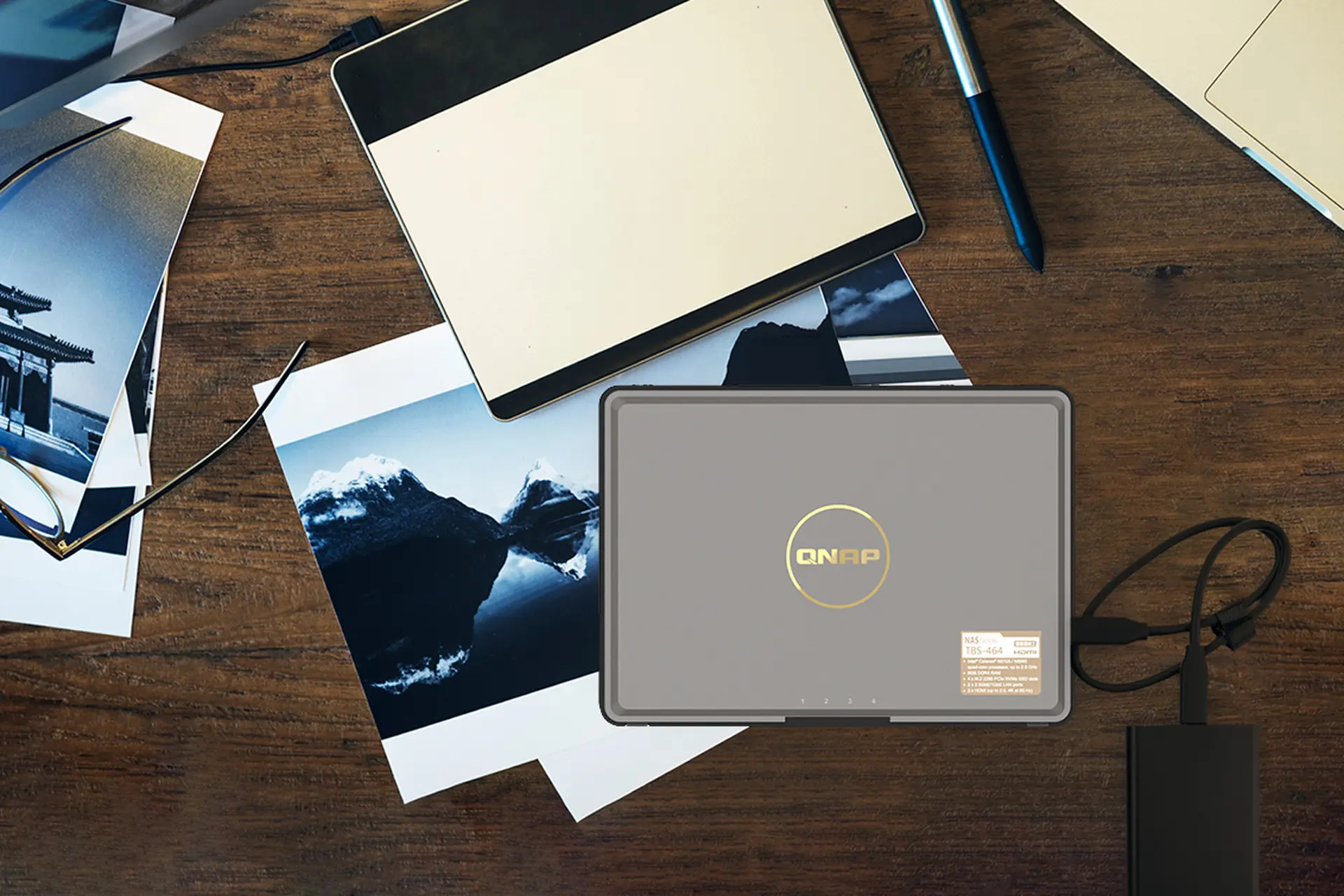
Whether the Qnap TBS-464 is really as portable in all those scenarios as Qnap claims, we doubt. You need at least a screen, mouse, and keyboard to use the NAS on the go. For those who generate a lot of data while traveling and presumably already have a laptop with them, a classic external HDD isn’t necessarily a worse solution.
Portability is just one asset: the NAS is very responsive, compact, and quiet. You can place the device anywhere, at home or in the office, without annoying noise. That makes it very suitable as a file or media server.
The downside is that M.2 NVMe SSDs are significantly more expensive than regular hard drives, and that 8 GB of non-expandable memory leaves little room for future expansions or heavy NAS workloads. Those looking for a versatile home or office NAS with lots of storage for little money are better off looking at the classic models in the Qnap range. Those who appreciate the unique form factor and the quiet, fast SSD-only operation will find the TBS-464 to be a device without real competition.