

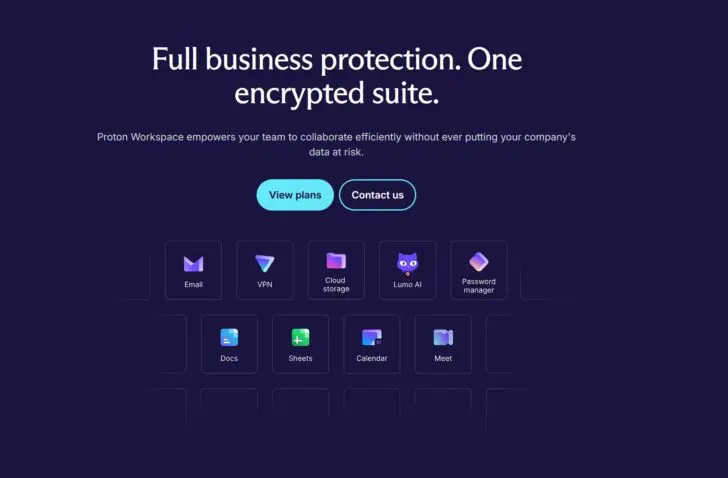
Proton’s business bundle has everything it needs to compete with Microsoft 365 and Google Workspace. Security and privacy are the secret sauce.
Finding a full-fledged alternative to Microsoft 365 or Google Workspace is no easy task. While testing European software alternatives, we have already encountered strong tools, but they can only cover a small part of the Microsoft ecosystem. With Proton Workspace, a new gladiator is now entering the arena that should have the right weapons for the job.
Proton started as a secure email service but has since grown into a full office software suite. The original focus on privacy and security is baked into all Proton products, run from data centers in Switzerland, Germany, and Norway. Proton also opens the source code of its applications for independent audits.
Unlike Microsoft and Google, the company can therefore promise data sovereignty in the broadest sense of the word. We take a closer look at the Business offering to see if Proton is ready to kick out the American tech giants.
Subscriptions and pricing
It is important to know that the Proton apps are largely available via the web. Only Proton Mail, Calendar, and VPN have a desktop app. You therefore need a Proton account with a subscription to gain access. Proton sells both subscriptions for individual applications and bundles for personal and business customers. In this review, we focus on the bundles.
Proton has a limited free version that gives you access to the mailbox, VPN, and 1 GB of storage. Paid subscriptions for private users cost 12.99 euros or 19.99 euros if you sign up for two users. For business users, the Proton Business package is more interesting. Here you can choose between Workspace Standard (12.99 euros per month per user, 1 TB storage, 15 email domains), or Workspace Premium (19.99 euros per month, 3 TB storage, 20 email domains).
Encrypted email
Proton Mail has been the Swiss company’s core product since 2014. Emails and attachments are encrypted with end-to-end encryption by default, with the exception of the subject line. But the protection Proton Mail offers goes further than that. Through the built-in password manager Proton Pass, you can create an ‘alias’ that hides your real email address when you create an account somewhere.
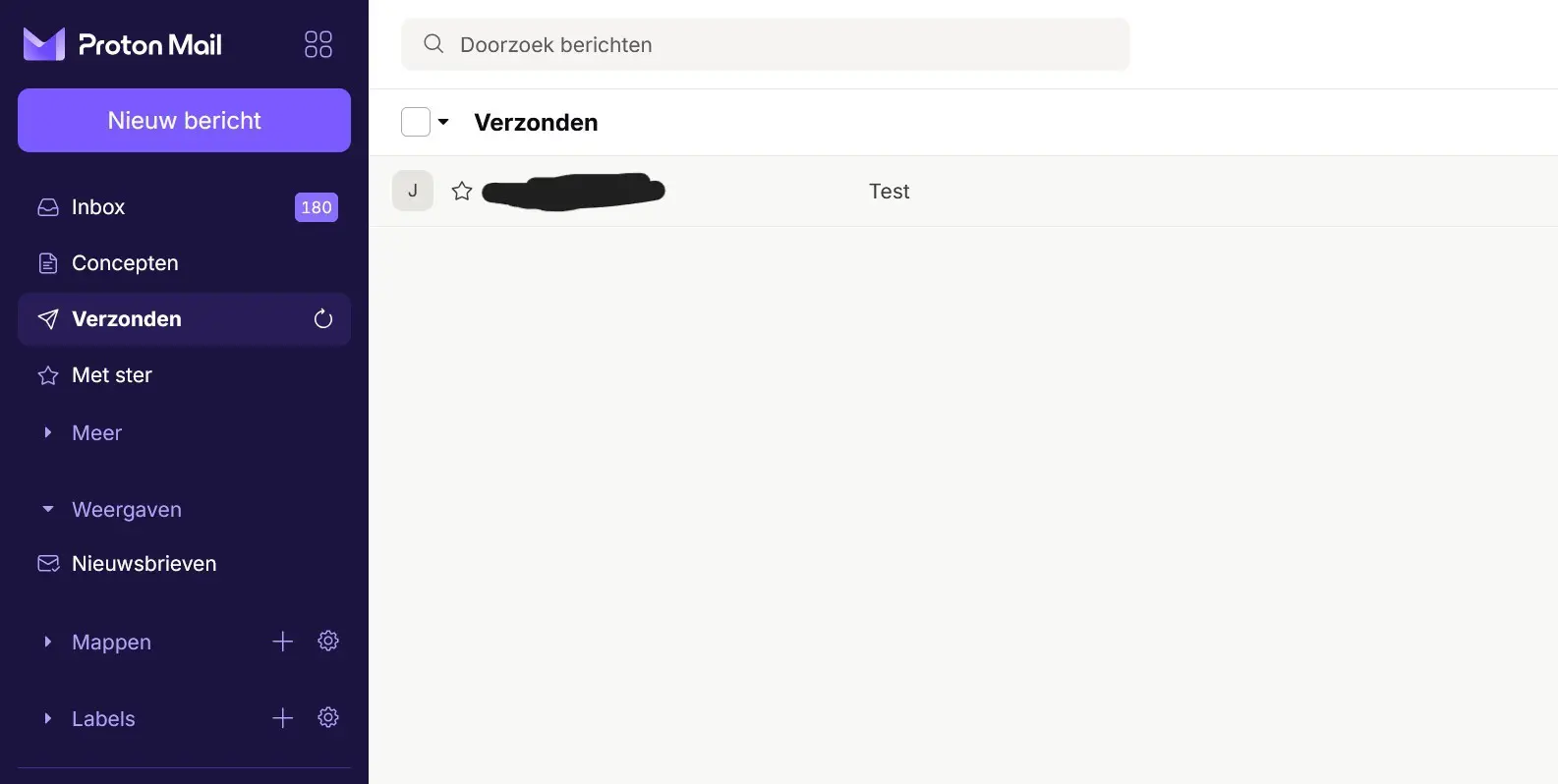
The Proton Mail interface is similar to Gmail, and your mailbox is also divided into different folders. Emails that Proton deems important appear in Inbox, emails linked to social media accounts in Social, Promotions is for advertising emails, and newsletters get a separate folder.
The automatic classification brings some order to the chaos, although an email will occasionally end up in the wrong folder. Proton Mail also includes a Calendar app that is no better or worse than Google’s calendar.
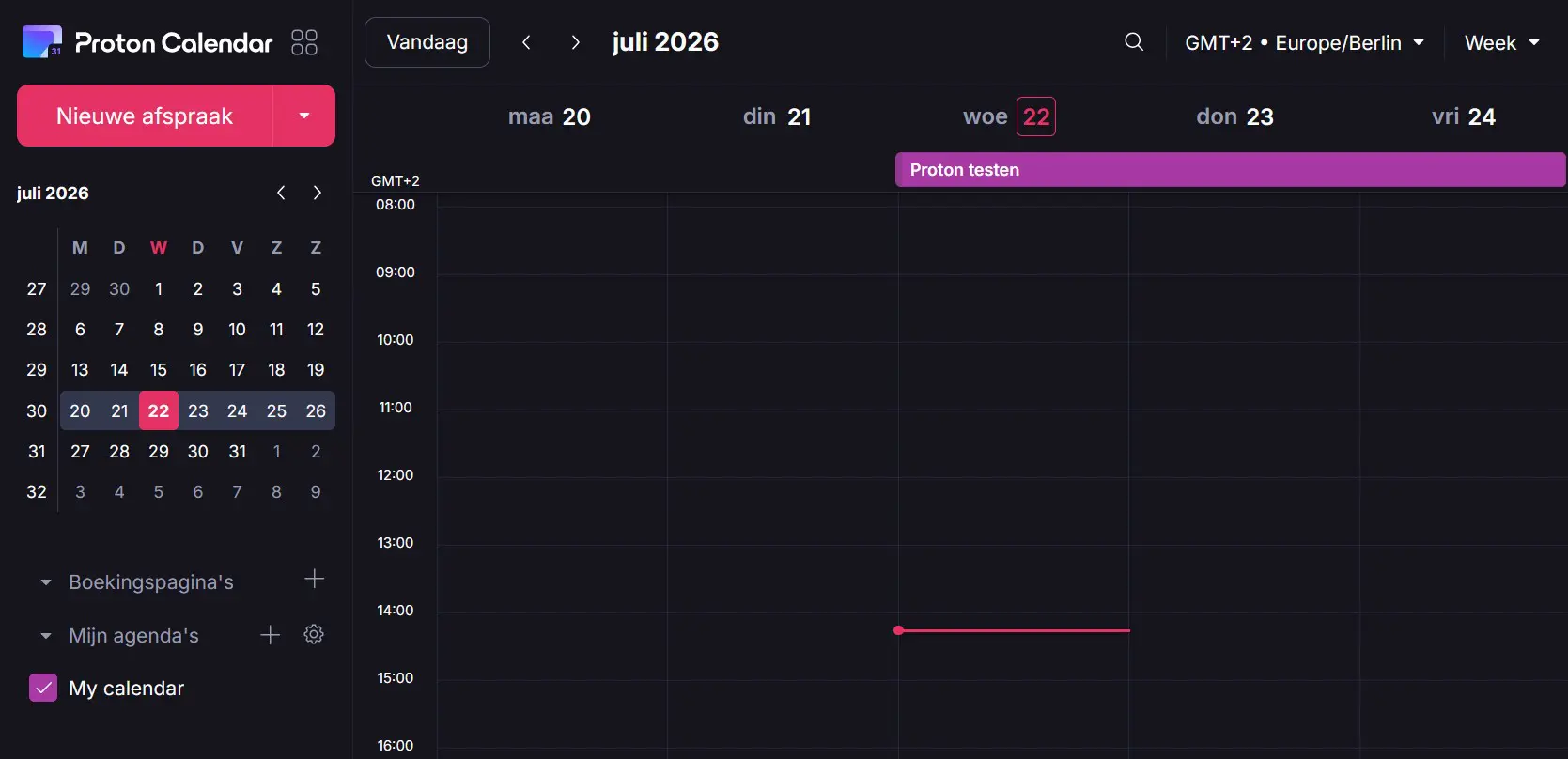
Proton makes the switch from other mail clients relatively easy. There is an import function to transfer your emails, and an integration with Gmail even makes it possible to manage your Gmail traffic from within Proton. A subscription with sufficient storage is then necessary.
Drive: secure storage
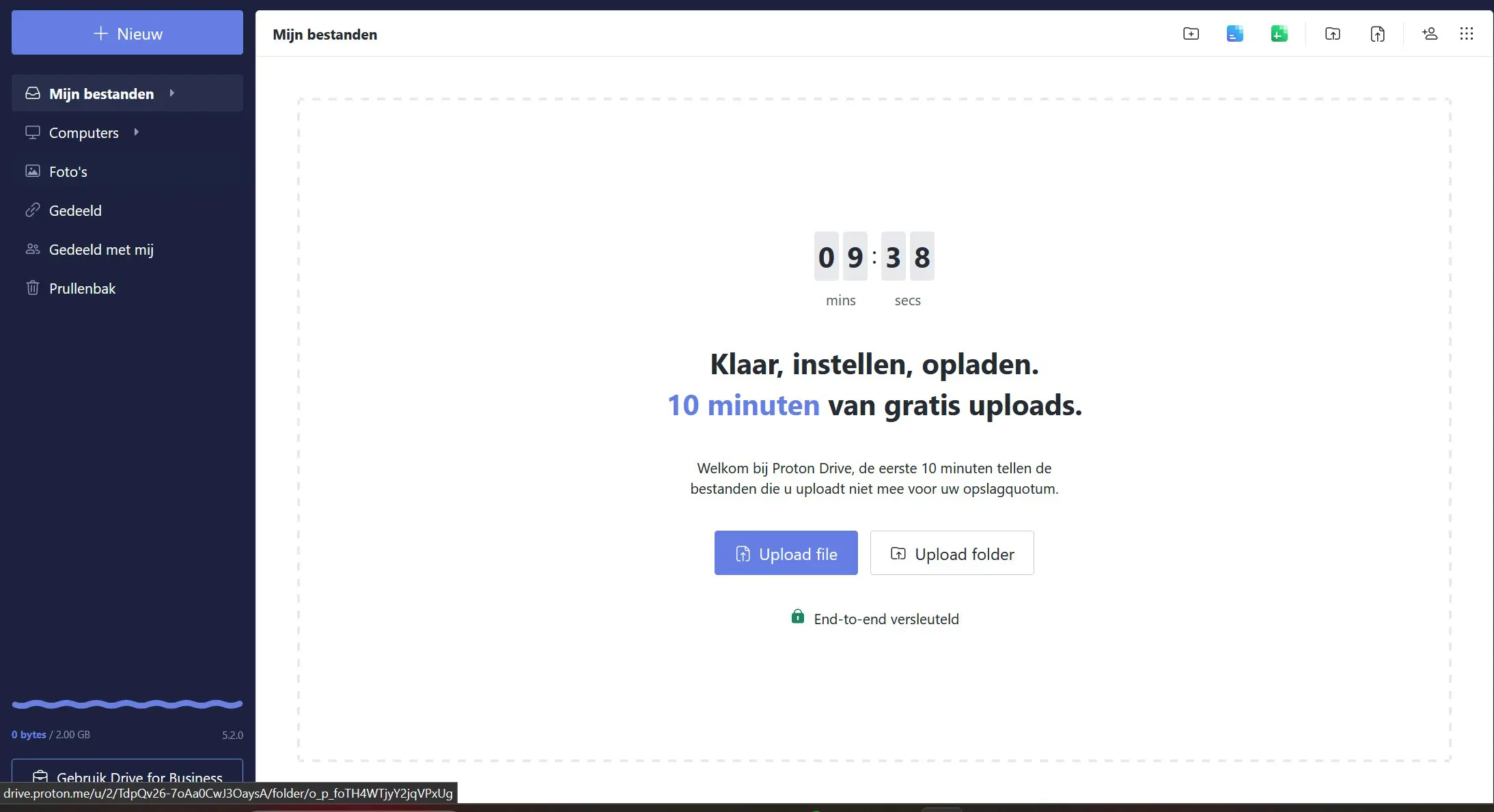
Proton Drive is your storage unit in the Proton ecosystem. How much storage you get depends heavily on the plan you have signed up for. The free basic version is limited to 2 GB, while the business plans go up to 3 TB. That is less generous than Microsoft OneDrive, which gives free users 5 GB and business users up to 5 TB.
Is your account ready? Start uploading! Everything you move to Proton Drive in the first ten minutes does not count towards the storage limit.
Photo storage is integrated into Drive via a separate menu. So there is no separate Photos app like Google, while Microsoft OneDrive throws all file types onto the same pile. Files sync across your different devices, and it is easy to share them with colleagues or download them. Just like in Mail, Proton applies encryption to secure files.
Docs and Sheets
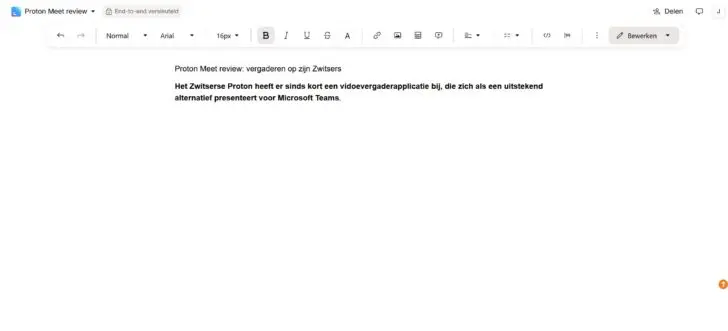
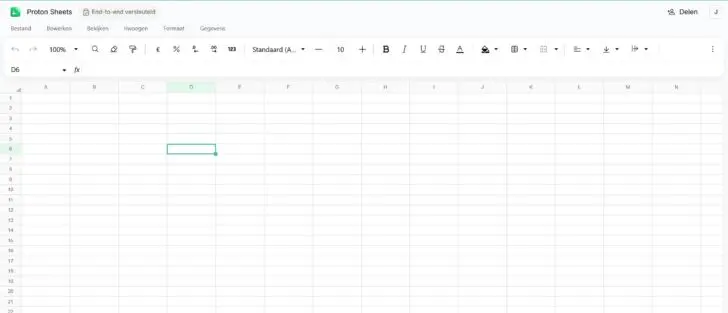
Proton Docs and Sheets are still relatively new additions to the Proton bundle, with which the Swiss company directly launched its attack on Microsoft and Google. Like their Google counterparts, they are also exclusively available as a web version.
It makes it easy to share files and work on them together, but in the long run, a desktop version could certainly be an added value to avoid being dependent on the internet. Proton does play nice with the competition, as files are compatible with Microsoft so that you can open and edit them in Word and Excel if necessary.
Proton Docs does not want to overwhelm you with a packed ribbon like Word or LibreOffice. It looks cleaner than the busy interface of Word, but formatting functions are somewhat more limited and more hidden. Proton Sheets is a ‘slimmed-down’ version of Google Sheets.
What Proton does not have is a tool for creating presentations like Google Slides or Microsoft’s PowerPoint, and a note-taking app like OneNote. So there are certainly still things Proton can add in the future. Or you can use Proton in combination with a European note-taking app.
Calling with Proton Meet
Proton is still busy building its ecosystem and continues to add new apps and functionality. Recently, Meet was added, an alternative to Microsoft Teams that has already been tested by our editorial team. Meet is included in the Workspace bundle, but can just as easily be used for free without an account.

Security first
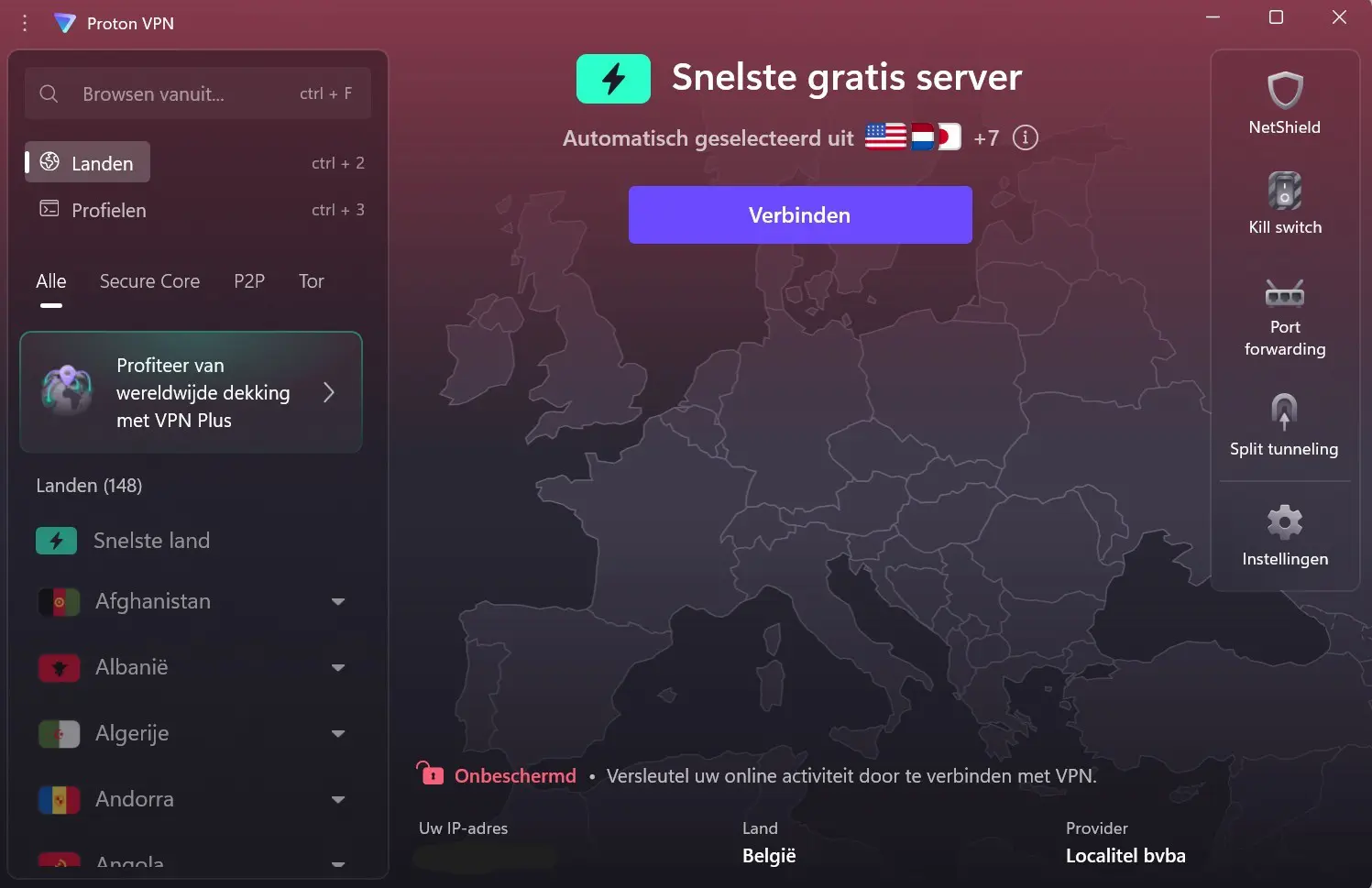
Security is not an extra for Proton, but the foundation on which all its products are built. Proton’s portfolio includes many security applications. Proton VPN was one of the first products the company developed. The VPN can be installed as a desktop app on your PC.
With a VPN, you shield your IP address, and Proton also explicitly states that it does not keep logs. You have a choice of 148 countries, from Afghanistan to South Sudan. To reduce the impact on your internet speed, you can let Proton VPN search for the fastest available server. For full anonymity, Tor servers are available in six countries. A ‘kill switch’ automatically shuts off the internet connection as soon as your IP address is visible.
A VPN is far from enough to secure you on the web, you don’t have to tell Proton that. The Workspace package includes, among other things, a password manager (Proton Pass) and an authenticator app for MFA, where you can house all your digital accounts.
Proton Pass also offers space for credit cards, email aliases, and secure notes. Passwords can easily be imported from other tools as a CSV file. Finally, there is Proton Wallet for crypto investments.
A touch of AI
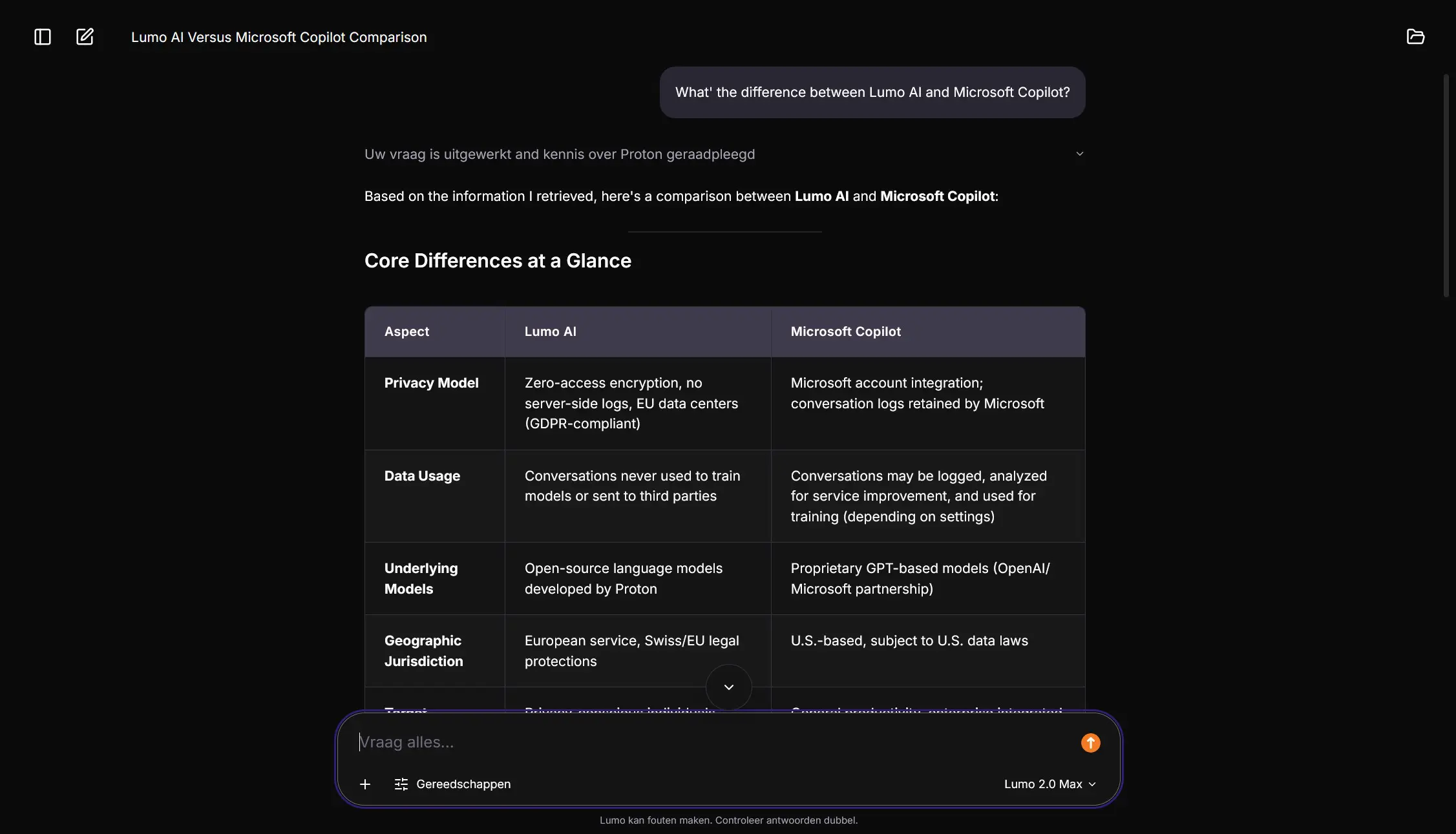
There is no escaping AI today. With Lumo, Proton has developed its own chatbot, including a friendly cat mascot. You have a ‘Lite’ model for everyday use and a ‘Max’ model for more extensive tasks, alongside different versions for writing assistance, summaries, data analysis, or image generation.
Proton promises in writing that it never has access to your conversations and that they are therefore not used for training Lumo. After seven days, your history is automatically cleared.
What we appreciate most of all: Lumo leaves you alone when you are busy in other Proton apps, and only comes into action if you open the app. A big contrast to Copilot and Gemini, which follow and bother you everywhere throughout the Microsoft and Google ecosystems. Lumo will not beat the ‘frontier’ models on benchmarks, but it does not behave intrusively.
Conclusion: a worthy replacement for Microsoft 365
Proton has everything it needs to become the European standard-bearer for office software. Thanks to some recent additions such as Proton Meet, the bundle is becoming increasingly complete. Despite growing ambitions, Proton remains true to its original focus on security. The bundles from Microsoft and Google may offer a little more in terms of functionality, but with Proton Workspace, you are making a choice for your privacy.
Pros
- Wide range of applications
- Fully European
- Security and privacy are built-in by default
- Own AI assistant
- Smooth integration with Microsoft and Google software
Cons
- Less storage than Microsoft 365
- Office suite not yet as extensive
ITdaily tests European and open-source alternatives to popular American software tools we use daily. Want to discover more European software? You can find all reviews via this overview.