

LibreOffice can call itself a pioneer in the open-source software landscape, but time seems to be catching up with this free Office suite.
Microsoft Office has been the standard for office software for many for decades, but LibreOffice is the best-known counterpart. This open-source alternative was launched back in 2011 to provide a free and, above all, open alternative. The Document Foundation, headquartered in Berlin, oversees the development of the software package, but because the code is open-source, you as a user can also do your part.
One of the major assets is that LibreOffice has remained free all this time. Donations from generous supporters keep that philosophy alive. But can it also replace Microsoft Office in a professional context? In our search for European alternatives, we take a closer look at LibreOffice.
Six applications for the price of zero
Those looking to save costs are well off with LibreOffice. The full package, consisting of six applications, is completely free and can be downloaded from the LibreOffice website. So you aren’t pushed toward a license or subscription, as you are with Microsoft. It works on Windows, Linux, and macOS. We are testing the Windows version.
The best-known LibreOffice tool is probably Writer, a text editor that strongly resembles Word. But you also get Calc for creating spreadsheets, Impress for presentations, and applications for drawing (Draw), mathematical formulas (Math), and even simple database management (Database). The start menu shows you the various apps and recent files. Opening new files from within a document can only be done via the hamburger menu at the top right. It takes a bit of searching at first, but you’ll quickly get the hang of the navigation.
Recognizable interface
Are you used to Microsoft Office? Then you’ll quickly adjust to the switch to LibreOffice. In terms of interface, Writer is almost identical to the desktop version of Word, and Calc and Impress are also clearly inspired by their Microsoft counterparts. LibreOffice supports universal and Office document formats, allowing you to use them in combination with each other.
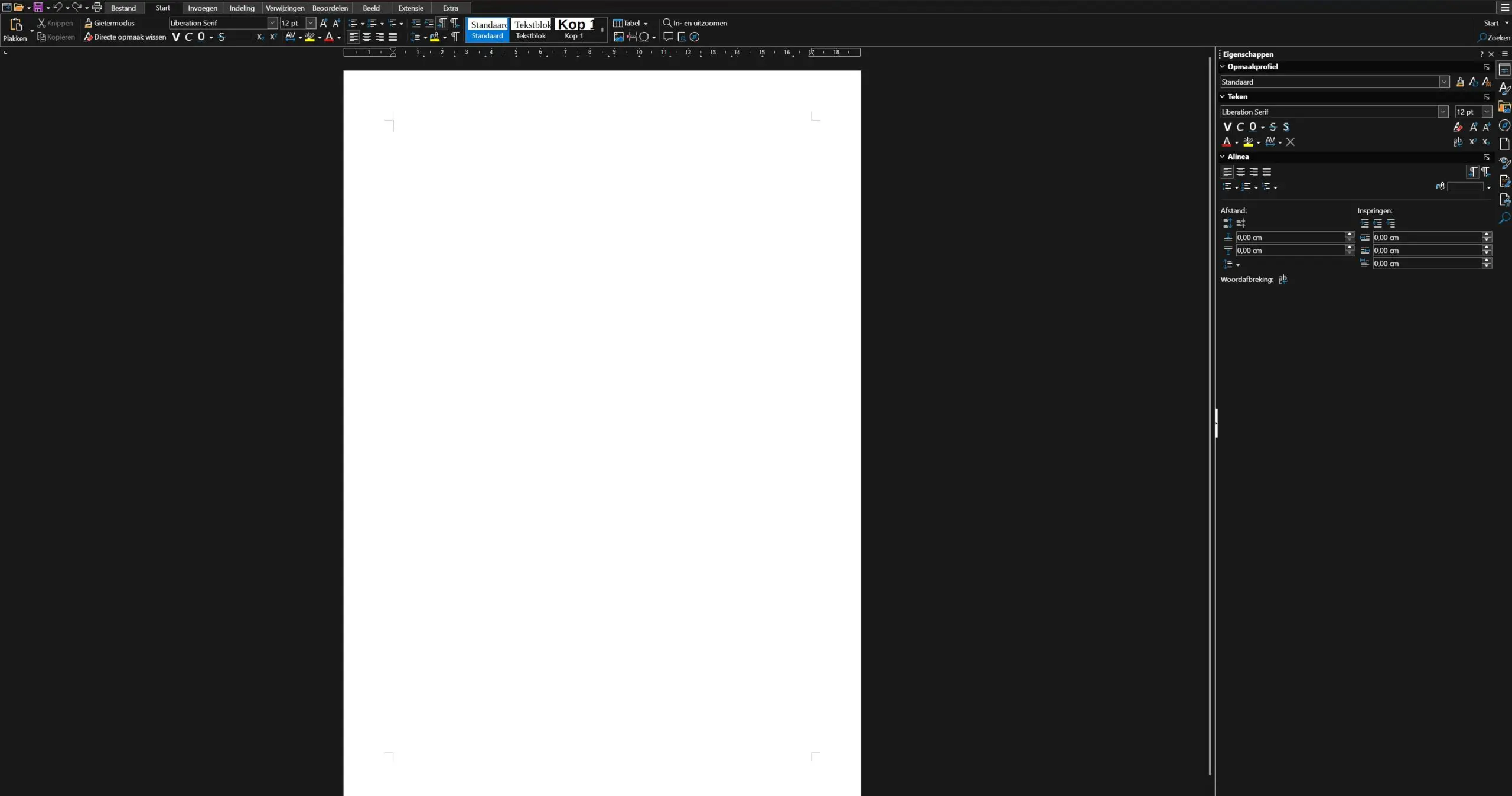
Writer contains most of the features and design options you’re used to from Word. We do miss a few things, such as the ability to display and edit multiple documents in a split view. The ability to open documents in a reading mode was recently added.
LibreOffice tends to clutter your workspace with formatting options. In addition to a toolbar at the top, you can also expand a sidebar ribbon. This contributes more to clutter than order. Also, LibreOffice doesn’t look very modern these days: the UI could use a lick of paint. Microsoft has refreshed Word more in recent years.
(Un)helpful extras
During the testing period, we mainly worked with Writer, but the other applications are certainly worth checking out as well. With Calc, LibreOffice has a more than decent alternative to Excel. For example, LibreOffice does not support web data, but for simple spreadsheets, everything you need is there.
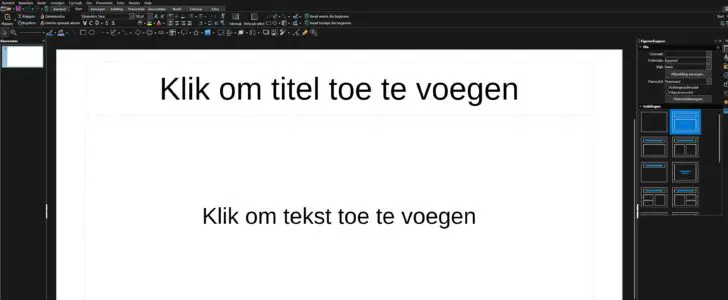
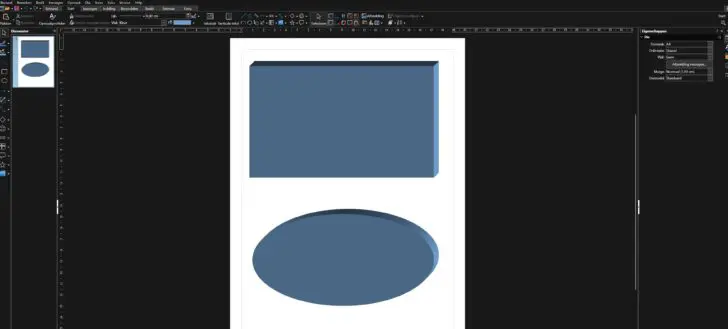
The same can’t really be said for Impress, which is on par with the first versions of PowerPoint. You won’t make an impression with a presentation made in LibreOffice. Draw and Database offer the basics for what they aim to do, but don’t expect a modern interface or the latest features here either. We couldn’t get the hang of the math tool, and that’s not due to limited mathematical skills.


Missed the cloud exit
LibreOffice has been around for fifteen years, and it shows. Not only does the interface look like it’s from a bygone era, but LibreOffice has also stood still in time in terms of how it works. The possibilities for collaborating on documents are very limited, and keeping track of track changes in documents is also confusing. LibreOffice is holding off on a web version.
In LibreOffice’s philosophy, this is not illogical: a cloud version would probably make it harder to keep the software free. For example, the web version of the closely related Collabora is not free. But if it is important within your company’s context to be able to work together on documents in an organized way, you will still run into the limits of LibreOffice.
Verdict: open, but a bit old-fashioned
At the level of the individual user, LibreOffice can certainly hold its own against the desktop version of Microsoft Office. The interface is recognizable, and in terms of word processing, you have the features and formatting you need, although LibreOffice sometimes makes things unnecessarily complex. The fact that you can still download the full bundle for free is a major asset. If a version of Word and/or Excel running on your desktop is enough for you, there’s no reason not to consider LibreOffice.
However, LibreOffice struggles more in a modern, hybrid office environment where remote collaboration is the norm. The options for collaborating on documents are more limited and, above all, more cumbersome. LibreOffice has absolutely earned its place in the hall of fame of open-source office software, but it has become somewhat stuck in time.
Pro's
- Free and open-source
- Broad support for file formats
- Decent Office alternative on desktop
Contra's
- Outdated and 'busy' interface
- No web version
- Limited collaboration possibilities
- Not all apps are equally useful
ITdaily tests European and open-source alternatives to popular American software tools we use daily. Want to discover more European software? You can find all reviews via this overview.