

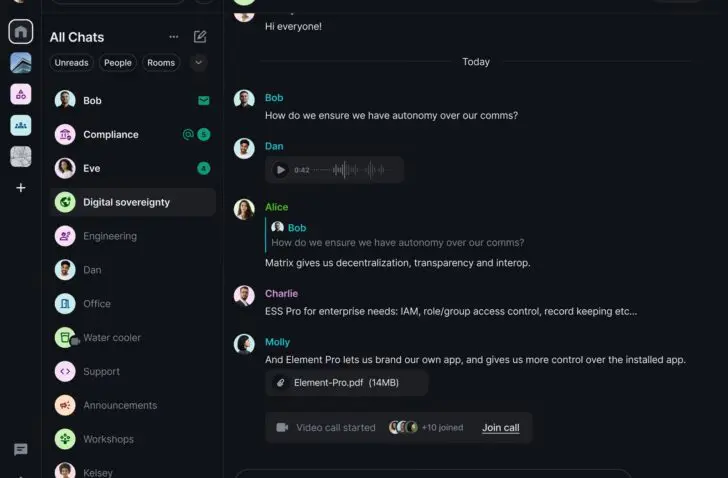
Element is an open-source communication platform that exudes sovereignty, but just falls short of filling the bingo card for business communication platforms.
The London-based messaging platform Element is open-source and built on the Matrix protocol, an open standard for decentralized communication. With this, the platform targets companies that want to combine privacy, sovereignty, and collaboration.
In our search for European software alternatives, we also test communication tools that could dethrone Microsoft Teams. Element positions itself as a European alternative, but can it fulfill this role?
Matrix protocol
Element is built on the Matrix protocol, a set of technical specifications regarding how messages, voice, and video are sent and stored. Where Teams runs on a single central Microsoft server, Element operates differently.
Matrix works much like email: home servers are located everywhere and communicate with each other, so a user on one server can communicate with someone on another. End-to-end encryption is built-in by default, and anyone can inspect the code or build their own applications on it.
Element is the best-known client on top of Matrix, similar to how Gmail is an app that runs on the underlying email protocol. You use Element to chat and call, while Matrix ensures in the background that the communication is decentralized and encrypted. If you also have your own home server, you retain full control over your data.
Familiar dashboard
The Element dashboard looks familiar. The left-hand menu shows a recognizable division with group chats (rooms) and direct messages. There are also spaces where you can group new rooms and people, and Threads ensures you can organize conversations.
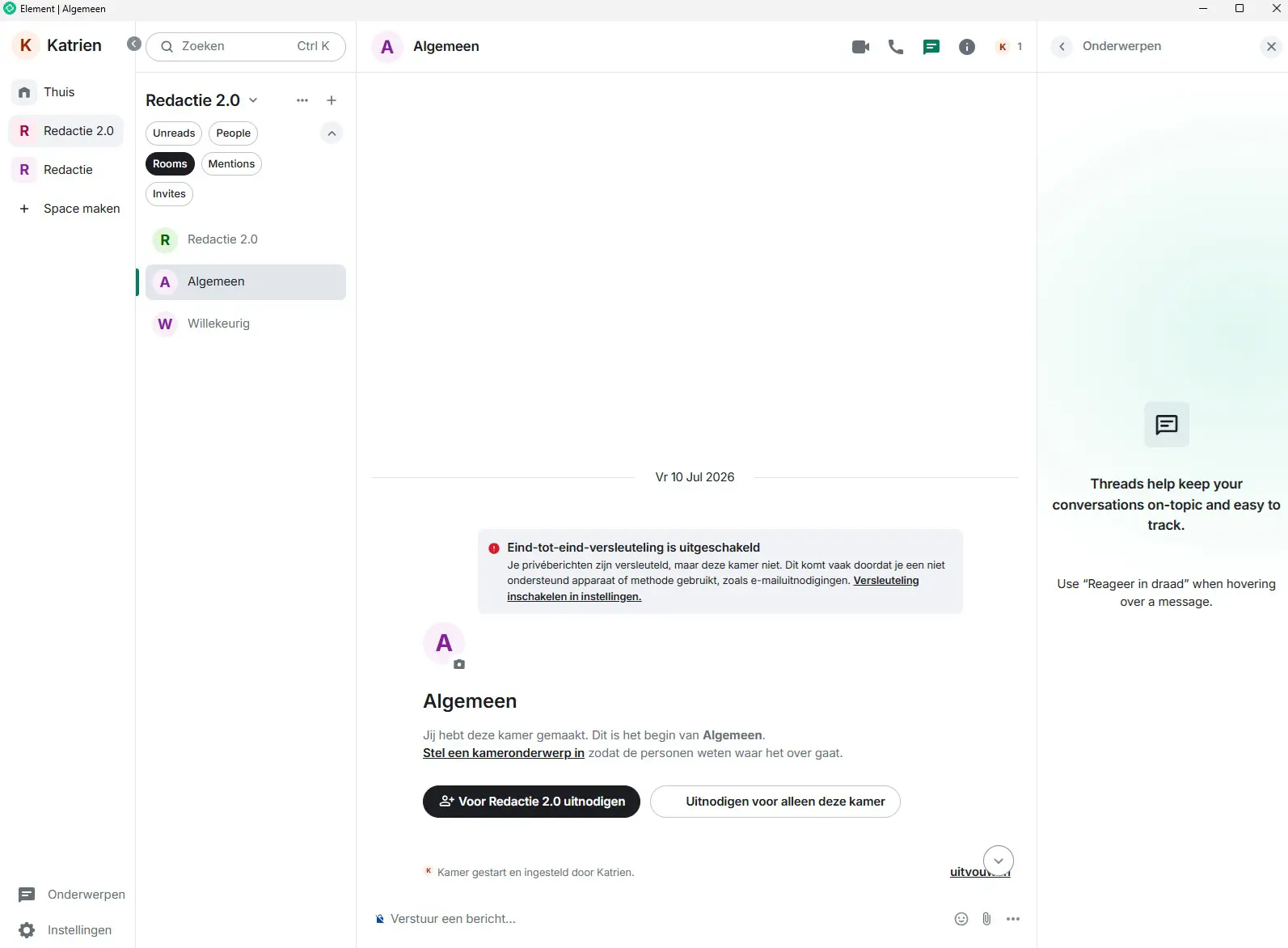
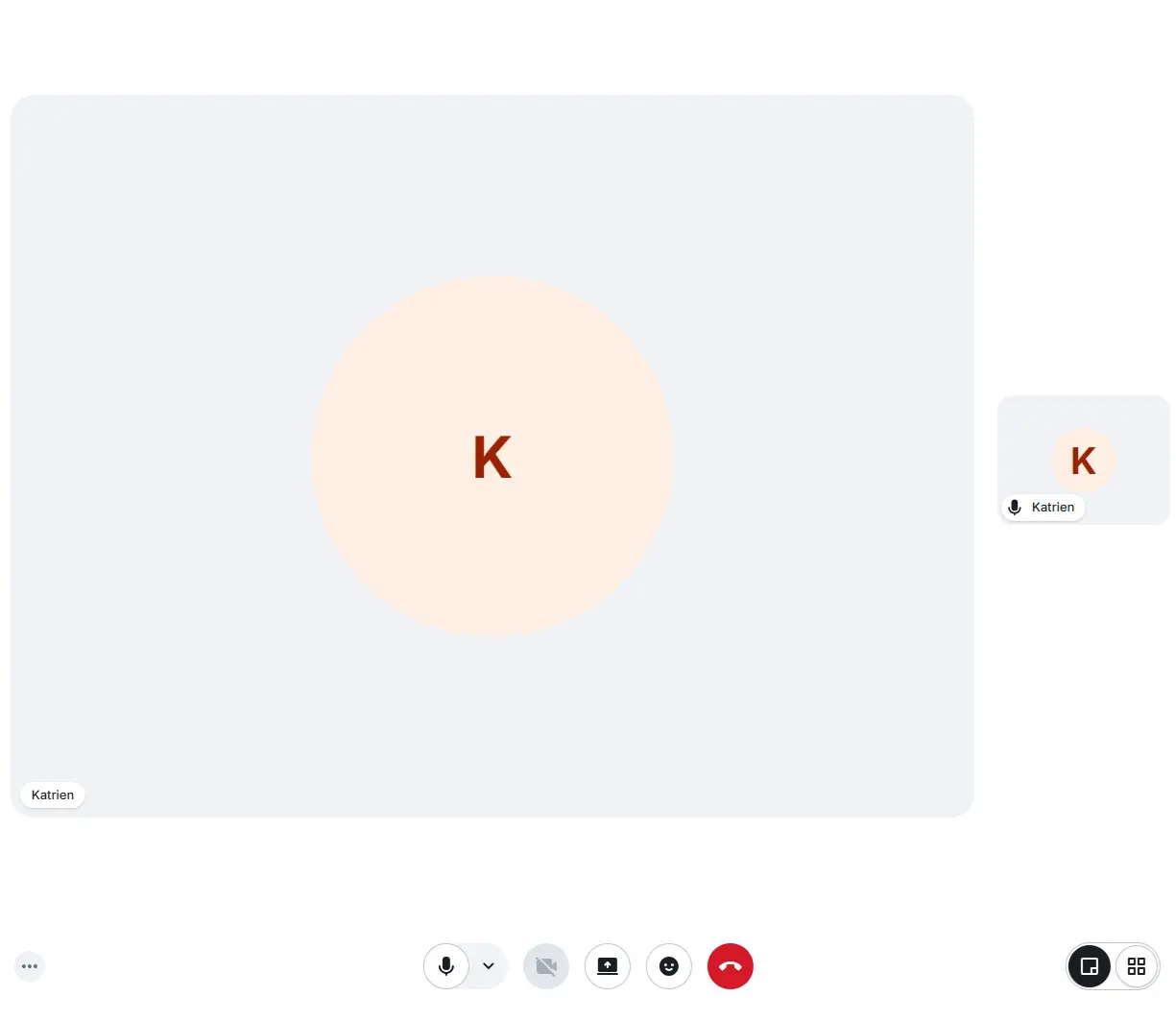
In a (group) chat, you can start video and audio calls, share files, send voice messages, or create polls. Video calling works as expected, though we cannot schedule a meeting or display a calendar.
Ad-hoc meetings
Element does not offer a full-fledged calendar to schedule meetings in advance and send invitations. This is one of the most significant missing features of Element compared to Microsoft Teams. Nevertheless, the company provides a workaround where you can add widgets, such as Google Calendar, to your Element room. Unfortunately, that means straying from the European path.
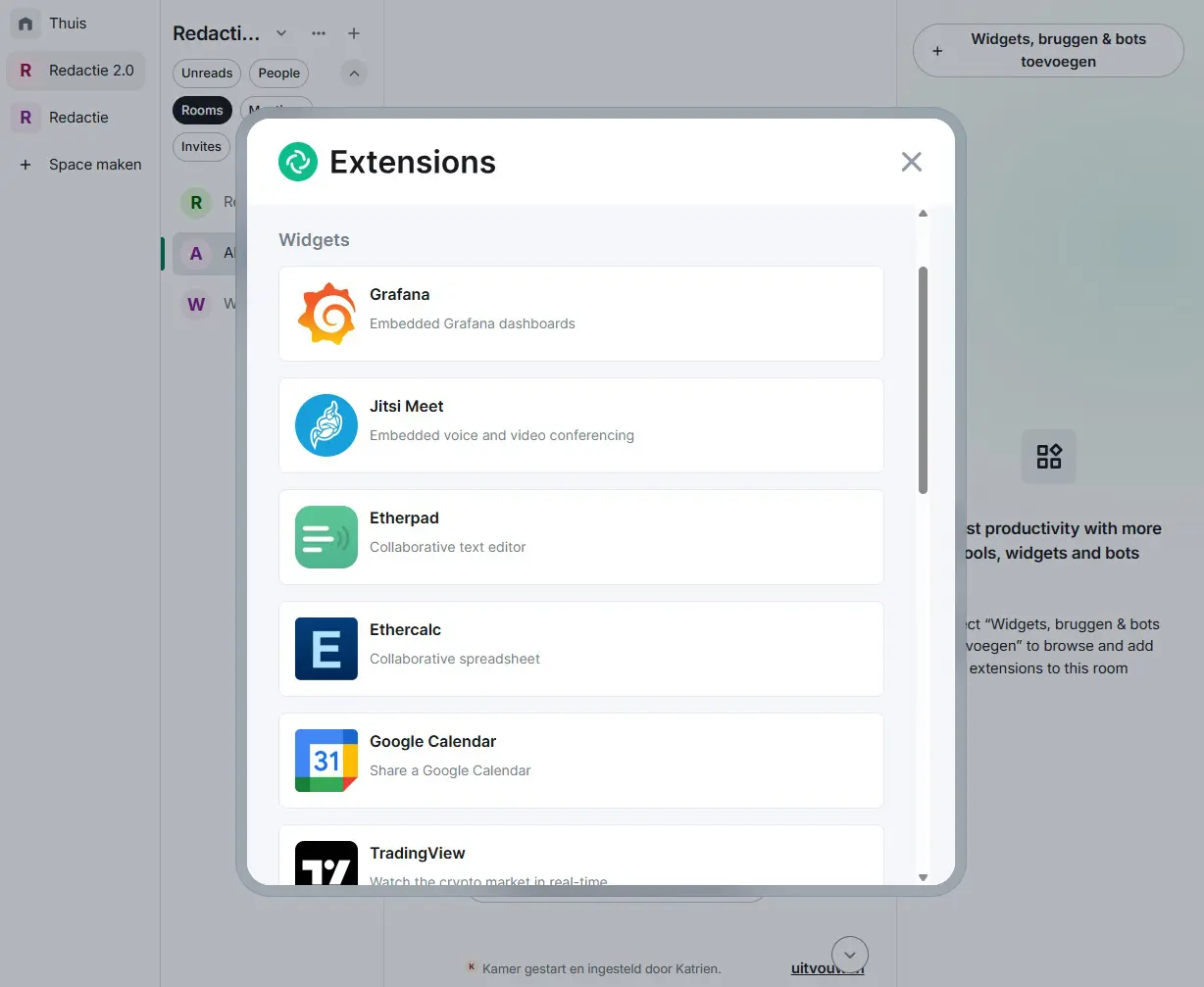
In addition to widgets, Element offers another powerful feature: bridges. These allow you to literally bridge the gap between Element and other platforms, communicating with users on Slack, WhatsApp, Telegram, or Signal.
Self-hosting
Organizations can self-host Element entirely (for free) on their own infrastructure. This way, you retain full control over your own data, although it does require the necessary technical knowledge and investment in your own infrastructure. The server component, Synapse, can be implemented on-premises or in a private cloud. We have not tested this option ourselves.
Don’t have the technical expertise or resources to host the platform yourself? Then there is a managed solution with Element Server Suite (ESS) and Element Cloud. With this enterprise support, you still reap the benefits of sovereignty, even without technical knowledge. Pricing for this is available upon request.
WhatsApp alternative?
Element can be a worthy alternative to Teams, especially if you have sufficient technical expertise to host it yourself. The platform scores excellently on the European bingo card, although we miss the ability to schedule meetings and an integrated calendar too much to consider it a full Teams alternative. At this moment, we see Element more as a superior WhatsApp replacement.
Furthermore, the platform has everything it takes to offer a European, highly secure communication platform for organizations that prioritize data sovereignty above all else.
Pros
- Matrix protocol
- Self-hosting
Cons
- Scheduling meetings not possible
- Calendar missing
ITdaily tests European and open-source alternatives to popular American software tools we use daily. Want to discover more European software? You can find all reviews via this overview.