


Microsoft is giving Windows 11 users the option to permanently ignore the pop-up for a OneDrive backup.
Microsoft plans to stop one of its ‘dark patterns’ in Windows 11, first noticed by Windows Latest. Initially, there was no escaping the OneDrive backup, but that is now changing. Microsoft has developed a new OneDrive backup screen where you can now choose to ‘Opt-out of backup’ so that, in principle, you no longer receive reminders.
Declining the backup screen
Until now, Windows 11 users were presented with a OneDrive backup screen that was difficult to bypass. The screen offered two options: one to continue and perform the backup, the other to postpone the reminder for three days. The only way to get rid of the pop-up screen was to set up a backup.
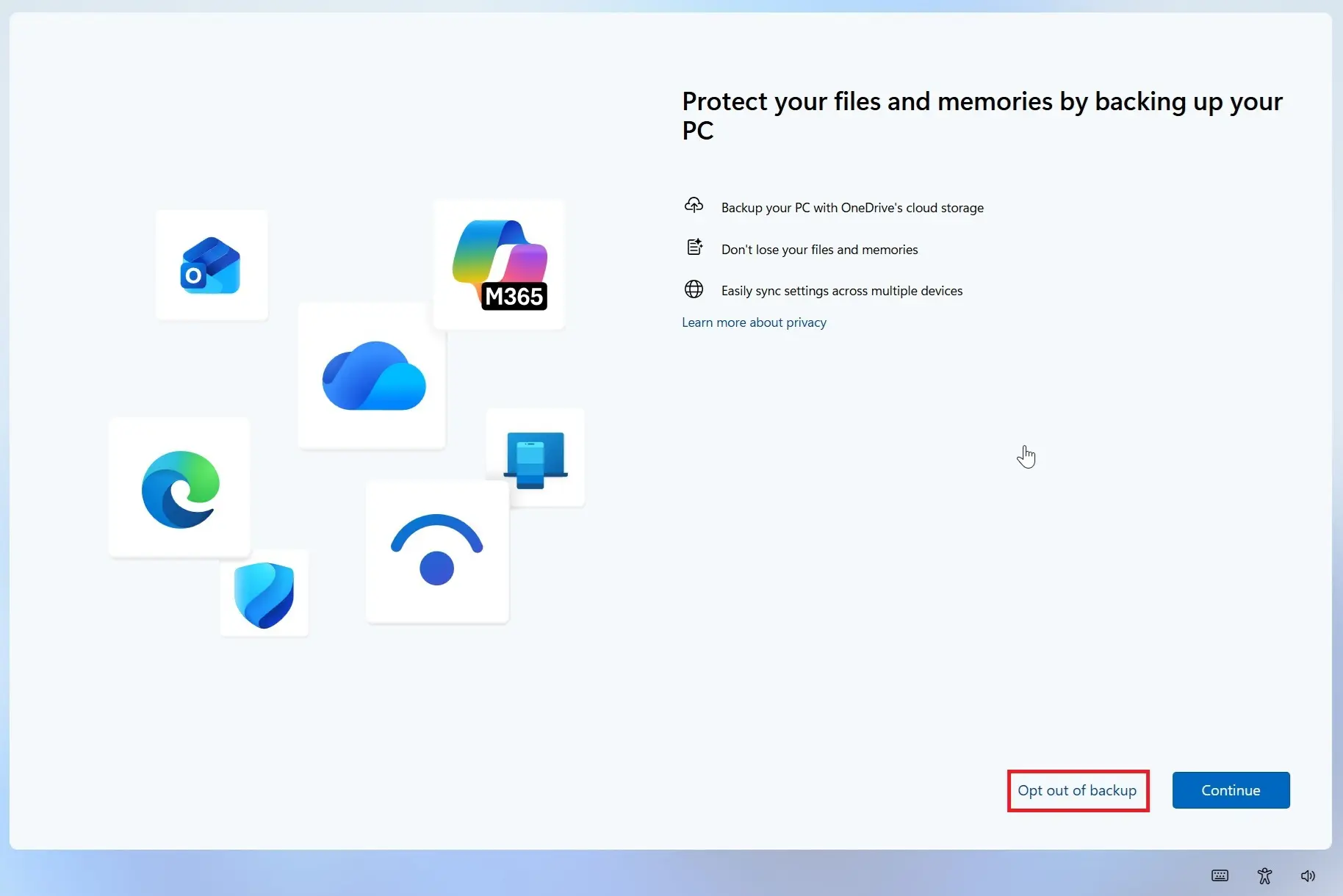
In a new notification, users are given two different options: ‘Continue’ to install the backup or ‘Opt out of backup’ to stop receiving reminders. The button to continue is highlighted in blue, while the option to cancel is displayed in plain text.
The new OneDrive screen has recently started appearing on Windows PCs that do not yet have a backup, at least on Windows 11 25H2.