

Google gives users the option to disable visible watermarks for AI-generated content in Gemini, although it does not make them any less ‘AI’.
Users will soon be able to toggle visible watermarks on AI-generated images, videos, and audio themselves in Gemini. However, this does not mean your image is ‘less AI’. The AI label remains present in the background. This is also required by the recent new transparency rules which state that AI-generated content must be recognized as such. For example, Anthropic began watermarking AI-generated images and text this month.
Google’s setting currently applies to the Gemini app (web and mobile).
Visible watermarking
Google is giving users the ability to disable visible watermarks on AI-generated content in Gemini Apps. “From now on, you can toggle the visibility of watermarks in Gemini and Flow: Search will follow soon,” writes Josh Woodward, Google VP, on X. The setting applies to content created with Google’s Nano Banana (images), Lyria (music), and Omni (video). The rollout starts with Gemini and Flow, Google’s video editor.
Disabling the watermark is possible via gemini.google.com. Click on Settings> Media Watermark in the bottom left. You can then toggle the setting on or off. Once the setting is enabled, Google adds visible watermarks to images, videos, and music. For images, the watermark appears on all newly generated images, videos receive a permanent overlay, and for music, the watermark appears on the video or visual player.

AI label remains
You can easily disable the visible watermark, but that does not mean your image is no longer labeled as AI. The invisible SynthID watermark remains present. C2PA Content Credentials also ensure that the origin of the image can still be traced.
“We are striking a balance here between creative control and safety: while visible watermarks are now optional, invisible SynthID watermarks and C2PA metadata are still used for transparency. So you can still use Gemini or Search to see if an image was generated by AI,” said Woodward.
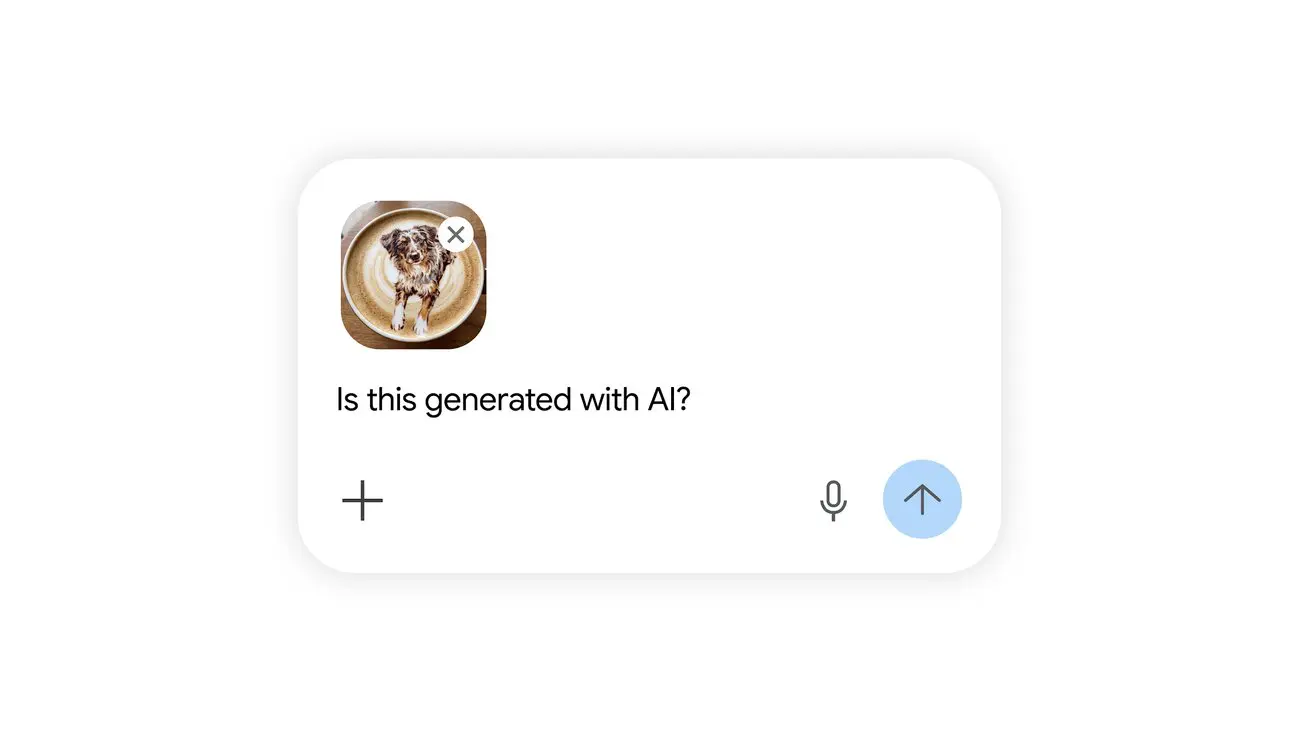
Invisible labels can therefore still be identified by uploading the file to Gemini and asking whether it is AI-generated or not. The only difference is that the user must take action themselves, whereas visible watermarks provide quick recognition.