

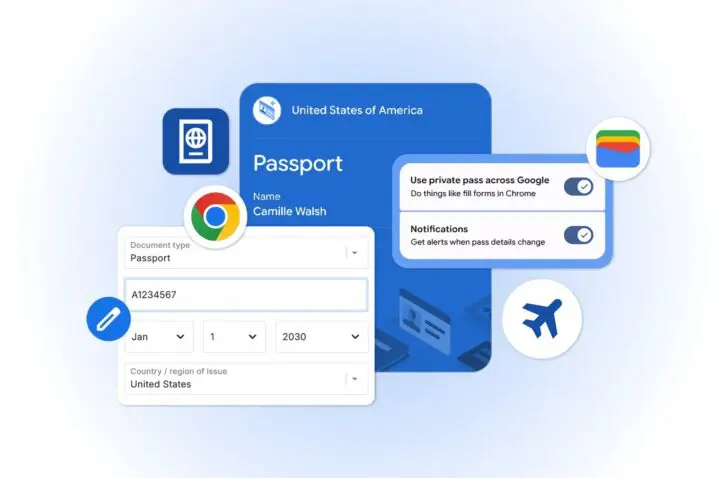
Google Chrome introduces new autofill capabilities for iOS and Android, allowing users to automatically fill in details such as passport and driver’s license information directly.
Chrome has further developed its autofill feature, making it faster and easier for users to fill out online forms. Last year, the functionality was already expanded to include automatically filling in flight information or parking payments. Now, Chrome is adding new possibilities such as passport or payment details through integration with Google Wallet. The expansion is aimed at both iOS and Android users.
Integration with Google Wallet
With the latest update, users can not only have simple personal details filled in automatically, but also more complex forms with flight data or vehicle information such as license plates and vehicle identification numbers.
At the same time, the link with Google Wallet is being further strengthened. Chrome can now automatically fill out forms with data stored in Google Wallet, including driver’s license information and passport details. If this information is not yet in Google Wallet, users are given the option to save it directly upon first use in Chrome.
Personal data
Users maintain full control over their sensitive information. Chrome explicitly asks for permission every time personal data is saved or filled in. Furthermore, sensitive data is always stored encrypted.
Managing stored data is easy via the Google Wallet settings or the ‘Autofill and passwords’ page in Chrome. Private passes and identity documents can be managed separately with specific controls.