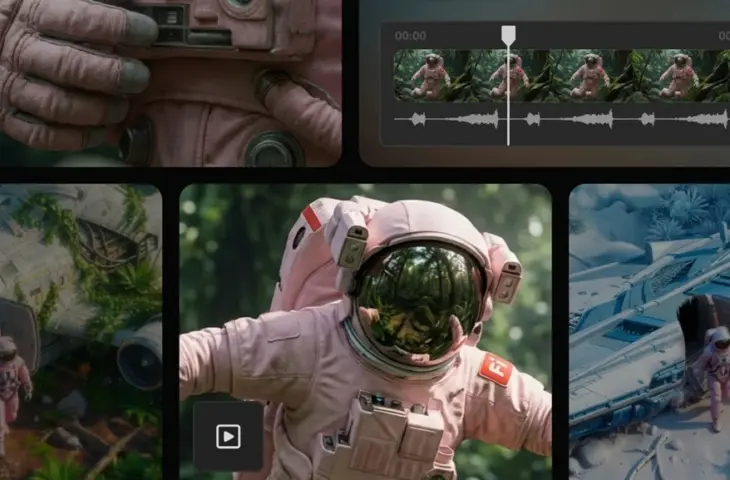
Adobe is adding a new feature to Firefly that allows users to customize existing AI videos based on prompts, without having to regenerate the entire video.
Adobe has expanded the AI platform Firefly with new video-focused tools. For example, with the new ‘Prompt to Edit’ tool, users can make a change to a generated video based on a simple prompt. Furthermore, Firefly now supports reference videos that allow users to demonstrate the desired camera movements.
More control
One of the most important new features is the introduction of ‘Prompt to Edit’ for video. This feature allows users to adjust existing AI-generated video clips via text instructions, without having to regenerate the entire clip. For example, objects can be removed, backgrounds adjusted, or camera movements slightly changed. The function uses the Aleph model from Runway.
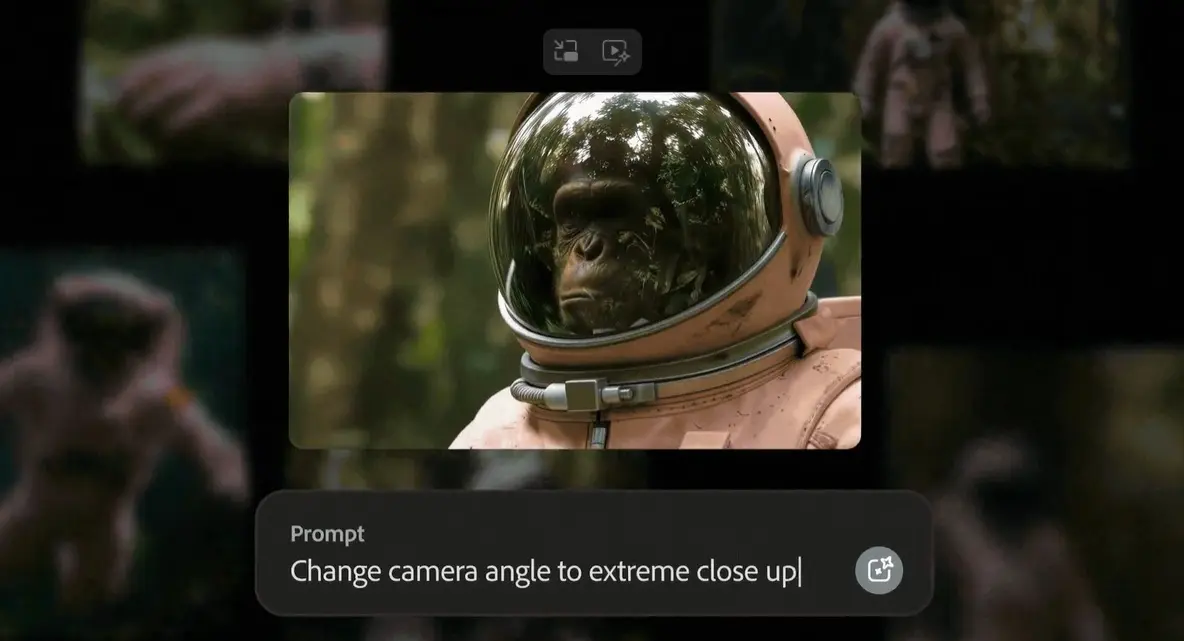
In addition, Firefly now supports reference videos for camera movement. Users can upload a starting image and add a sample video to copy the desired camera movement. This could save users a lot of time and get them to the perfect shot faster.
Upscaling and new models
Firefly Boards will get support for video upscaling via Topaz’s Astra model. This allows videos to be upscaled to 1080p or 4K. The function focuses, among other things, on improving older footage. The upscaling is done asynchronously, so that users can perform other tasks in parallel.
read also
Adobe Express Gets Integrated AI Assistant
In terms of image generation, Adobe is further expanding its range of external models. The FLUX.2 model from Black Forest Labs is now available within various Firefly modules and in Photoshop. Integration into Adobe Express will also follow in January.