


Microsoft Word, Excel and PowerPoint are firmly established in working life, but are there European alternatives? ITdaily tests four European office software suites.
You probably type your texts in Word, build tables in Excel and make presentations in PowerPoint. Microsoft Office has been a fixture of Windows since 1990, and Word has existed since 1983. Office is so old that it has lived through all the major technology shifts: it made the leap to the cloud and has been laced with Copilot features. Despite all the innovations, many users still prefer the classic desktop version.
How do you replace a software suite that has been running on almost everyone’s computer for 35 years? Google is trying with its (cloud-only) Workspace bundle, and Apple has its own version of Office (iWork). In our search for European alternatives to popular software, we take a closer look at four challengers.
LibreOffice: old-fashioned pioneer
LibreOffice is perhaps the best-known counterpart to Microsoft Office. This open source software bundle first saw the light of day in 2011. LibreOffice still embodies the open source philosophy: the software is free to download and, as a user, you can help contribute to the code. That is immediately a major advantage of LibreOffice: you can get started with it for free.
The bundle comprises six applications in total: Writer is a copy of Word, Calc of Excel and Impress of PowerPoint. The drawing tool Draw, Math for mathematical formulas and Base for simple data processing are unique additions. In look and functionality, the Office counterparts are strongly based on Microsoft’s apps, which makes switching easier.
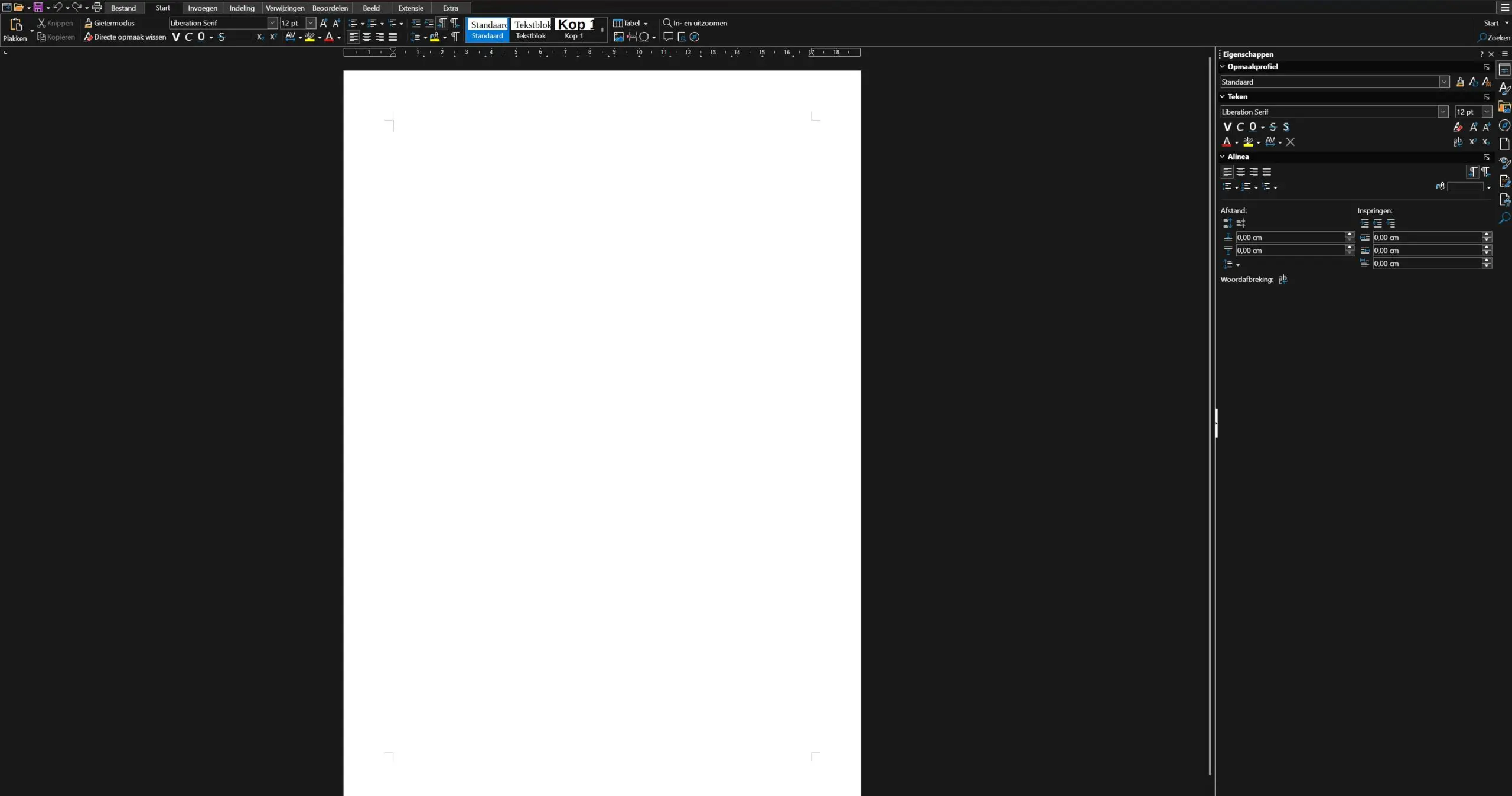
The downside of LibreOffice is that it has stayed somewhat stuck in the past. The interface looks as if it has not been refreshed since 2011. LibreOffice also runs only locally. That can be an advantage for those who want to keep files on their device, but it makes working together on documents more complex. LibreOffice has earned its place in the open source hall of fame, but at the same time it looks and feels like a museum piece.
Collabora: LibreOffice in a more modern guise
Collabora, then, handled the turn into 2026 better. Collabora is originally British software based on LibreOffice. For a long time it was also one of the main contributors to LibreOffice code, but the relationship has soured. As a result, Collabora has been able to go its own way.
Collabora also opts for an interface that is familiar to those coming from Microsoft Office. The basic package contains the LibreOffice applications, without Base and Math. No great loss: the added value of those applications was rather limited. You can still find them in the “classic” version of Collabora. The interface in Collabora is sleeker and newer than LibreOffice’s.
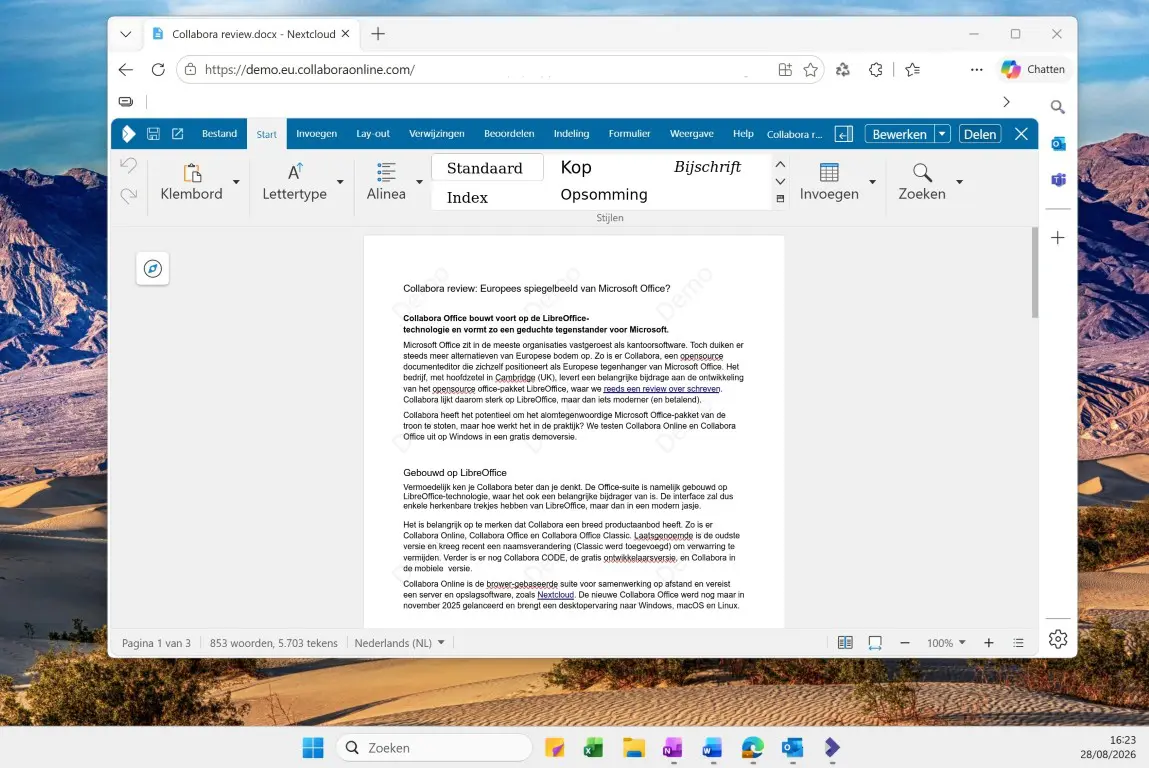
The most important difference is that Collabora is available both online and offline. The paid version is not free: for small organisations of up to a hundred users it costs three euros per month. The online “Development Edition” is free to use. The combination of online and offline availability and functionality in a sleeker package makes Collabora an alternative worth considering.
Nextcloud: Office for do-it-yourselfers
Do you prefer to do everything yourself? Then Nextcloud may be for you. You can see Nextcloud as Microsoft 365 running on your own server. The office applications (Files) are strongly based on LibreOffice and Collabora and are also open source. Nextcloud adds a photo app, calendar and communication tools, among other things: a package you can assemble modularly.
Nextcloud is free in principle, but you have to bear the costs of hardware and maintenance yourself. The software runs both offline and online on your own server. Performance and availability therefore depend heavily on the type of hardware you have. The user experience is thus quite different from Microsoft 365, Google Workspace or Collabora, which only require a PC with an optional internet connection.
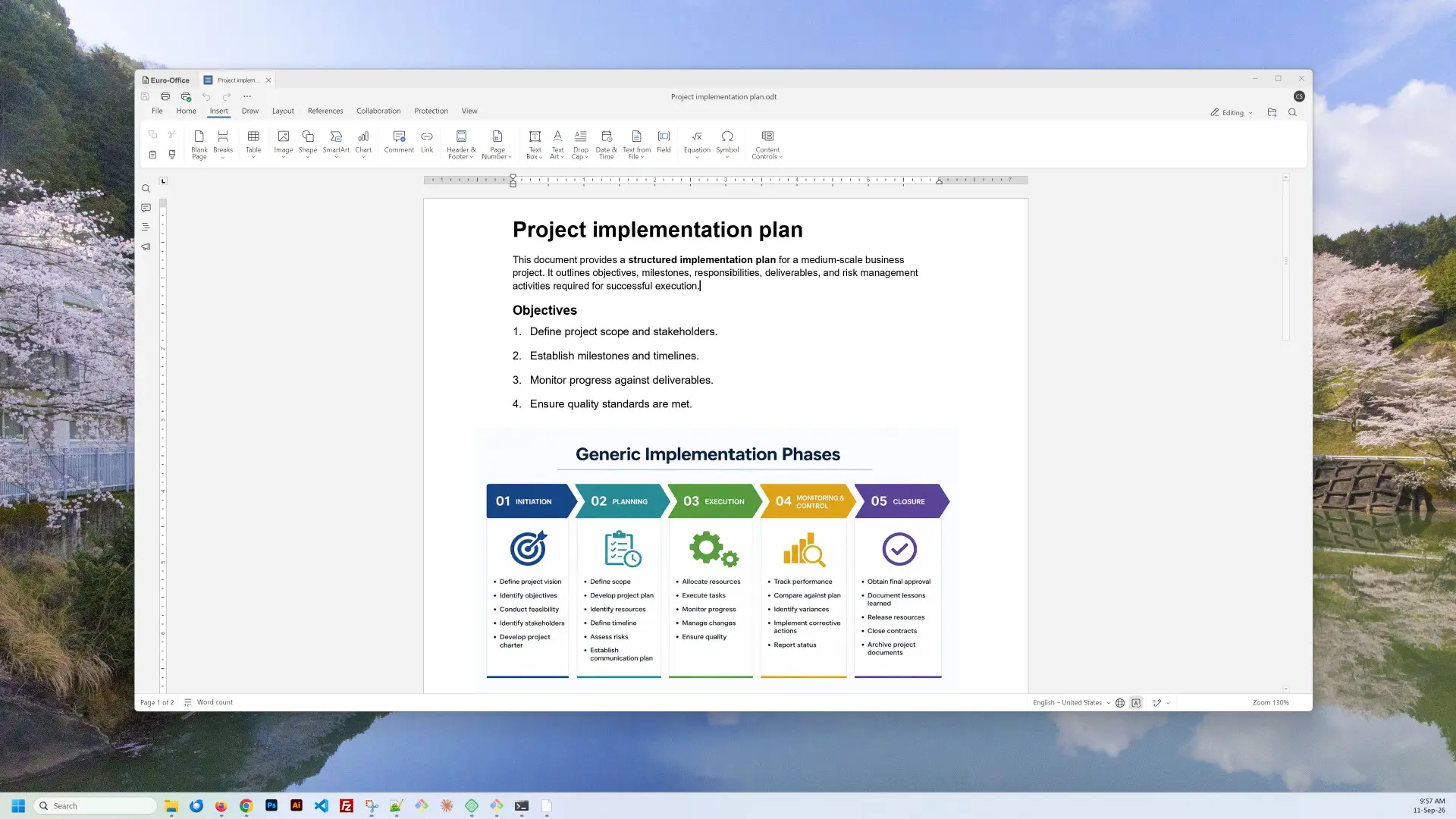
That freedom and independence can be both a strength and a weakness of Nextcloud. Those with the hardware and the maintenance know-how build their own office bubble with Nextcloud, completely free of Microsoft. For average users, that freedom will make the threshold just too high.
Proton: Swiss army knife
Do you still want the full package without having to do everything yourself? Then Switzerland’s Proton is the obvious choice. Proton started as a secure email application, but is growing step by step into a full office suite on a par with Microsoft 365 and Google Workspace. With Docs and Sheets, it has an alternative to Word and Excel.
To use those apps, you do need a Proton Workspace subscription. The basic package costs 12.99 euros per month. That gives you access to Proton Mail, Drive, VPN and everything else in the bundle. The latest addition, Proton Meet, can be used without the bundle and was chosen by our editorial team as the best European alternative to Microsoft Teams.
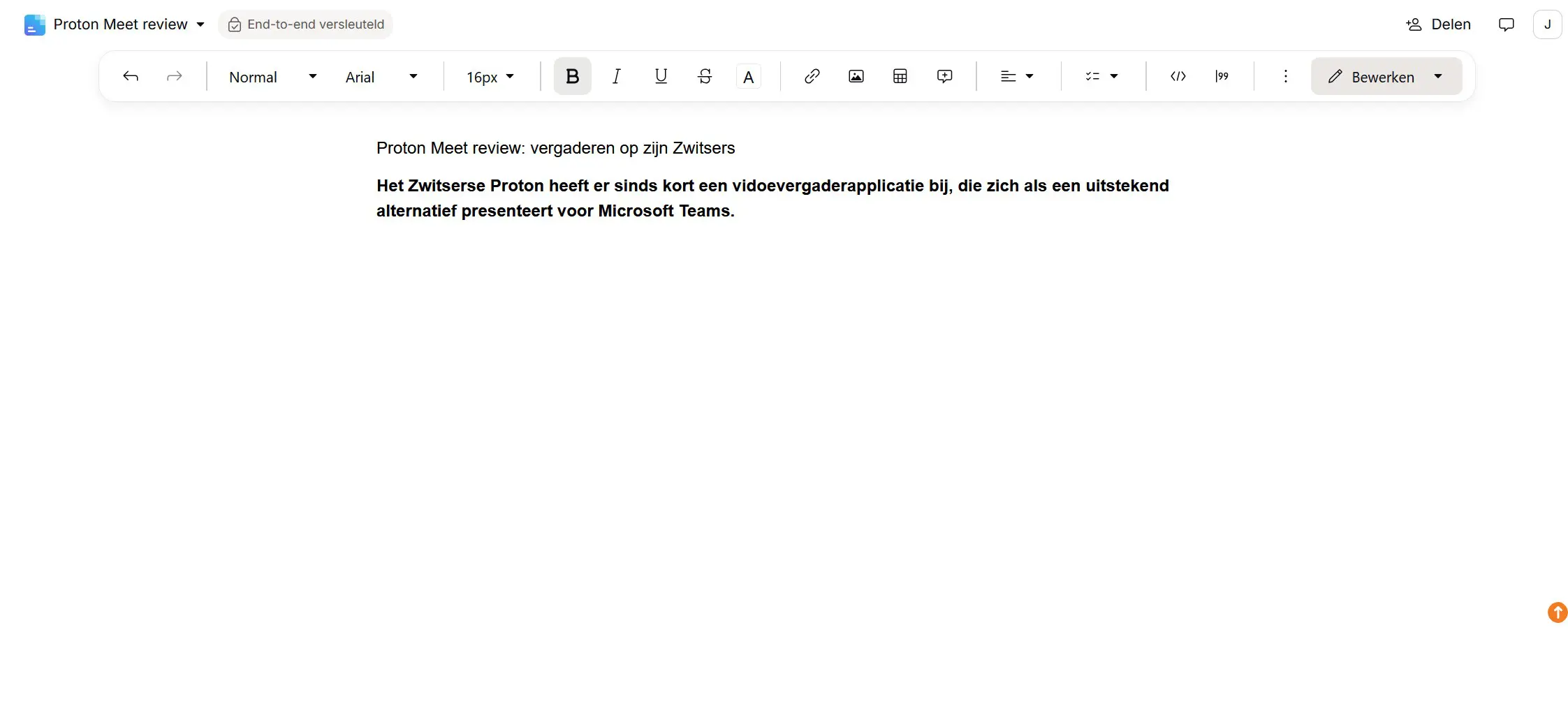
Proton’s great strength is security, the company’s philosophy since day one. Encryption is not a feature you have to switch on, and privacy is also built into all Proton products by default. Proton keeps up with the times: it developed Lumo AI, its own AI chat assistant that can keep your secrets.
In this article, however, we are discussing Office alternatives, and here Proton still has steps to take. Docs and Sheets are certainly not bad apps, but they have fewer features than Word and Excel. They resemble Google Docs and Sheets more closely and consequently run online only. Proton’s strength lies in the bundle, but you don’t buy a Swiss army knife just to use it as a bottle opener.
Conclusion: formidable opponents for Office
What this overview should teach you is that serious challengers to Microsoft Office have emerged in recent years. LibreOffice paved the way on which players such as Collabora and Nextcloud have built. With Workspace, Proton is not attacking Office, but the entire 365 ecosystem.
Nextcloud is for those who want full control, but Collabora goes one step further as an accessible office suite. You will find everything there that you find in Microsoft Office, and it adapts to where and how you work. For average users, Collabora is therefore probably the most obvious option, both offline and online.
ITdaily tests European and open source alternatives to popular American software tools that we use every day. Want to discover more European software? In this overview you will find all the reviews.