

Passwords are almost always the weakest link in any security strategy. We see this more and more through data breaches, ransomware attacks, and phishing campaigns. Passkeys are much more secure in every respect.
Passwords are one of the biggest security risks in companies. Not because administrators handle them poorly themselves, but because they depend on users who don’t take password requirements seriously. Reusing passwords, choosing weak passwords, failing to recognize phishing emails: these are mistakes that repeatedly lead to security incidents. Passkeys solve these problems.
No more hassle with insecure passwords
The numbers don’t lie. In 2024, hundreds of Belgian companies were hit by ransomware and other cyberattacks. In the third quarter of 2025, Belgian organizations had to process 1,249 cyberattacks, a doubling compared to five years earlier.
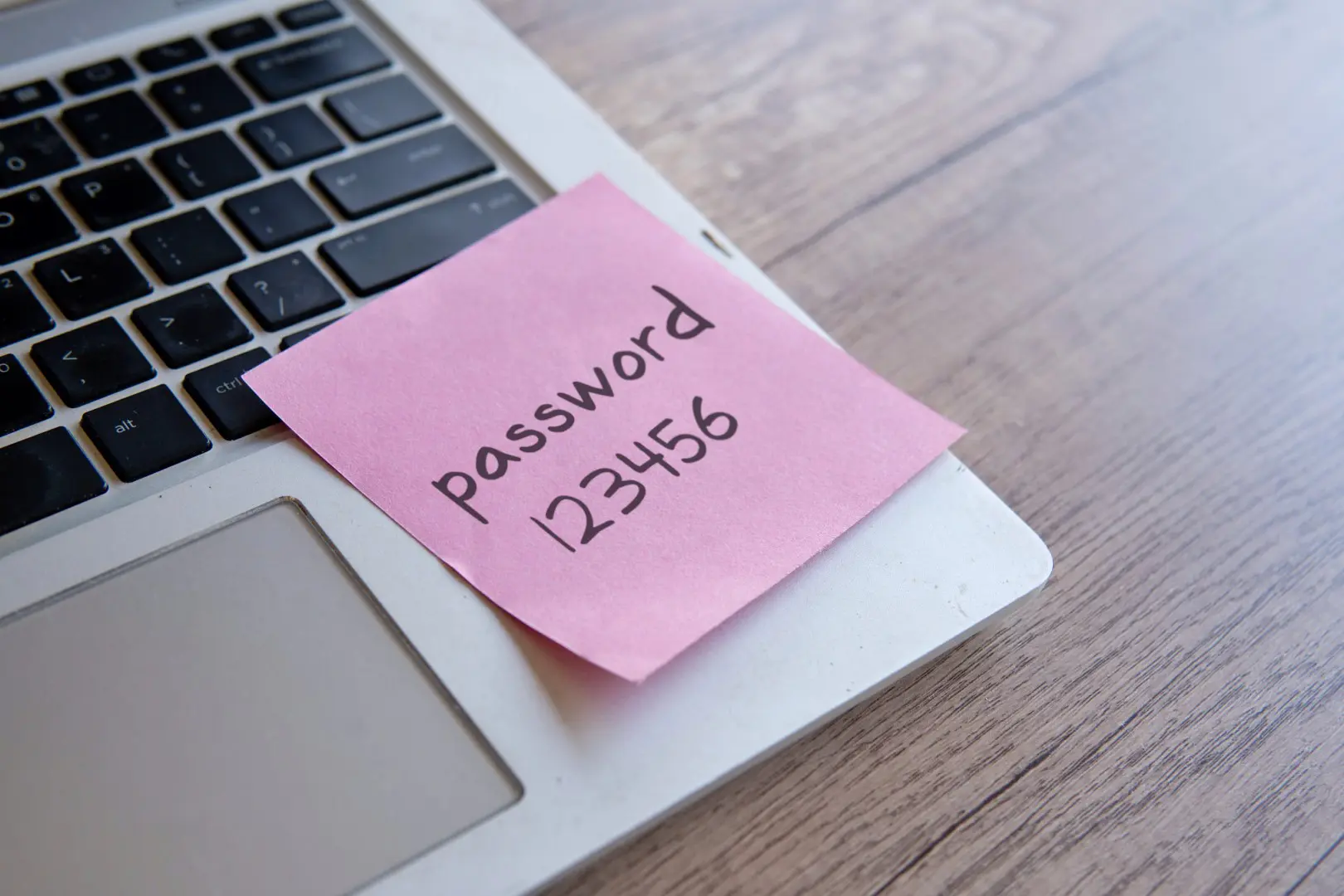
In many cases, the attack can be carried out due to the same problem: stolen or cracked login credentials. In a cyberattack on Snowflake, it turned out that attackers gained access to dozens of customer environments via leaked passwords without a vulnerability at Snowflake itself. The customers’ insecure password was the culprit.
Closer to home, a study of Belgian passwords showed that a large portion of them can be cracked within an hour using standard attack techniques. Modern GPUs could even uncover complex passwords within three hours. Even respected institutions such as the Louvre, where you would think security is in order, used “Louvre” as a password for years.
Cryptographic keys
Passkeys work differently. They use unique cryptographic keys. These keys are stored locally on a device and are linked to biometric data such as a fingerprint or facial recognition. In theory, passkeys offer impenetrable security against phishing and other hacks.
Without the private key from the user’s device, attackers cannot log in anywhere with stolen data.
Even if an attacker captures a company’s entire database, it is of no use to them. Without the private key from the user’s device, they cannot log in anywhere. This eliminates a large attack surface responsible for a significant portion of all data breaches.
Less hassle, more control
In addition to the extra security, there is another advantage that is often forgotten: passkeys reduce the workload on IT departments. Resetting passwords is one of the most common help desk tasks at most companies.
In principle, passwords should already be a thing of the past.
Employees forget passwords, get locked out after too many failed login attempts, or get confused because the password has to be changed every three months. The use of password managers—applications that can keep track of your existing passwords or generate new ones—also turns out not to be the most secure solution.
With passkeys, all that is a thing of the past. Authentication happens via something the user already has: biometrics. A smartphone or a laptop with facial recognition or a fingerprint reader provides biometric verification and immediately generates a local security key. This also brings benefits in terms of compliance. Regulations such as NIS2, which require Belgian companies in certain sectors to get their cybersecurity in order, push for strong authentication.
Why are they not yet in general use?
The challenge of implementing passkeys is primarily that they are not (yet) supported by certain systems. For legacy systems, there are solutions via Microsoft Entra or Okta, which bridge the gap between modern authentication and older applications. In practice, the ease of use is not that bad: anyone who has ever used Touch ID or Face ID knows how fast it is. It also requires a transition for the user, who may still rely too heavily on their self-chosen password, perhaps unjustifiably.
The major players have already begun that transition. Microsoft allows new accounts to be created without a password by default and pushes existing users toward passkeys via Windows Hello and, until recently, also via the Authenticator app. Google is doing the same via Android and Chrome, and recently expanded support to the Advanced Protection Program. Apple is also integrating passkeys into iOS and macOS, as is Meta with WhatsApp and Facebook.
The sooner the switch, the better
Passwords won’t disappear overnight, and a hybrid environment where passkeys and passwords coexist for the time being is a good option for most companies. Every attack that stems from stolen login credentials, every ransomware attack that started with a phishing email, every help desk call about a forgotten password… they all essentially prove the same thing. In principle, passwords should already be a thing of the past. The question for IT administrators is therefore not whether they will switch to passkeys, but when and how they will do so.