


With myQnapcloud One, Qnap bundles its cloud storage for NAS backups and its S3-compatible object storage into a single subscription. Why is the NAS specialist focusing on a unified cloud offering?
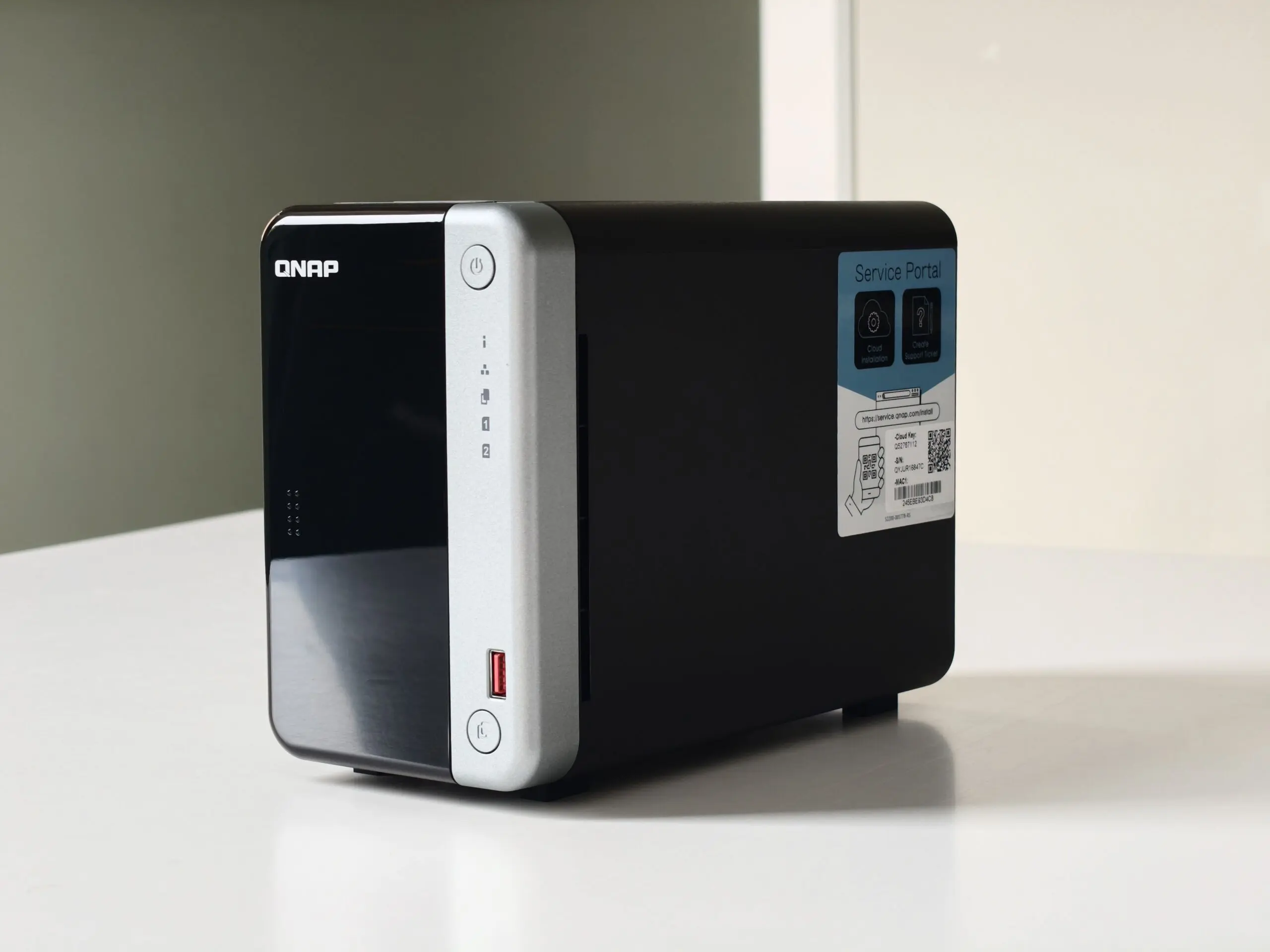
Qnap is primarily known here as a manufacturer of NAS systems for home users, SMEs, and larger organizations. Such a NAS (Network Attached Storage) keeps data locally. This is an asset for organizations that want to maintain control and highly value data sovereignty.
However, data requires backups, and a good backup strategy cannot, by definition, exist in a single location. A solid backup plan follows the 3-2-1 rule, with at least one copy of the data at an off-site location. With this reality in mind, Qnap provides its own cloud services under the name myQnapcloud.
Qnap’s cloud offering already existed, but since February, the company has been bringing two of those services together in myQnapcloud One. The subscription combines file storage for NAS backups with object storage, on a single shared amount of storage space and with one price per terabyte.
What is included in myQnapcloud One?
The subscription consists of two parts:
- myQnapcloud Storage: file-based cloud storage, intended as an external backup destination for a Qnap NAS.
- myQnapcloud Object: object storage that works with the S3 API.
Both services draw from the same quota, which starts at 1 TB. How much of that goes to Storage or Object depends on usage. Users do not need to set a distribution in advance: Qnap treats storage as storage, regardless of the underlying technology. You sign up for one subscription for file and object storage combined per Qnap account and per region.
myQnapcloud Storage
Storage is the service closest to the NAS. Backups run via Hybrid Backup Sync (HBS), Qnap’s backup software. For organizations with multiple NAS systems, there is Hybrid Backup Center. Via HybridMount, the cloud storage appears as a network drive in File Explorer or Finder, and there is also a web portal and the mobile app Qfile Pro for iOS and Android.
Qnap also offers Storage separately, with a free 16 GB plan. In myQnapcloud One, you get the expanded version. This keeps up to 100 versions of a file for backups, allows 200 rules for automatically cleaning up old files, and maintains a log of user activity for 180 days. In the free plan, this is fourteen days.
Folders can be in WORM mode (write once, read many): files are then written once and can no longer be modified. This is highly relevant in the context of ransomware protection. Deleted files remain in the recycle bin for thirty days. All data is encrypted on the server side, and a personal vault gets its own encryption key. Access rights are assigned per Qnap account or email address, and files and folders can be shared with an expiration date.
myQnapcloud Object
Object targets applications that work with S3. According to Qnap, switching from AWS S3 only requires adjusting the endpoint and access keys. Qnap mentions three applications: data lakes for analysis and machine learning, backups of servers and applications, and archiving of data that is rarely accessed.
For this form of storage, Qnap provides functionality comparable to file storage. For instance, there is Object Lock: this keeps objects immutable for a set period. This protects against ransomware and human error, and helps organizations in sectors such as healthcare and government to meet retention obligations. Furthermore, there are versioning, access logs, and an overview of incoming and outgoing data traffic.
Object carries the Veeam Ready certification for object storage, so Veeam can use the service as a backup target. Within its own ecosystem, Object connects to QuObjects, the S3 storage that Qnap offers on-premises on a NAS.
The cloud as a third copy
Qnap links the service to the 3-2-1 rule for backups. This prescribes three copies of your data, on two different types of media, with one copy at a different location. The NAS is the central backup location at home or in the office. Smartphones send photos via Qfile Pro, Macs make backups with Time Machine, and Windows PCs use HDP PC Agent for full system backups. Qsync keeps files synchronized between computers and the NAS.
RAID handles the failure of a drive, but in the event of fire, theft, a ransomware attack, or even your own mistake when deleting data on the NAS itself, you need a copy elsewhere. That third copy can be stored in myQnapcloud Storage. HBS 3 can send backups to more than twenty cloud services. myQnapcloud Storage is the destination Qnap offers itself, linked to the Qnap account you already use for the NAS.
Separate service for camera footage
Camera footage falls outside of myQnapcloud One. For recordings from QVR Surveillance, Qnap has the separate service myQnapcloud Surveillance, with a price per camera stream: starting at 14.99 dollars per month in 1080p and from 29.99 dollars in 4K (Qnap also communicates its prices in dollars on the local editions of its website).
European regions and price
Qnap uses thirteen data centers worldwide. When signing up for a subscription, you choose a region. In Europe, these are Amsterdam, Frankfurt, London, Milan, and Paris. Qnap mentions GDPR compliance and certifications such as ISO 27001, ISO 27017, ISO 27018, and SOC 2.
A monthly subscription costs 8.39 dollars for 1 TB, and an annual subscription is 83.99 dollars. For 2 TB, it is 16.79 dollars per month or 167.99 dollars per year. Qnap does not charge for data traffic or API requests, nor for retrieving data. A fair use policy does apply, which aligns the use of system resources with the total storage volume of an account.
The myQnapcloud One offering is an interesting and clear extension for the storage capacities of the local NAS. With this offering, Qnap attempts to provide a simple extension for the capabilities of its NAS devices. The primary goal is to give users extra options on their devices.
Among the competition
Qnap is not alone in its vision regarding the interplay between NAS and cloud. Major competitor Synology has a similar subscription: C2 OneStorage. This bundles C2 Storage for Hyper Backup and Hybrid Share, the S3-compatible C2 Object Storage, and Surveillance365 for camera footage into one shared capacity, without costs for data extraction or API requests.
The focus on surveillance is slightly larger at Synology, given its integration into the One service. The company has one European data center, in Frankfurt. Qnap offers more options regarding data sovereignty, as there are five European regions for myQnapcloud One.
For Qnap users, myQnapcloud One brings the external backup of the NAS and any S3 applications together in one subscription. This is convenient, encourages users to make more use of their NAS’s capabilities, and also provides an accessible step toward secure 3-2-1 backups.
This editorial contribution was created in collaboration with support from our ITdaily partner Qnap.