


Qnap builds the TS-262A around a processor that is now five years old. Nevertheless, for the price, you get a two-bay NAS that on paper offers more than the direct competition. Where Qnap does cut costs, however, is in connectivity.
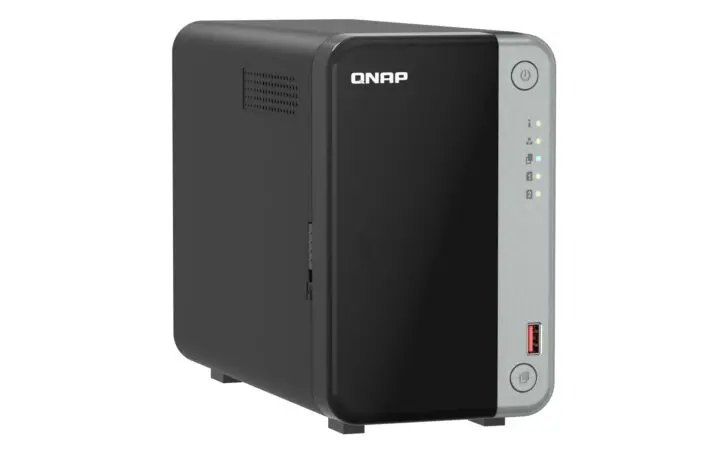
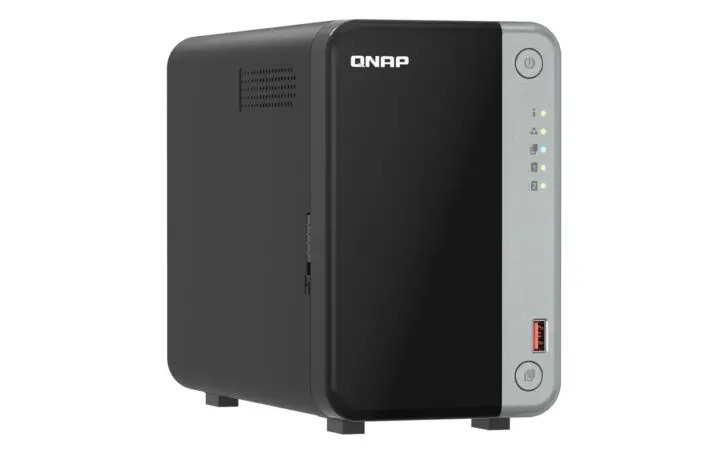
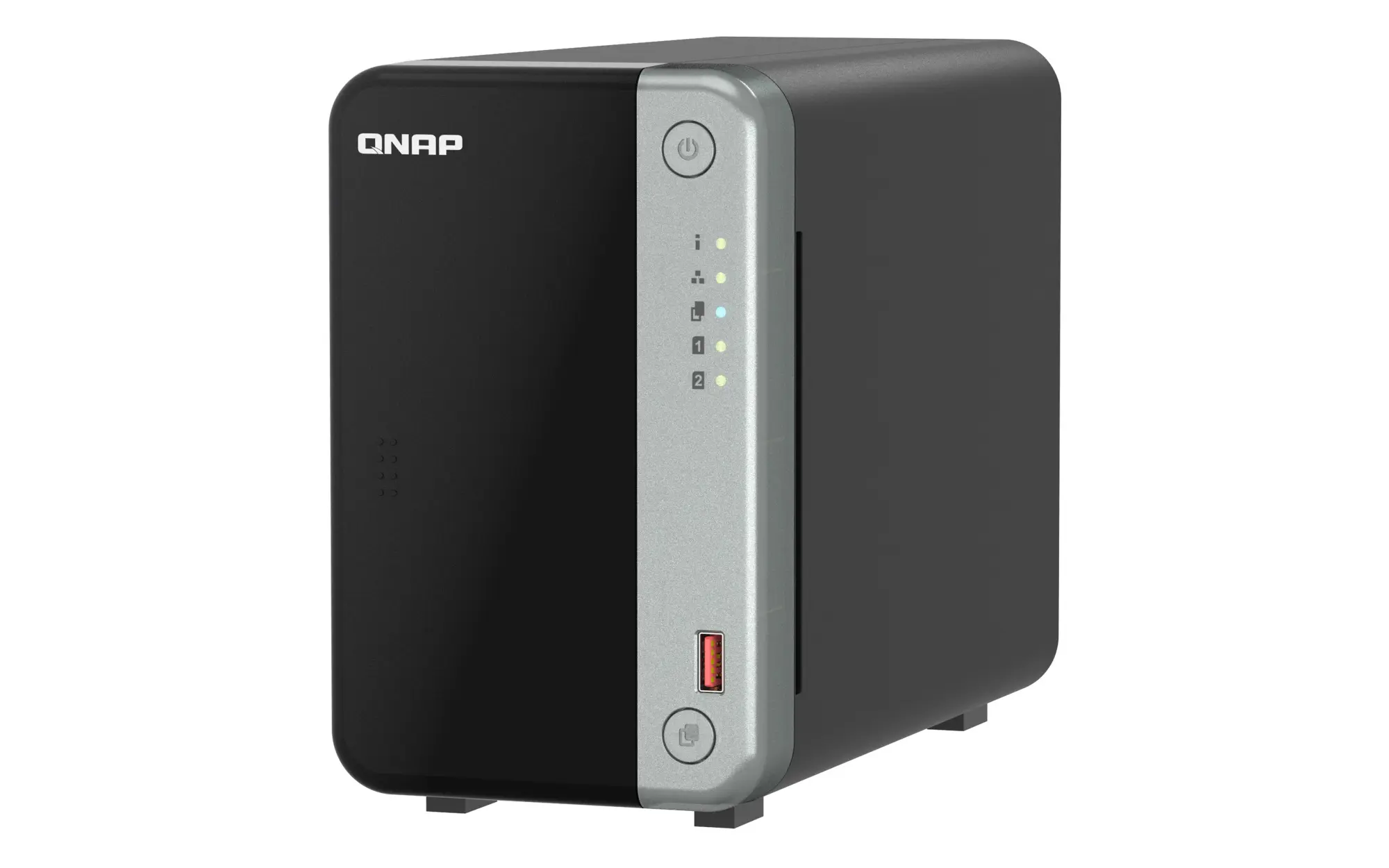
Qnap positions the TS-262A (€415.31 incl. VAT) in the entry-level segment of its two-bay models. This NAS is a desktop model with space for two 3.5-inch drives. The device is aimed at backup, media management, and basic camera surveillance at home or in a small office.
For the TS-262A-4G, you pay €415.31 including VAT. For that price, you obviously do not get HDDs, but you do get a modest 4 GB of RAM. That is not a bargain price for an empty device, but it is a price point where Qnap has to make choices.
A chip with age
The most important choice lies in the processor. The TS-262A uses an Intel Celeron N5095. That chip has four cores with an equal number of threads, and Intel gives it a peak speed of up to 2.9 GHz at a power consumption of fifteen watts. The chip comes from the Jasper Lake family, which Intel launched in the first quarter of 2021.
That makes the silicon in this NAS five years old by now, which is not a plus point for those spending their money in 2026. Qnap is following in the footsteps of Synology, which consistently chooses (very) old chips for almost its entire NAS range. Qnap also uses the same N5095 in the more expensive TS-264, which has been in the range for some time.
For the tasks most people buy a NAS for, the lighter and older processor is not a disaster. Writing files, scheduling a backup task, indexing a media library: you do not need a recent architecture for that. Four full cores without hyperthreading are more than enough to serve a handful of users and several background tasks simultaneously. Qnap itself indicates that the device can handle up to 1,500 simultaneous CIFS connections with maximum memory, which is a theoretical figure for this device’s target audience.
Where age does matter is in anything that goes beyond storage. Four gigabytes of DDR4 is tight as soon as you want to run containers or virtual machines. Yet those are exactly the functions Qnap likes to showcase. You can expand the memory (up to 16 GB), but then you have to find antique DDR4 memory somewhere. In today’s overheated RAM market, that is hardly being produced anymore.
Built-in transcoding
The old chip has one major advantage: it includes Intel UHD Graphics. Qnap explicitly mentions hardware-accelerated transcoding in the specifications. This is not an insignificant detail. Those who share a media library with devices that cannot handle every format let the graphics component do the heavy lifting instead of the processor cores.
H.264 and HEVC, even in ten-bit, pass through the chip’s media engine. AV1 is a different story: hardware decoding for that format only arrived with Intel’s next generation, so the NAS must fall back on the processor for that. For a device still being sold in 2026, this is a shortcoming that grows larger every year as AV1 gains popularity.
Nevertheless, media handling is where the TS-262A distinguishes itself from its main competitor. Synology increasingly uses (old) AMD processors in its comparable devices that lack an integrated graphics core. The DS723+ contains a Ryzen Embedded R1600, the DS925+ a Ryzen V1500B, and in both cases, hardware media acceleration is completely absent.
Synology is also scaling back media support in its software. Qnap makes the opposite choice, making the TS-262A a better option for workloads involving multimedia than any Synology equivalent.
2.5 GbE: good, but expected
Regarding connectivity, the TS-262A does what it must, but nothing more. You get one 2.5 GbE port, which falls back to 1 GbE, 100, or even 10 Mbit if necessary. Two years ago, 2.5 GbE on an entry-level model was still a plus point to mention; today it is gradually becoming the standard and therefore more of a minimum.
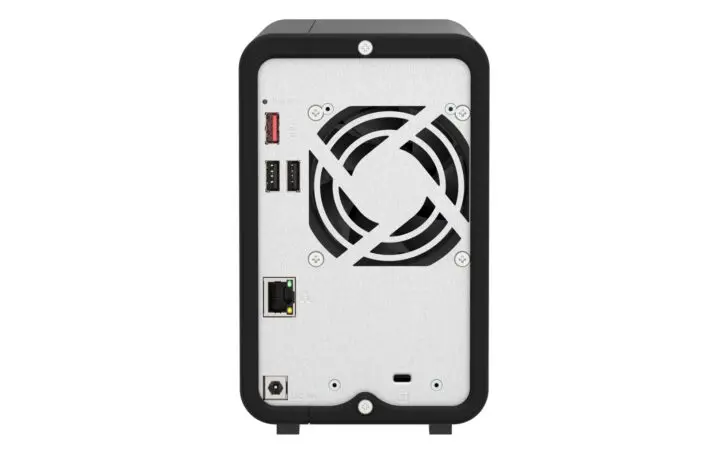
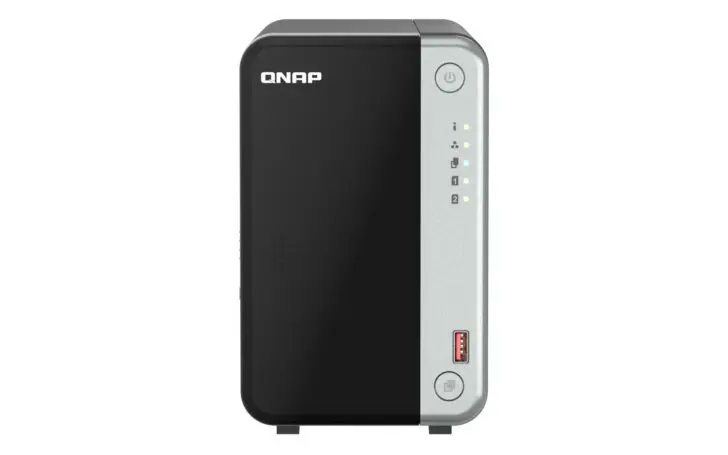
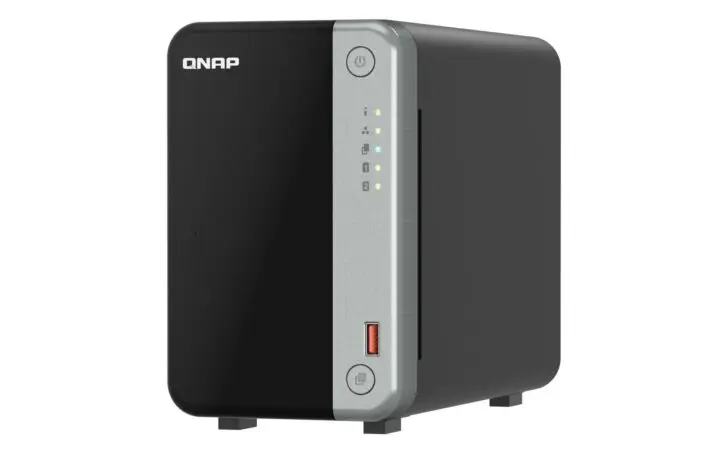
Qnap itself specifies a sequential SMB throughput of 295 MB/s in both directions, with or without encryption. That figure is enlightening: it is near the theoretical ceiling of a 2.5 GbE connection. In other words, the network port is the bottleneck, not the drives and not the processor.
Because there is only one port, you cannot benefit from link aggregation or redundancy. A PCIe slot to add a faster network card is also missing. The more expensive TS-264 features two 2.5 GbE ports and a PCIe Gen 3 x2 slot. With the TS-262A, the upgrade path ends at the built-in network port. This is not a disaster and certainly defensible in this price range, but it does mean you must be sure that the existing capabilities of this NAS are (and remain) sufficient.
Furthermore, the list of connections is solid. Qnap provides two USB 3.2 Gen 2 ports (10 Gbps), one of which is on the front, two less interesting USB 2.0 ports, and a separate copy button that immediately transfers a connected stick or drive to the NAS. That button is a small convenience we also appreciated in previous Qnap devices: you don’t have to dive into the interface for it.
Via USB, you can also connect an expansion enclosure such as the TL-D800C or TR-004, which is the only way to expand the device beyond two drives. There is no HDMI output, unlike on the TS-264, so local playback on a monitor is not possible.
2 bays, 2 M.2 slots
The two drive bays are hot-swappable and accept both 3.5-inch hard drives and 2.5-inch SSDs. Additionally, there are two M.2 2280 slots in the device for NVMe SSDs that you can use as cache or as a separate storage pool.
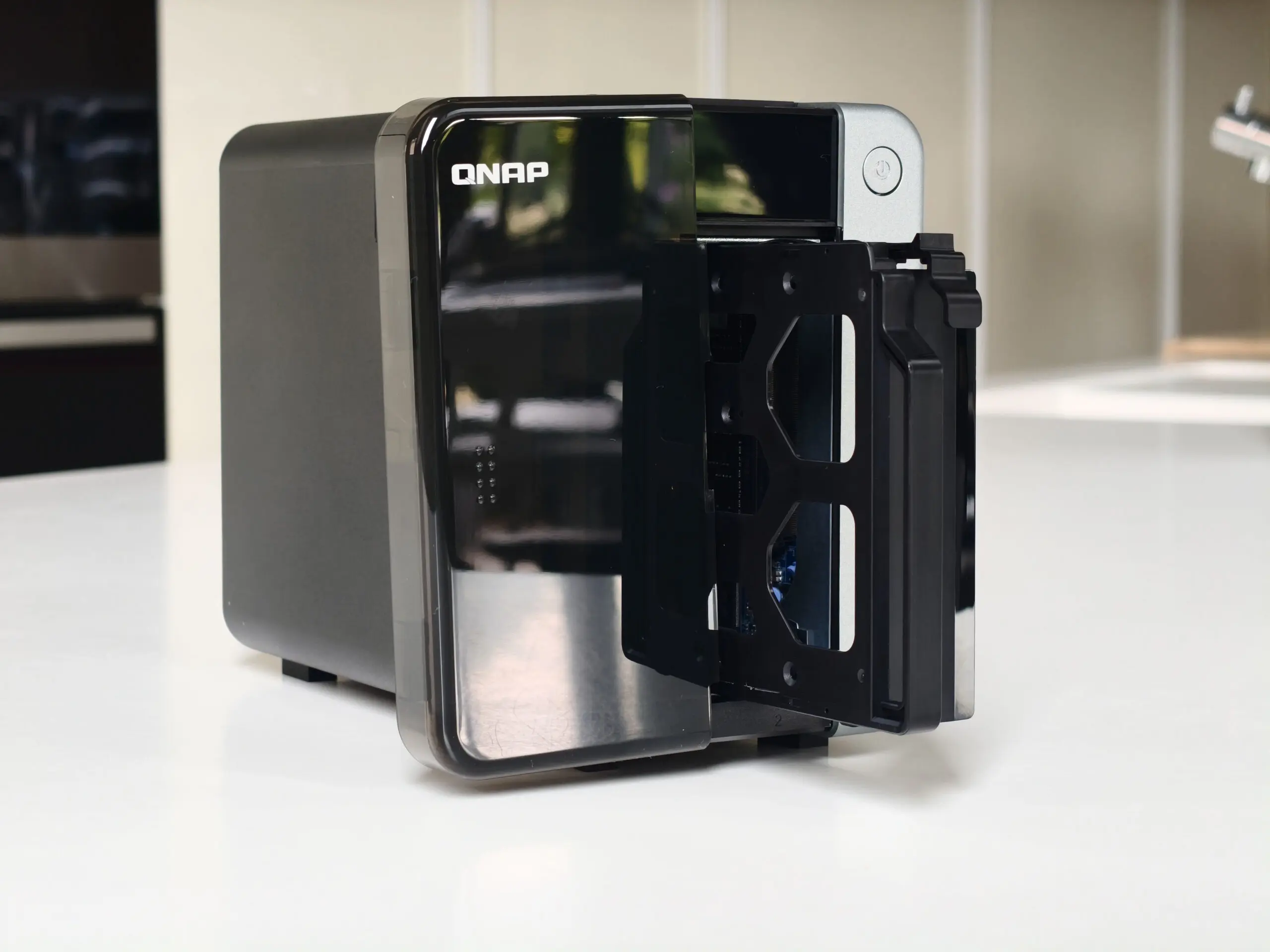
These slots are PCIe Gen 3 x1, so the bandwidth per SSD remains limited to about one gigabyte per second. That is more than the network port will ever allow, so those who install fast SSDs here do so for applications on the NAS itself: databases, virtual machines, indexing, and caching. For the user on the other side of the network, it makes little difference.
The presence of SSD slots in the Qnap TS-262A is nice, but also a bit of overkill. A two-bay device with little RAM and a light CPU will benefit from caching, but you shouldn’t run too many advanced workloads on this NAS. We also note that the M.2 slots are not hot-swappable. This is logical: you have to open the device’s sliding cover to access them. Synology uses the same methodology in its devices.
QTS 5.2
The operating system remains Qnap’s strongest asset. QTS 5.2 is a mature platform that Qnap is still actively expanding with new functionality. In our previous analysis of the operating system, it was striking how much you can do with it: Qtier which dynamically combines fast and slow drives, thin volumes that grow with your needs, snapshots to recover file versions, and Hybrid Backup Sync 3 for two-way synchronization with OneDrive and Google Drive. The Security Center lets you set policies, two-factor authentication is possible with TOTP or QR code, and antivirus and firewall can be obtained as modules from the App Center.
That App Center is also the reason why QTS is not a system for those who want things too simple. The installation wizard is straightforward and fully available in Dutch, and Qnap explains terms well, but the various applications and menus sometimes lack a consistent design language. QTS prioritizes functionality over finesse. Those who like to tinker will find a playground there; those who expect the simplicity of macOS will find slightly more polished simplicity with Synology.
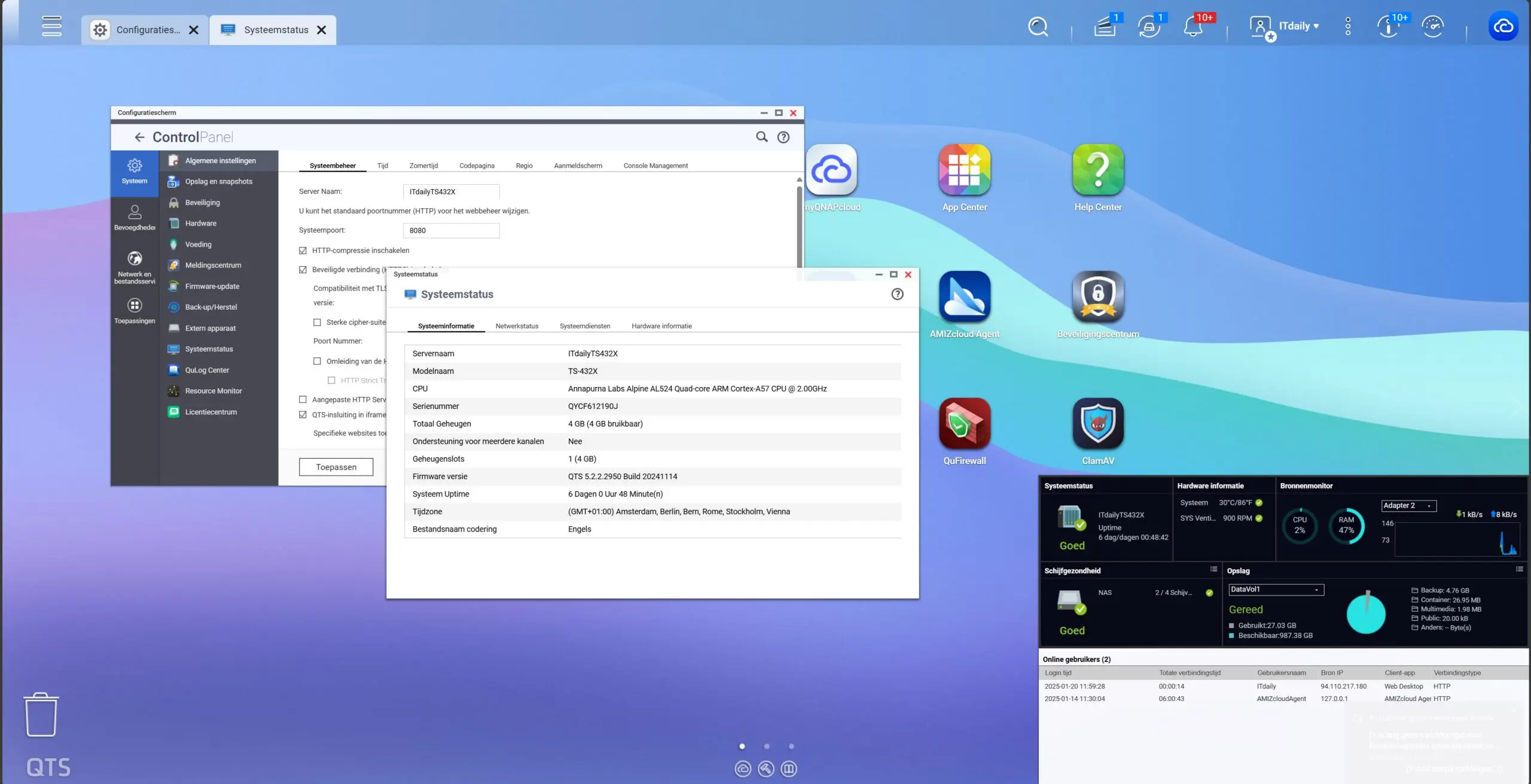
For this device, we highlight two applications. QuMagie sorts your photo library using image recognition, and Qsirch performs semantic searches across your files. These are both tasks where the graphics component and the four cores effectively come in handy.
Additionally, you get eight free camera channels for surveillance, with support for ONVIF cameras from over two hundred brands. This is a more generous license than we are used to in this segment. It is good that Qnap maintains openness toward hardware from other manufacturers.
What about the competition?
The direct counterpart to the Qnap TS-262A is the Synology DS225+. It costs €461.43 including VAT, making it about €46 more expensive than the TS-262A-4G. For that money, you get a Celeron J4125, a chip from the fourth quarter of 2019 that is even older than the N5095, with two gigabytes of RAM in a single slot (half as much). There are no M.2 slots. For the network, you get one 2.5 GbE port and one additional 1 GbE port.
On each of these points, the Qnap is the better buy: twice as much memory, nearly three times more expansion space, two M.2 slots, and faster USB ports, for less money. Synology has a reputation for ease of use and a software offering that feels more accessible, which is a real argument for first-time NAS buyers. But for those looking at the hardware in this price range, there is little reason to hesitate.

The toughest competitor for the TS-262A might be within its own range. The TS-264 has the same processor but also offers eight gigabytes of memory, a second 2.5 GbE port, an HDMI output, and a PCIe slot. Those who suspect they might ever need these features would do well to pay about €150 extra for this device.
Does what it should
The Qnap TS-262A (€415.31 incl. VAT) is not an impressive device, and Qnap does not pretend it is. The processor is five years old, the single network port is the minimum acceptable today, and without a PCIe slot, the ceiling of this device is fixed on the day you buy it. Those with virtual machines or heavy container workloads in mind should buy extra memory immediately and will still run into the chip’s limits afterward.
But the choices Qnap makes are the right ones for what this device is: a backup and media hub for home or a small office. The integrated graphics component enables hardware transcoding where Synology omits it in comparable devices, the two M.2 slots and two memory slots provide breathing room, and QTS remains the most comprehensive operating system in this segment.
For €415.31 including VAT, you get more hardware than the competition offers in the same price range. If you are looking for a two-bay NAS primarily for storage, backups, and preparing media, the Qnap TS-262A is a sensible choice. If you are looking for a device that needs to grow with you, look at a model higher, or consider its big brother, the Qnap TS-462A, which has four HDD slots.
Pros
- Integrated GPU for hardware transcoding
- Two M.2 slots and two memory slots
- Powerful operating system
- Generous camera licenses
- Competitively priced against the competition
Cons
- Processor from 2021
- No AV1 support
- Only one network port and no PCIe slot
- 4 GB of memory is tight for virtualization