

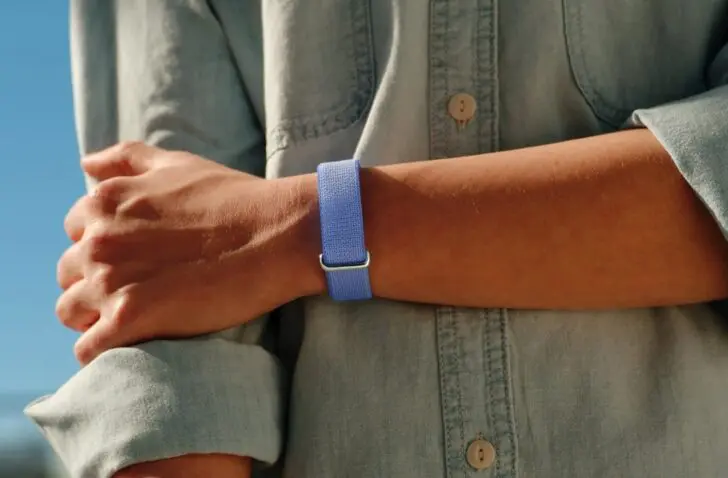
The Google Fitbit Air bundles all your health statistics into one central app. The lightweight band (without a watch) is barely noticeable, yet highly appreciated.
Google launches the Fitbit Air, a screenless tracker that bundles your health statistics in the Google Health app. We deliberately call it a tracker, as its lack of a screen places it outside the category of sports watches. Nevertheless, it measures everything an average athlete wants to know.
The Fitbit Air also fits well in an office environment, where health at work is becoming increasingly important. The band motivates you to reach your step goal but doesn’t distract: there is no screen that lights up or shows notifications. This allows you to stay focused on your work while your activity is measured in the background. Editorial members Cédric and Katrien tested the Fitbit Air and the accompanying Google Health app for two weeks and compared their findings.
The verdict? A comfortable band at a competitive price (99 euros incl. VAT), with room for improvement regarding automatic detection and AI coaching. Katrien examined the Fitbit Air for several weeks using the free Google Health app, while Cédric did the same with the premium version. What are the differences, and why should you (or shouldn’t you) get it?
The Fitbit Air costs 99.99 euros including VAT. For the premium subscription, you pay 8.99 euros per month or 79.99 euros per year.
Have you ever seen or used a Fitbit Air before?
Katrien: No, I had never worn one before, but I was curious to try it out. I use a smartwatch myself, so with a watch face. It was a new discovery, but it took some adjusting.
Cédric: I knew what it was because you see the trend more and more. Whoop started that back in the day, but that costs more than 200 euros per year. That’s a high budget. So I was curious. The fact that the Fitbit Air was announced at a competitive price definitely interested me.
How did it feel to wear a band instead of a watch?
Katrien: Not strange at all, actually, because it’s such a light band that you quickly forget you’re wearing something around your wrist. As a replacement for my watch, it takes some getting used to, because you have no screen to look at.
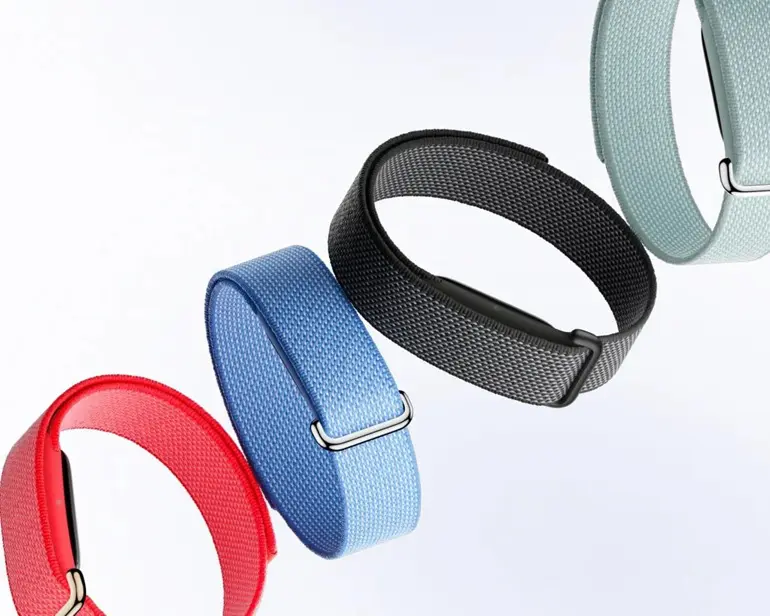
Cédric: Despite it being a cheap activity tracker that stays under 100 euros, the band feels good. You can keep it clean and I found it convenient to sleep with. Nothing can light up, so you aren’t distracted by anything. It is so thin and soft that it doesn’t bother you.
However, the thin form factor has a downside. Cédric: The only disadvantage of it being so thin is that the heart rate is sometimes not detected correctly. When it’s very thin, light can get under it more easily, leading to incorrect measurements. A watch is wider and therefore provides more accurate measurements.
Do you wear the band around your wrist or upper arm?
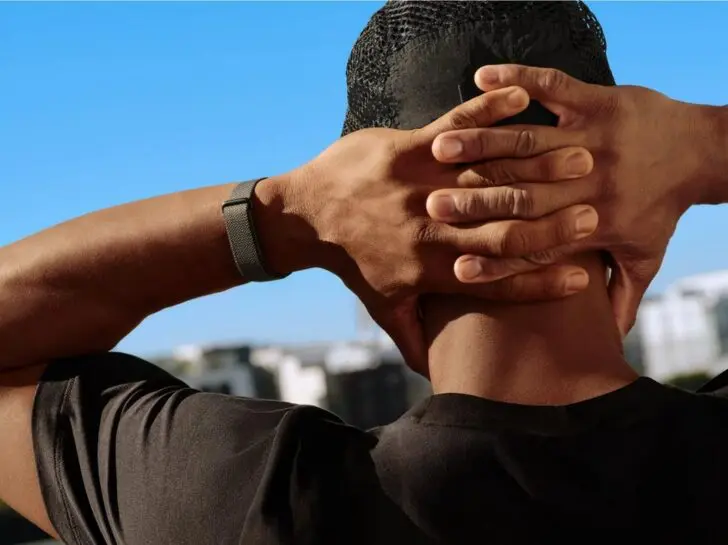
Cédric: I mainly wore it around my wrist, but also tried it around the biceps for two days. However, the detection wasn’t always accurate then. I think it has to do with the gyroscope: the orientation of a wrist is different from an arm, and then it doesn’t always understand what you’re doing in terms of automatic detection. I hope they are still working on that, because I found it very pleasant myself.
How did the installation of the Google Health app go?
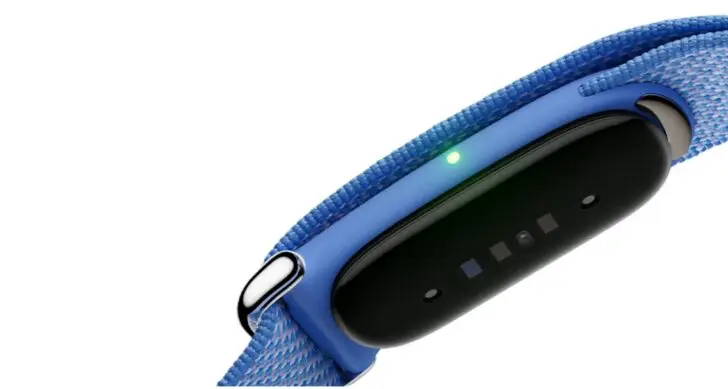
Katrien: The installation of the accompanying Google Health app went very smoothly. You had to go through a few steps to get it sorted. The Fitbit Air had to charge in the meantime to be able to connect. During the installation process, you also received some tips, for example, that you have to double-tap the device to see the battery status. That seems strange, because you’re just tapping a band, but it works. There is one light on the side that signals the battery level.
Cédric: I also found the installation convenient. It’s a one-time pairing, connected with the included charger. It’s a proprietary charger, not via USB-C. So it’s a unique charger from Google itself. Other than that, it didn’t really bother me.
How user-friendly is the Google Health app? Is it well-organized?
Katrien: The app is very well-organized. All basic information such as step count, heart rate, sleep score, etc., is visible at a glance. For me, the free version provided enough statistics without too many details or intrusive notifications.
Cédric: If you take the premium version, you’re dealing with a lot of AI things and the app provides little on the front end. If you take the free version like Katrien, you have a much clearer overview. I do notice that Google has worked hard on it since the launch. In the beginning, I found the app a bit messy and not everything was included. It’s better now, but I feel like they are still finding their way.
Does the activity detection work properly?
Katrien: The automatic activity detection takes some getting used to because normally you select the activity via your watch and press start. Now you had to relinquish control and trust that it would detect the activity. The good thing is that you can manually adjust your activity in the Google Health app afterwards. You can also start an activity via the app, but I find that cumbersome myself.
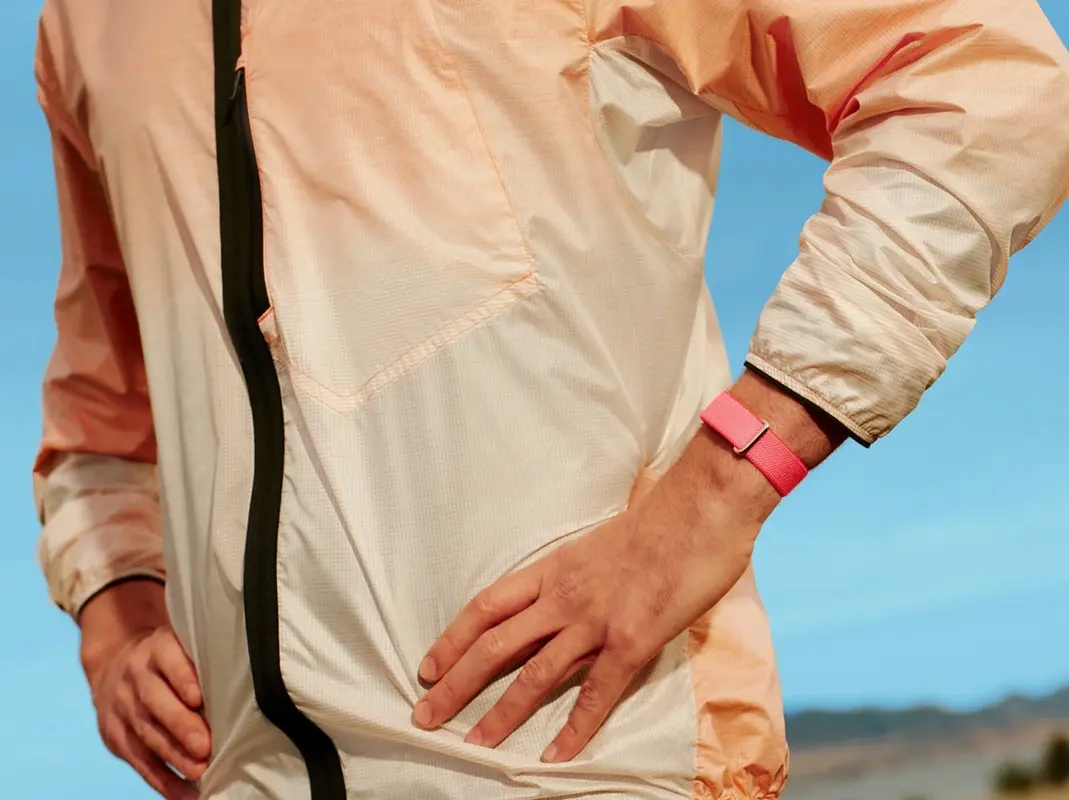
Cédric: I found the automatic detection quite dramatic in my case. To give you an idea: one summary it gave me was a good run with an average heart rate of 145 beats per minute and a pace of seventeen minutes per kilometer. That’s not running, that’s walking. It hadn’t recognized in time that I had stopped running. If your heart rate drops after that, it should see that the activity has ended. Going completely hands off seems very difficult to me.
What is the difference between the basic and premium subscription?
The device costs 99.99 euros without a mandatory subscription, but Google also offers Google Health Premium. That subscription is where the AI-driven Google Health Coach lives. It costs 8.99 euros per month or 79.99 euros per year, but it is optional: you can still record basic data without it, but you won’t get personalized insights and guidance. The Fitbit Air includes three months of Google Health Premium for free.
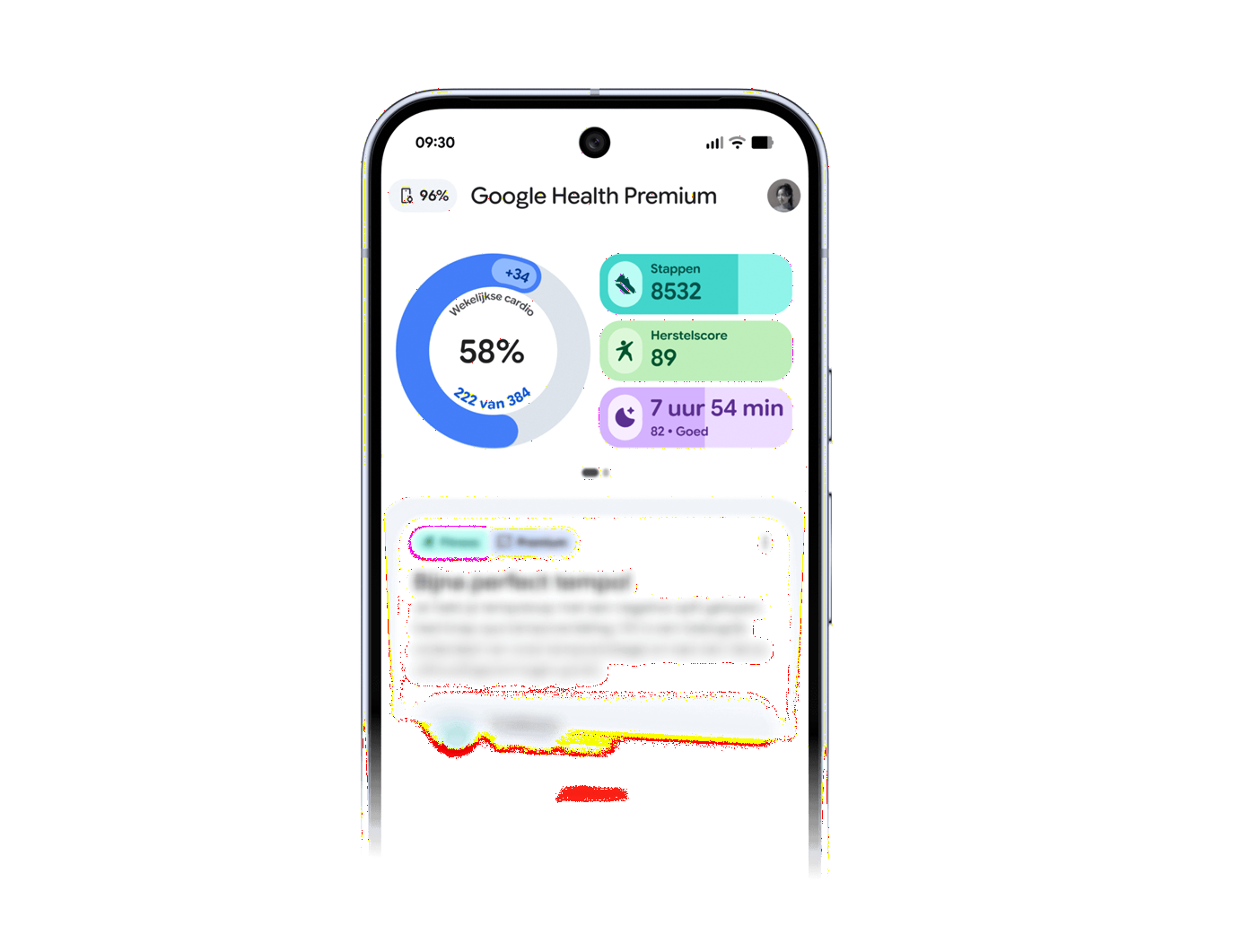
Cédric: I was able to test the premium version and it drove me crazy. The big selling point is the AI coaching, but it is very present and chatty. Out of every ten messages, there might be two where I think: that’s a nice analysis, for example, a night with a lot of movement and a low HRV. But I also get insights like “great run with your seventeen minutes per kilometer”. The disadvantage is that you cannot turn off the AI in your overview. Chatting when you ask a question yourself is possible, but it’s in your face all the time with suggestions and reports. That’s too much for me.
Katrien: The non-premium version seems more interesting to me then. No unnecessary notifications or summaries, just your most important health statistics in a clear overview. Those who choose the simplicity of the Fitbit Air likely also want a simple app.
How long does the battery last?
Katrien: The battery lasts a long time. After one week of wearing it, the battery is still at 30 percent. Same for Cédric: I averaged about seven to eight days. It’s important to know that the charger is very specific. But I found the battery life to be fine. I also received a notification via the app in time that I had to charge it soon, well enough in advance to anticipate.
Who is the Fitbit Air suitable for?
Katrien: Personally, I wouldn’t buy it, but I’m someone who likes to wear a sports watch and records many activities. If you purely want to keep track of health statistics, with nothing annoying around your wrist, then this is an ideal purchase. It’s really for those who don’t want to be disturbed but do want to measure things.
Cédric: I find it just interesting enough that it could be an impulse buy. It’s also interesting enough to convince people who would otherwise take a cheaper Chinese alternative. Google isn’t holier than the Pope, but I trust them a bit more than a Chinese alternative where you don’t know what happens to your data. The bands themselves are also affordable, and I expect official and unofficial models to be online soon.
I just wouldn’t add premium today. In that case, you’re better off occasionally asking a question to AI with a few parameters you have at hand yourself. You get just as much out of that. I had hoped I would buy it because I exercise a lot, but for regular commuting, I don’t feel like logging into my watch every time.
Ideally, there would be a middle-ground solution: a Whoop that detects everything perfectly and is a strong product, but whose price is absurd, versus the competitive price of Google, which lags slightly behind in terms of automatic detection. I recommend it to non-fervent athletes who don’t need the watch function, because that’s important: there is no screen.