
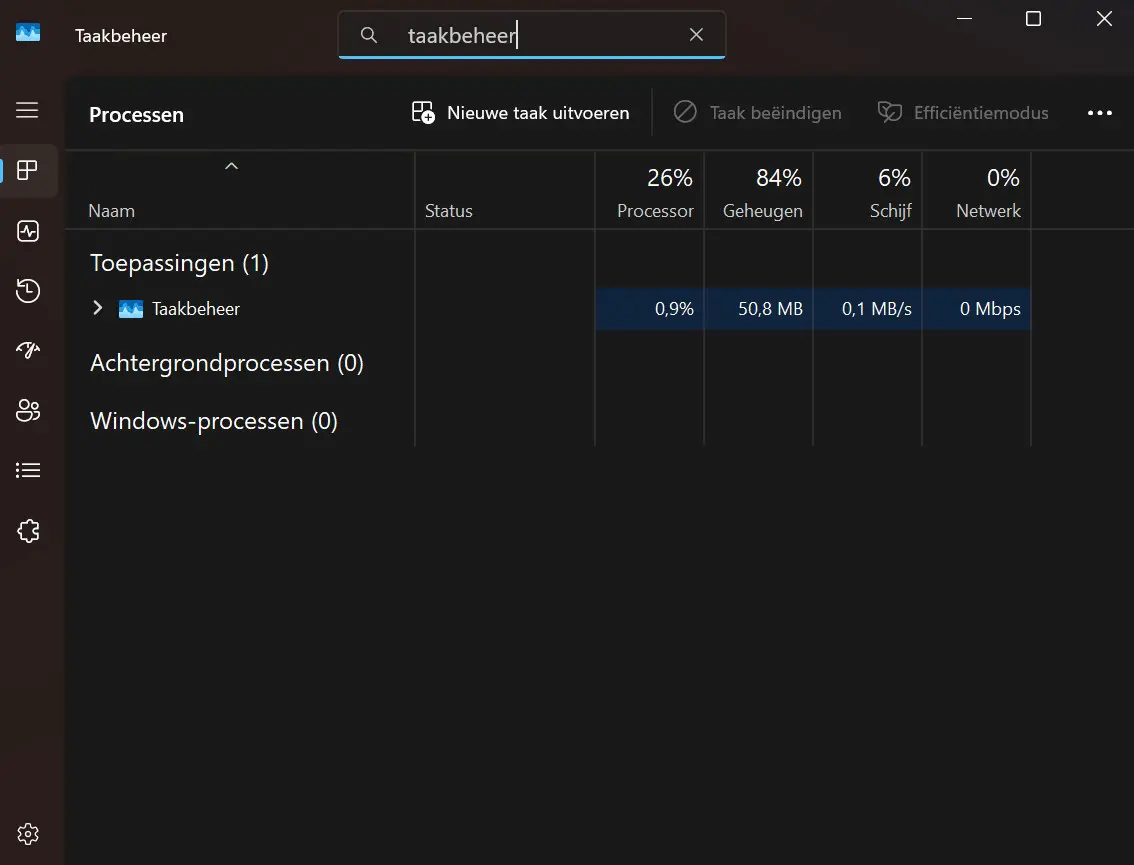
The most recent Windows 11 update causes Task Manager to not close properly and continue running in the background.
Windows Latest notes that Task Manager is not functioning normally in Windows 11. The October 28 update
At the end of October, Microsoft rolled out an optional update for Windows 11. This introduces some new features in the operating system that were not yet shipped with the Windows 11 25H2 update. Among other things, the new Start menu is gradually rolling out, and the Update and shut down feature now allows your PC to shut down effectively.
Duplicate
Ironically, the update also fixes a bug in Task Manager. Task Manager did not always group apps correctly with their processes, leading to confusing performance data. But as is often the case with Windows updates, one problem is replaced by another.
Those who do not use Task Manager or use it infrequently may not notice much of this bug. However, if you regularly turn Task Manager on and off, you may end up with many duplicated background processes over time, affecting your PC’s performance.
You can easily check if the bug affects your PC. Close Task Manager the normal way and immediately restart it. Then check in
The Windows team had a busy October. At the beginning of October, the major Windows update for this year was released, which brought rather small changes. After that, Microsoft had to roll out several patches to address some issues in Windows.
read also