

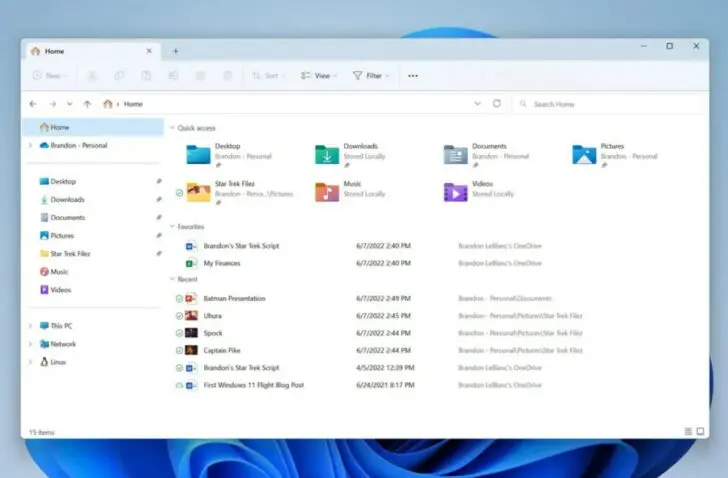
Microsoft continues to improve Windows 11. With a new update, we get new features in tab management and window recovery.
Microsoft is making improvements to Explorer with a new update. The update is available in the 23H2 beta channel and offers new features in Explorer. Windows 11 24H2 will get these features in early 2025, Windows Latest knows.
Smart explorer
One of the most notable improvements is the ability to reset tabs. If the option Restore previous windows at login is checked, not only the windows are restored, but also the tabs that were open.
In addition, Explorer gets smarter tabs. If you open a folder from a different location, such as from the desktop, it will open as a new tab instead of a new window. You can turn this option on or off in Explorer’s settings.
Finally, the Start Backup-notification has been made less conspicuous. If you don’t back up your folders, Explorer reminds you with the notification to back up. That notification normally went away only if you turned it off in the settings. Now you can turn off notifications by right-clicking the Start OneDrive-icon. Then you can ignore them for a certain period of time or turn them off completely.