
Anthropic’s AI assistant Claude can now independently gather context from Microsoft OneDrive, SharePoint, Teams, and Outlook.
Anthropic’s AI assistant Claude now brings context from your documents, emails, and calendar directly into your conversations thanks to integration with Microsoft 365. The AI assistant, upon administrator approval, gains access to Microsoft SharePoint and OneDrive, Outlook, and Teams. This way, Claude brings “context from your documents, emails, and calendar directly into your conversations.” The Microsoft 365 connector is now available for users with a Team and Enterprise subscription.
Microsoft 365 Connector
Anthropic launches the Microsoft 365 connector, bridging its AI assistant Claude with Microsoft services. “By accessing your documents, communications, and calendar, Claude gains the context to collaborate more effectively, enabling you to reason through complex problems, make informed decisions, and take action faster,” said Anthropic in an announcement.
Thanks to this connection, Claude can collaborate with various Microsoft services, including Microsoft SharePoint and OneDrive. This allows Claude to search and analyze files independently to formulate an answer to your question without needing to upload the files in the chat window.
Additionally, you can grant Claude access to your email traffic in Microsoft Outlook. This way, the chatbot gains insight into project status, customer feedback, or team alignment. Finally, Claude bridges the gap with Microsoft Teams to analyze chat conversations, channel discussions, and meeting summaries.
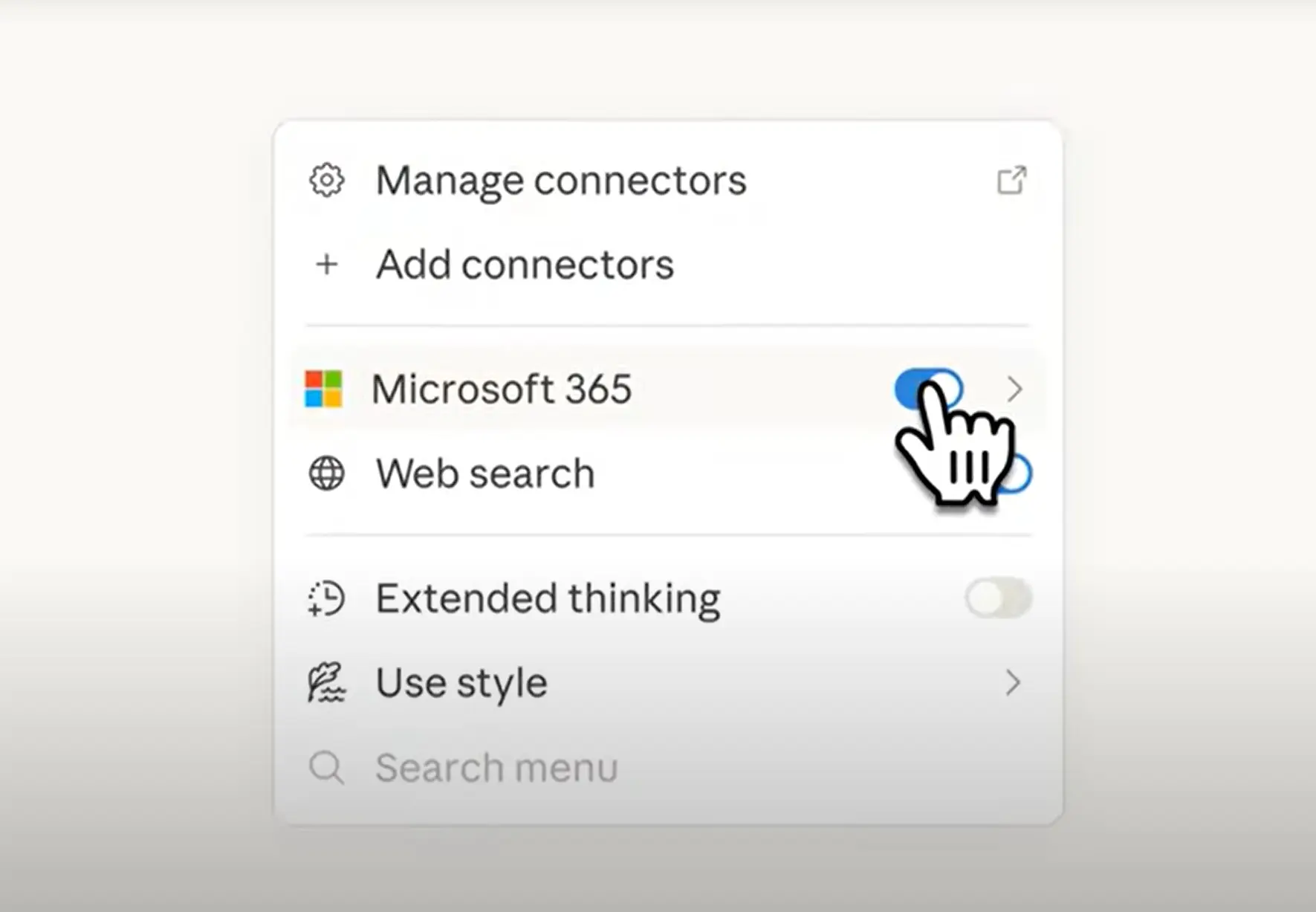
The Microsoft 365 connector is available for users with a Team and Enterprise subscription. Administrators of these subscriptions must enable the integration before users can link their accounts.