

With macOS 27.3, Apple splits the Device Control and Data Access setting in two and adds warnings to Full Disk Access. This lets users give AI agents and other apps more targeted access to their Mac.
Apple presented the changes to developers on Monday and is testing them in the second beta of macOS 27.3. The changes come because AI agents, unlike chatbots that only give answers, run on the device itself and can perform actions in the operating system, in files and in other apps.
Apple already announced in October that it would overhaul the security settings for Mac apps. The company warns that some developers use Full Disk Access in a way that can expose users to risks, with access to files, mail, messages and browsing history.
Two settings instead of one
In macOS 27.2 there is a single switch, Device Control and Data Access. According to Apple, apps with that access can view and send emails, edit contacts and photos, monitor the keyboard, record the screen and control any app on the Mac.
In macOS 27.3, that switch is split into Accessibility and System & App Protection Override. Accessibility is intended for assistive technologies and works through an entitlement, an exception procedure that Apple manages itself. The second setting is for apps that need to bypass certain macOS protections to control other apps or automate tasks.
Users will now select the app requesting access from a list, and that is the only way to grant permissions, reports 9to5Mac. With System & App Protection Override, you can also decide which apps an automation tool may use. An app may, for example, control Mail but not get access to Messages.
More control and visibility
Users can set apps to ask for permission every time. This can be cumbersome and get in the way of automation, but it does let users experiment with local AI without giving the agent carte blanche.
When an app controls another app via System & App Protection Override, an indicator appears in the Mac’s menu bar. This shows you when an automation tool is working with apps and data in the background.
For Full Disk Access, macOS 27.3 shows a more detailed explanation of the protections that fall away and of the types of personal data that are at risk. Users can also choose to give an app access only to specific folders. Apple published a support document about the changes.
What developers need to do
Full Disk Access is not going away, and according to Apple the underlying APIs are not changing. Developers do need to adapt their onboarding and make sure their apps can cope with access to only a limited number of folders or apps.
Developers of backup software and assistive technologies can request an entitlement. With it, new installations keep the same behaviour as before macOS 27.3. Details about those entitlements are yet to follow. Well-known apps keep their current behaviour without an entitlement, and permissions that users granted earlier remain in force.
Background and next steps
According to TechCrunch, Apple’s October announcement followed two incidents involving AI agents. A journalist claimed that Meta’s Muse app read private messages without permission. Wired also reported on a leak in the ChatGPT Mac app that could have given hackers access to sensitive data.
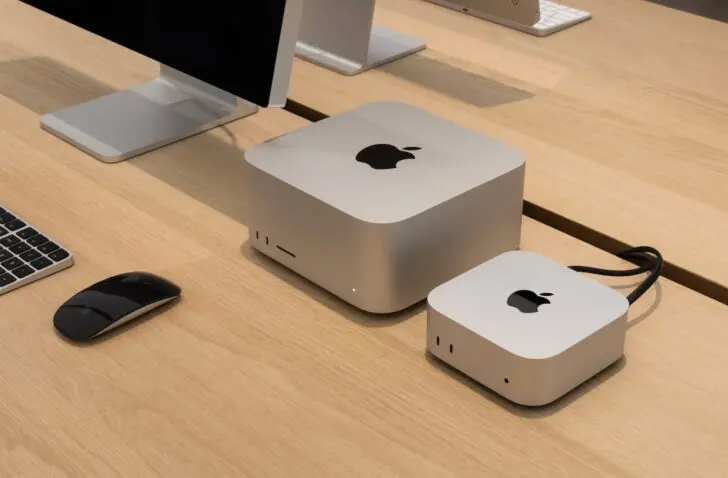
At the same time, Apple benefits from sales of Mac minis and Mac Studios, which early adopters of AI buy to run local models. Apple does not ban the installation of AI agents, but gives users more options and information about their choices.
For now, the changes are in the second developer beta of macOS 27.3. Apple has not yet announced a date for the public release, and the details about the entitlements are still to follow.