


USB-C is rapidly gaining ground in the B2B market, but not every monitor with a USB-C port offers the same capabilities. The difference between a simple USB-C monitor and a full-fledged docking setup is greater than many companies realize.
The USB-C monitor is gaining ground in the Belgian office environment, but not every monitor with a USB-C connection is automatically a docking station. “There is still a lot of uncertainty about this in the market,” begins Olivier Calmet, Manager Belgium & Luxembourg at Philips & AOC Monitors.
The difference lies in the ports a monitor may or may not have: while a standard USB-C monitor only combines video signal, data, and power, a docking monitor also offers LAN, USB-A ports, DisplayPort Out, and sometimes an integrated microphone. “USB-C is the standard for connection, but a USB-C monitor is not automatically a docking monitor,” says Calmet. That distinction has a direct impact on price, performance, and the way a workspace is set up.
USB-C versus docking monitors
“There is a misconception about what a USB-C monitor is,” Calmet notes. “USB-C is the standard for connection. A USB-C monitor is not automatically a docking monitor,” he clarifies. “With USB-C monitors, you don’t have a LAN connection or DisplayPort Out.” USB-C monitors are therefore often cheaper and are aimed more at home use. “An employee working from home, for example, doesn’t need a LAN port, just a Wi-Fi connection,” he adds.
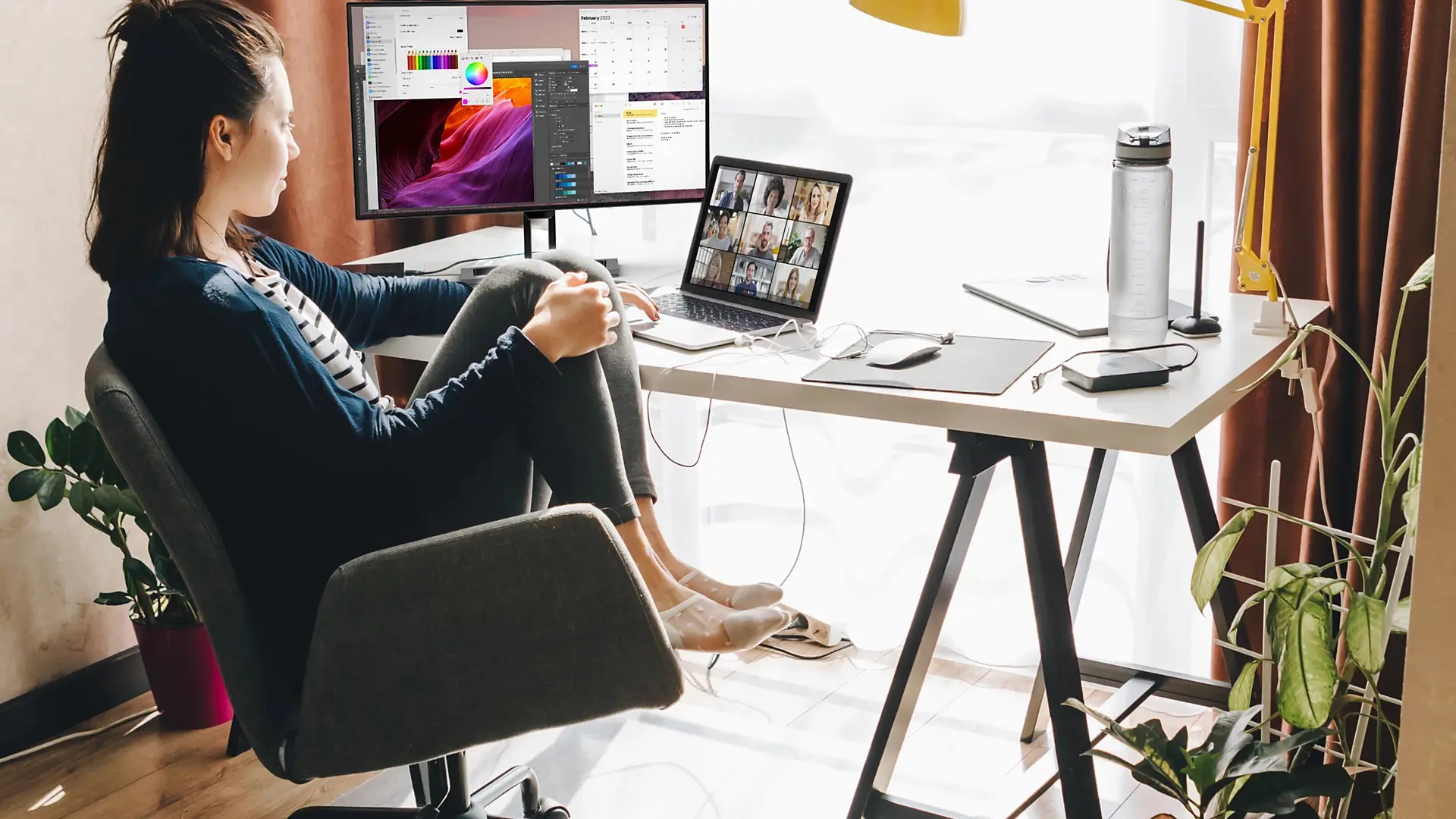
“A USB-C docking monitor, on the other hand, is slightly more expensive and has an integrated docking station.” This includes USB-C, USB-A, and LAN ports, DisplayPort Out, and sometimes a webcam.
Daisy chaining
With a docking monitor, you can use daisy chaining, for example. Calmet explains: “the laptop then connects via a single USB-C cable to the first monitor, which in turn is connected via DisplayPort Out to a second monitor.” This way, you combine the convenience of a single cable connection with the working comfort of two screens, without running extra cables to the laptop.
Premium
“Furthermore, not every USB-C connection is equal,” Calmet states. He distinguishes between standard USB-C and premium variants such as Thunderbolt 4, Thunderbolt 5, and USB 4 and 5. The main difference lies in data transfer speeds: where a standard USB-C docking station is limited to five to ten gigabytes per second, Thunderbolt reaches up to 40/80 gigabytes per second.
That difference only becomes relevant in demanding situations, such as a setup with two 4K screens combined with a video conference and an external hard drive. In that case, a standard USB-C connection falls short.
Price and performance
“Companies think USB-C is a universal standard, but the difference between a standard USB-C monitor, a docking monitor, and a Thunderbolt monitor translates directly into price and performance.
“A standard USB-C monitor costs about 25 euros more than a monitor without USB-C, a docking monitor about 50 euros more, and those who want Thunderbolt can easily pay 75 to 100 euros extra,” says Calmet.
That extra cost is for a reason: anyone working in a demanding setup with two 4K screens, a video conference, and an external hard drive risks drop-out issues with their internet connection or webcam using a standard USB-C connection.
Logical investment
Yet this hardly slows down adoption. Three-quarters of the new monitor requests Calmet receives today are for USB-C, and the combination with ultrawide is the most requested. “Companies also realize that a monitor lasts five to seven years, longer than the three to five years of a laptop. If you make the wrong choice now, you’re stuck with it for years,” he says.
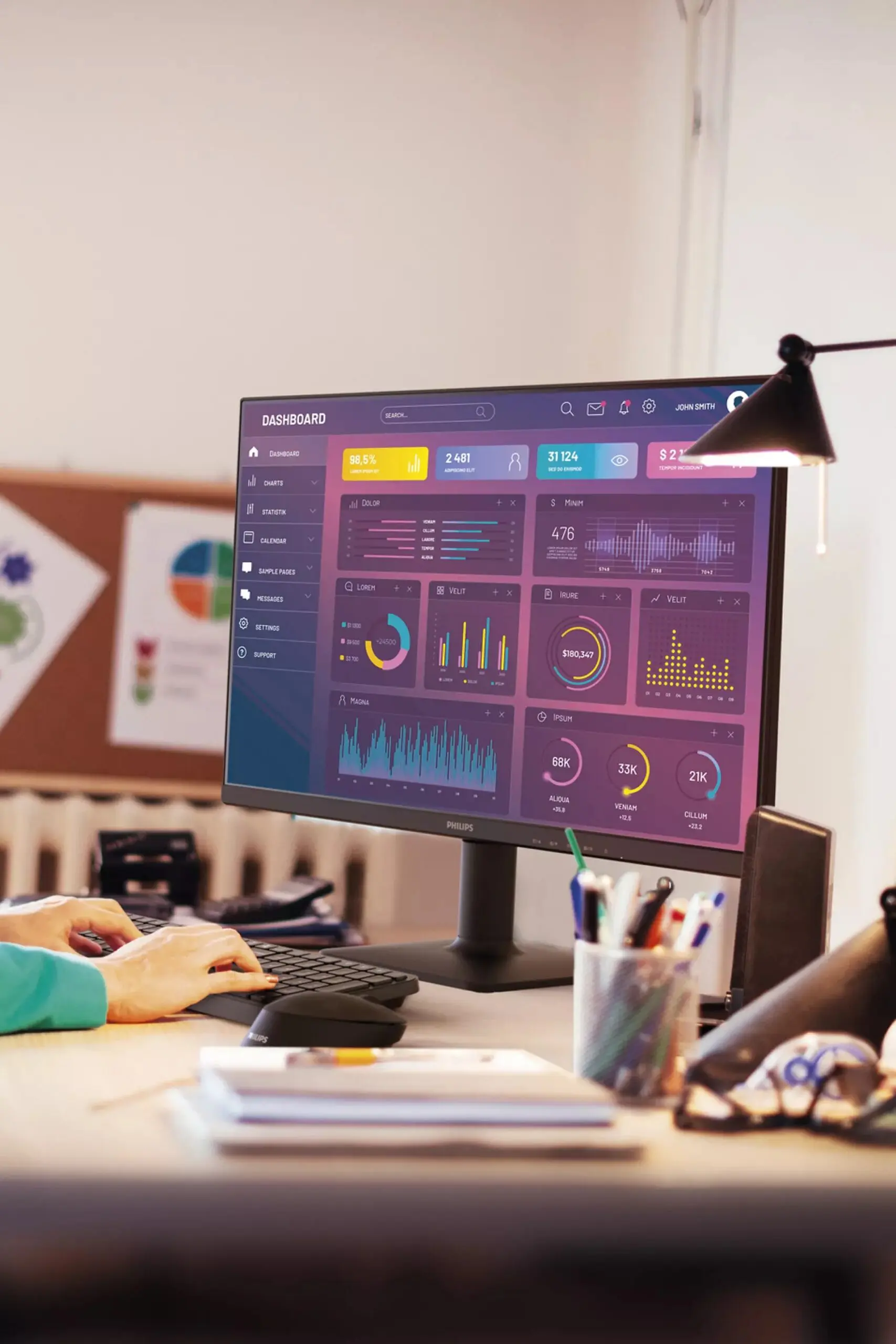
According to Calmet, this makes USB-C and ultrawide, whether or not with an integrated webcam, the logical choice for new investments. He also sees this shift reflected in his own figures: he still sells standard 24 and 27-inch monitors without USB-C, but only for ongoing contracts signed years ago. New tenders almost always go to USB-C docking monitors.
Workplace of tomorrow
The docking monitor has grown into the new standard for a streamlined and cable-free workplace in the B2B market. The combination of falling prices, increasing functionality, and a growing focus on ergonomic comfort makes the choice for an integrated solution increasingly logical. “Anyone investing in a monitor today is choosing a future-proof workstation,” Calmet concludes.