

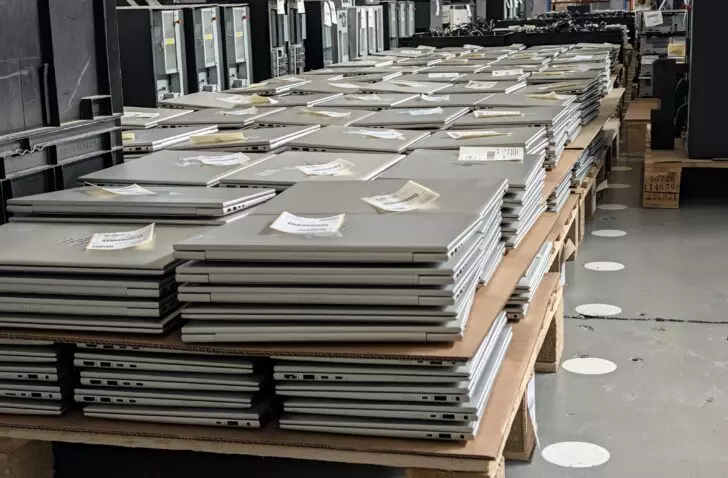
Wiping old laptops takes just five minutes at HPE’s renewal centre. What holds up processing are BIOS passwords and remote management that the IT department forgot to switch off.
More than ten percent of the laptops arriving at the Technology Renewal Centre of HPE Financial Services in Erskine do not let the operator into the BIOS. David Coyle, Global Engineering Manager at HPE Financial Services, calls it one of the biggest problems in the sector: “Customers still haven’t got their own decommissioning process right.” Large companies lock the BIOS to prevent users from enabling USB ports. When the device comes back after three years, Erskine has to undo that lock so the next owner gets free access.
According to Coyle, the second blocker is bigger and has been growing since covid: remote management. “Most business laptops today are managed remotely by their organisation. You can’t sanitise that. For that, you have to go back to the customer.” He names Microsoft Autopilot and Absolute as examples, and says this has become the hardest step “not just for us, but for the whole sector”.
Wiping in five minutes
Wiping old laptops has gone from hours to minutes in ten years. Erskine processes almost exclusively SSDs, which sanitise themselves through their firmware: destroying cryptographic keys, erasing blocks or overwriting internally. According to Coyle, the whole process takes about five minutes, and most of that is verifying that the wipe succeeded. With magnetic disks, every sector had to be overwritten, and the disks got bigger every year. That took three to four hours per device.
Erskine uses commercial sanitisation software, linked to the ERP system, and thereby follows the two standards that Coyle says dominate the sector today, those of NIST and IEEE. In January 2020, Le Monde Informatique still saw disks in Erskine being overwritten one, three or seven times, depending on the contract, taking one and a half to four hours per PC.
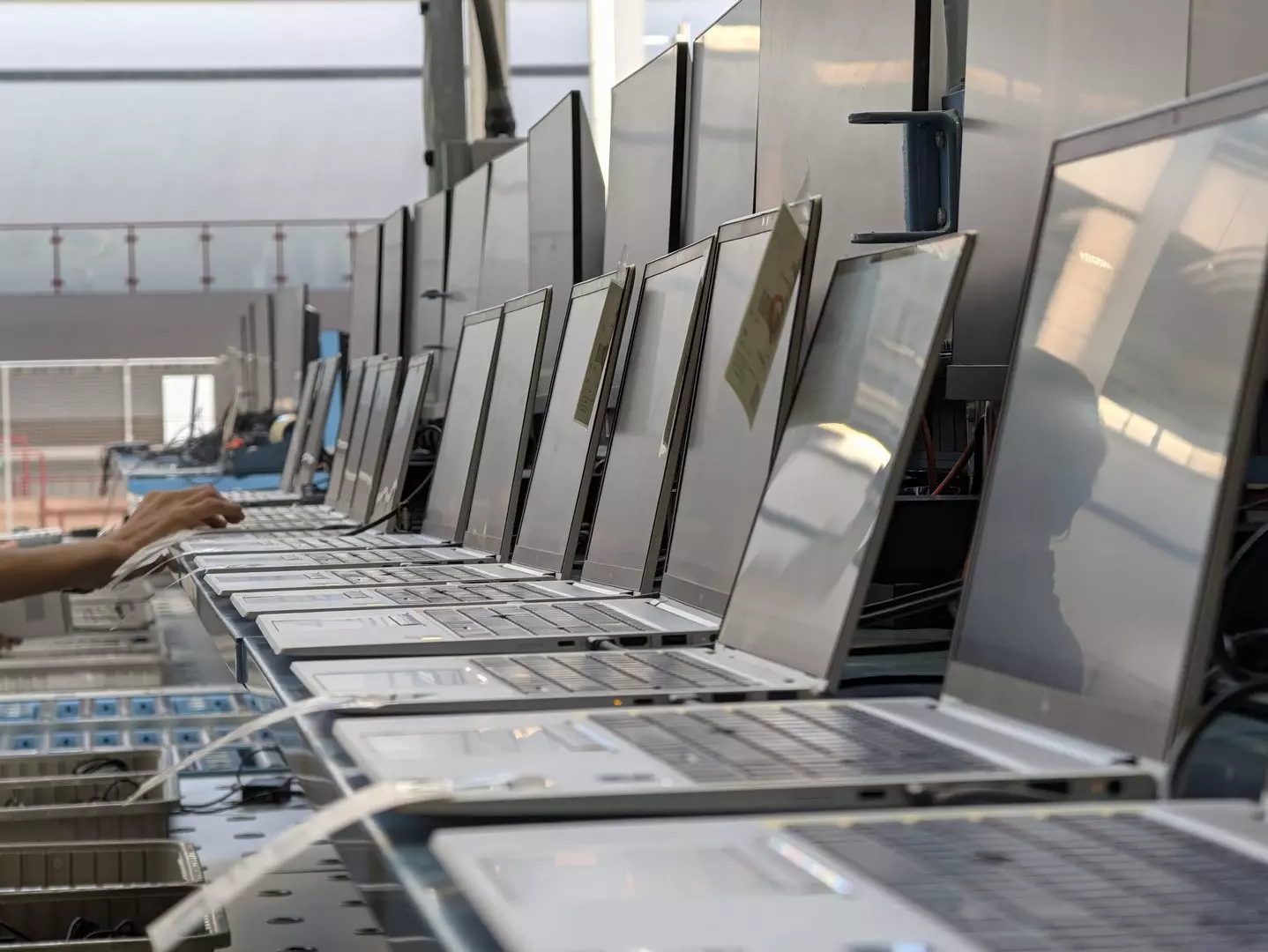
The workplace line thus handles 1,500 to 2,000 devices per day in eight work cells. A laptop stays a laptop: Erskine does not strip out components. Only if a disk fails sanitisation is it removed. It then gets its own asset number, which remains linked to the device it came from, and goes to recycling.
Old laptops and the GDPR
Both the lease contract and the ITAD contract require the customer to sanitise its devices and remove them from management before they leave. During the tour, Jackie Rafferty, Head of European Operations at HPE Financial Services, asked the question herself: “Do customers do that? No.” The equipment therefore arrives with customer data on it. Coyle: “Whether you are a controller or a processor, you can’t give it away in a contract. You as a company own the GDPR.”
That is what the security is for: a 2.2-metre fence, forty 360-degree cameras, infrared and vibration alarms, screened staff and separate networks. Asked whether infected devices pose a risk, Coyle replied that the risk is smaller because most devices come from leases or long-term contracts, “but it’s not gone”.

Rafferty advises against physical destruction as the default choice. The British government standard shreds disks to six millimetres, and to two for sensitive data. “We don’t want to do that. We want to teach customers to trust sanitisation, give us a revenue share and put that asset back into use.”
What the IT department does beforehand
Of the more than 300,000 workplace devices that Erskine processed last year, 97 percent were resold. What slows the line down are the devices that nobody can get into any more. Erskine sends those back to the customer, who then has to find someone who still knows the BIOS password or can remove the registration in Autopilot or Absolute. Coyle says that explanation starts over with every new customer.
For an IT department, deregistration therefore belongs in the decommissioning process, before the device goes in the box: remove the registration from Windows Autopilot in Intune, disable the Absolute agent via the console, remove the BIOS password and mark the devices as retired in its own management system. Coyle could not say in Erskine how many devices ultimately end up in recycling because of such a lock.