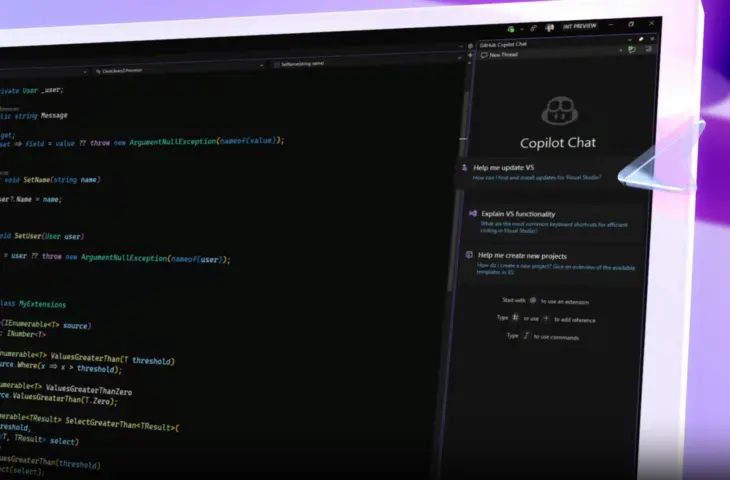
Microsoft releases a first preview version of Visual Studio 2026 with integrated AI and a new design.
Microsoft makes Visual Studio 2026 available through a new Insider channel. The IDE integrates AI that collaborates within the development environment and brings improvements in terms of speed and interface. “This release brings AI directly woven into developers’ workflow, performance improvements that reset expectations for enterprise-scale speed, and a modern design that makes the environment lighter and more focused,” writes Mads Kristensen, Principal Product Manager at Microsoft.
Integrated AI
Visual Studio 2026 is released for the first time via the Insider channel, replacing the former Preview channel. The most notable innovation is the deep integration of AI into the development environment. The AI features are designed to support developers during programming without being intrusive. The environment automatically helps analyze new codebases, suggest tests, and update documentation based on modified code.
During code reviews, Visual Studio also offers insights on performance, security, and correctness, even before the developer creates a pull request. Moreover, the AI ensures that copied code snippets are automatically adapted to the project’s conventions. The developer always retains control over decisions.
Redesigned Interface
In addition to AI support, Visual Studio 2026 emphasizes performance. Basic actions such as opening projects, navigating between files, and executing builds are noticeably faster. The optimizations apply to both x64 and Arm64 systems. According to Microsoft, large codebases feel lighter, and switching between branches is smoother.
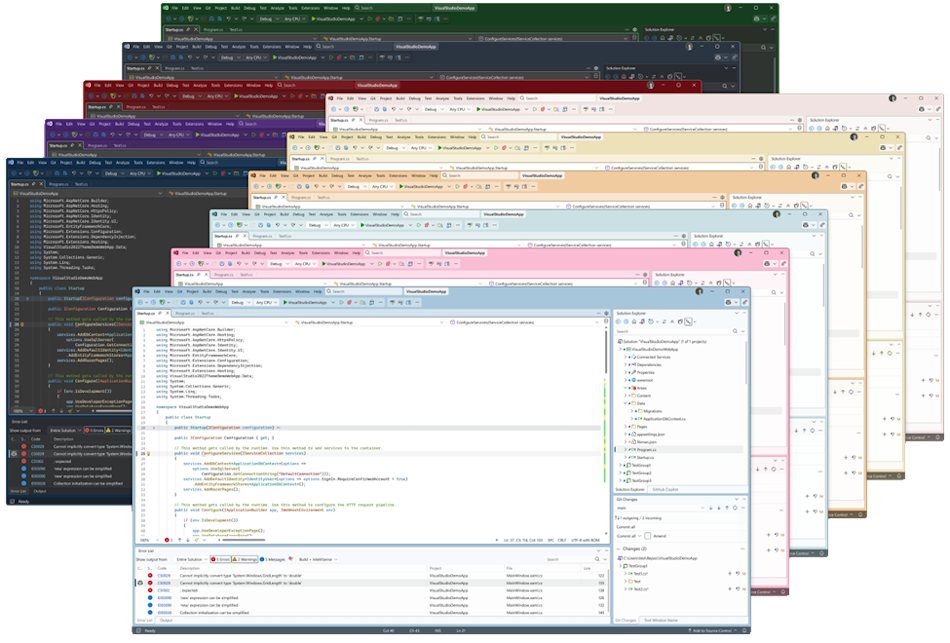
Finally, Microsoft introduces a redesigned interface based on Fluent UI. The new design features cleaner lines, custom iconography, and eleven new color themes. These are intended to make it visually easier to navigate large projects without overwhelming the user. The management of extensions has also been adapted to increase ease of use.
The Insider version of Visual Studio 2026 is available as a separate installation, alongside earlier versions such as Visual Studio 2022. Developers can import their settings and components to get started faster. Microsoft promises monthly updates with new features, improvements, and expansions of AI functionality.