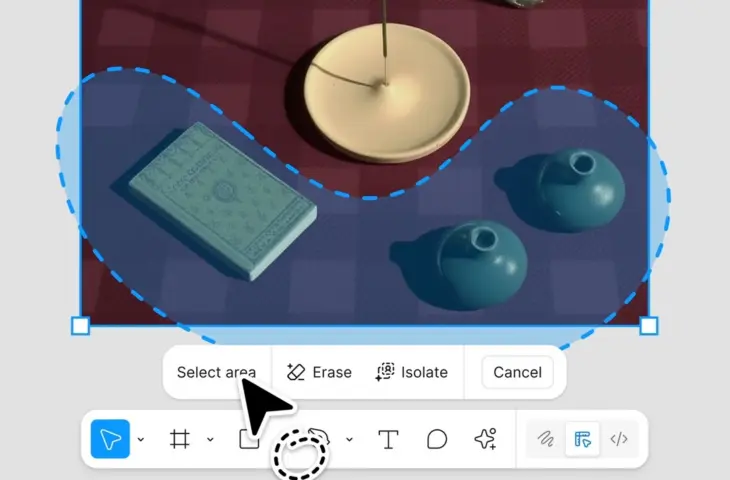
Figma introduces three AI tools for image editing that should speed up and simplify the adjustment of images within the platform.
The design tool Figma is launching three new AI functions that allow you to erase an object, isolate it, and expand an image. These functions are part of a broader update to the image editing bar in Figma Design and Figma Draw. The company says it plans to bring the features to Figma tools next year.
Erase and isolate objects
With ‘Erase Object’, users can remove elements from an image. ‘Isolate Object’ makes it possible to edit or move a selected part of an image separately without changing the rest of the image.
read also
Google Integrates Nano Banana Pro into Gemini App
Designers can use the new functions to adjust lighting, color or focus per object, among other things. This should help with tasks such as cleaning up product photos or adjusting individual elements within UI mockups.
Automatically expand images
‘Expand Image’ automatically fills in the background of an image to support new proportions. This keeps the original image intact while making it suitable for other formats, such as mobile headers or social media dimensions. In many cases, the function replaces manual reframing via the Crop tool.
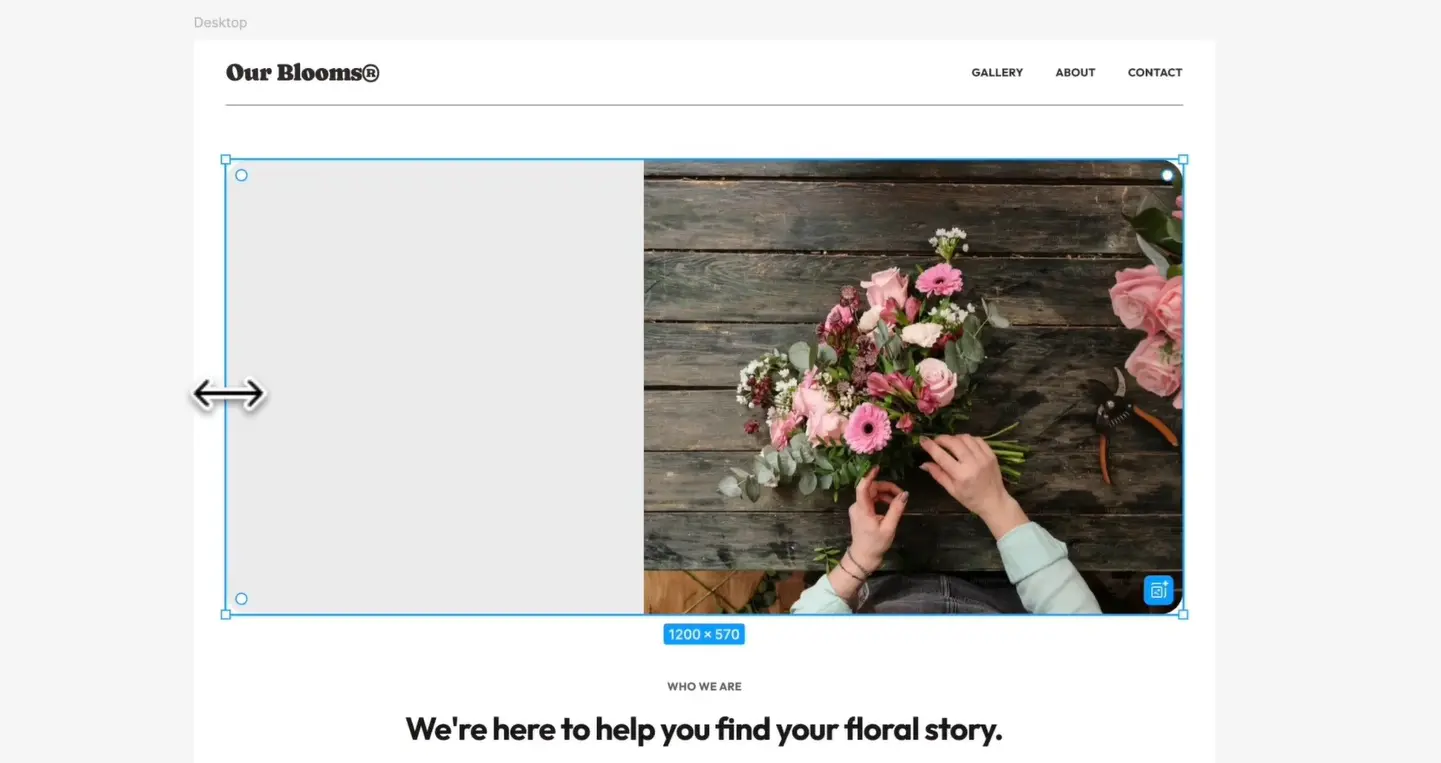
The updated image editing bar now bundles all existing and new functions, including the previously added background removal. Figma indicates that this action is one of the most used operations in the platform and is therefore made more prominently available.
The new AI image editing capabilities are available to users with a Professional, Organization, and Enterprise subscription, provided that AI is enabled. Figma plans to roll out the features to more parts of the platform next year.