


You can now control your phone and give commands in the Copilot app for Windows.
With the new phone connection feature in the Copilot app for Windows, you can perform simple tasks on your Android smartphone via your PC. We explain step by step how to set up and use the feature.
-
Step 1. Ensure Your Android Phone Is Linked via Phone Link
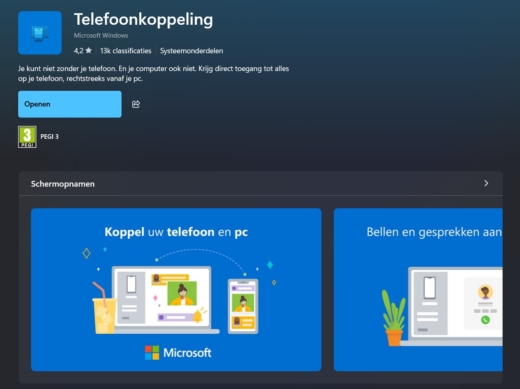 Before you can use Phone Link, you need to pair your Android smartphone with your PC using the Phone Link app. This is pre-installed on Windows 11. On your smartphone, grant the necessary permissions in the Link to Windows app.
 -
Step 2. Update Your Android to Version 14 or Higher
Go to Settings > About phone > Software version and check if Android 14 is running on your device. Install any available updates.
-
Step 3. Update the Copilot App
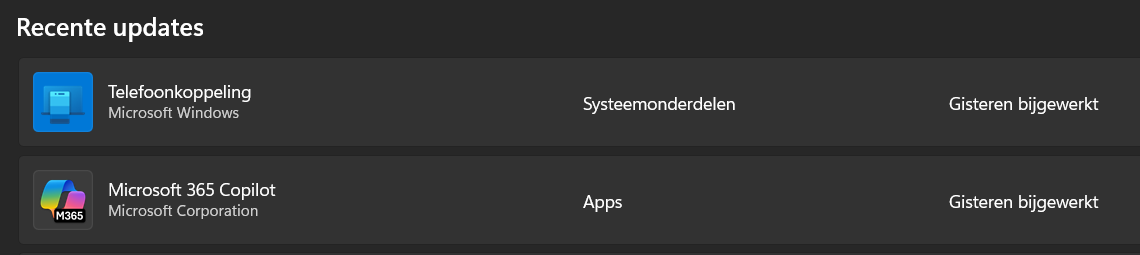
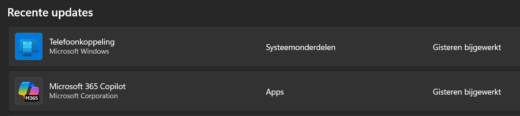 Open the Microsoft Store, go to Downloads and updates, and click Check for updates. Ensure Copilot is up-to-date.
 -
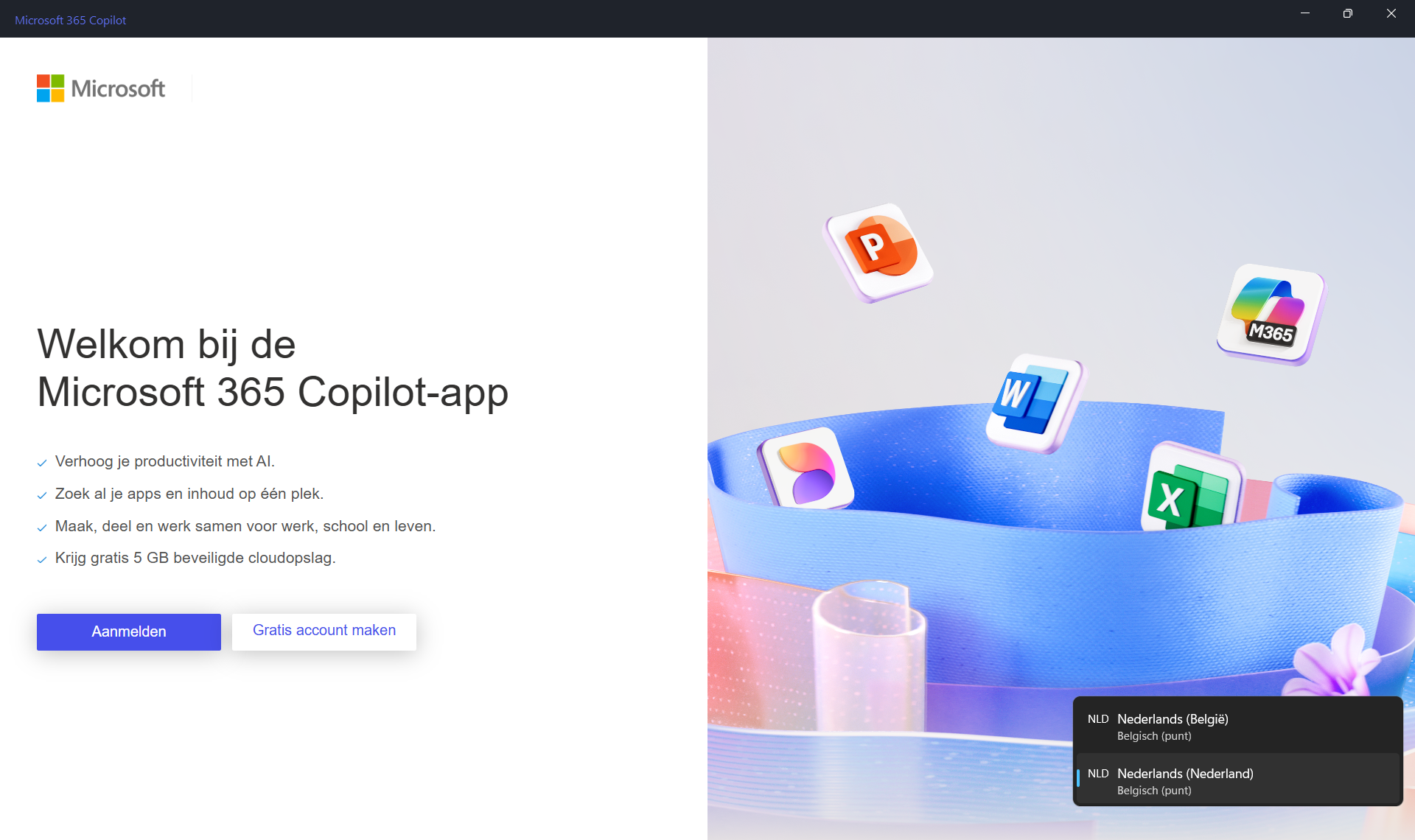
Step 4. Launch Copilot and Sign In
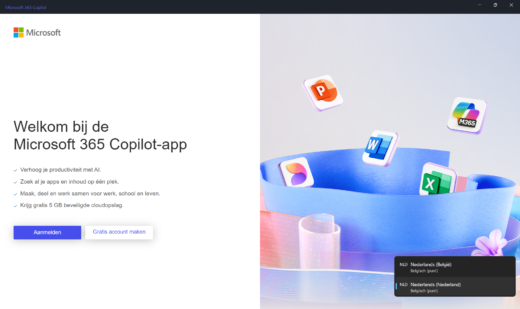 Open Copilot via the Start menu and sign in with the same Microsoft account as on your Android device.
 -
Step 5. Activate Phone Connection in the Settings
In Copilot, click the profile icon, go to Settings, scroll to Phone Link, and enable this feature to link your phone.
-
Step 6. Give Copilot a Command
Go back to the main menu and type, for example:
- Send a text to Lisa that I’ll be 30 minutes late.
- Set a timer for 15 minutes.
- Find the nearest veterinarian.

Phone management only works with Android smartphones and in the desktop version of Copilot. Whether support for iOS will follow later has not yet been communicated.