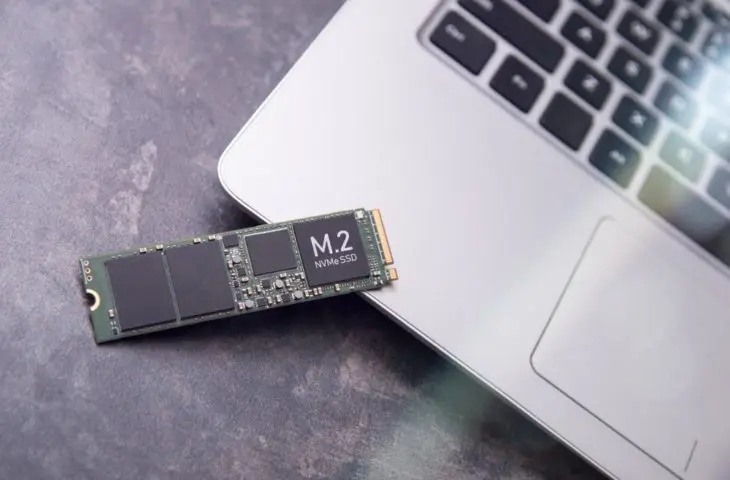
Haven’t activated your SSD in a while? Data loss is possible when SSDs remain inactive for too long, although that risk is relatively limited for the average user.
SSDs are a popular storage medium. Particularly for data that is actively used, this type of storage offers many advantages over other physical media. SSDs excel in speed, efficiency, and portability compared to those bulky hard drives. In general, they are also very sturdy and very reliable. After all, they contain no moving parts like hard drives.
However, you sometimes read that long periods of inactivity can cause SSDs to lose data. Do you have a drawer full of SSDs lying around? We investigate the claims and whether you should urgently activate your drives again.
Flashy storage
For a detailed explanation of how SSDs are structured, we refer you to this article, but we will summarize the essence here again. An SSD, short for solid state drive, is made up of blocks of NAND flash memory, which in turn consist of transistors. Electrical impulses change the charge of the memory cells, and this is how data is stored on the SSD.
read also
Don’t let your SSD lie in the drawer
This type of memory is non-volatile, which means that an SSD does not need a constant power supply to work, unlike DRAM, for example. This already answers whether you can store data on an SSD for the long term: in theory, yes.
In practice, a little more nuance is needed. Every SSD still needs a new power surge every now and then to avoid losing its charge. If that does happen, data can be irreparably damaged.
SLC, MLC, TLC or QLC
How long an SSD lasts in the drawer depends on what type of flash memory is in your SSD. We’re throwing four more abbreviations at you: SLC, MLC, TLC or QLC. The difference lies in how many bits are stored per cell. With Single Level Cell that is one bit per cell, with Multi Level Cell two, Triple Level Cell three and Quad Level Cell four.
More bits per cell increases the storage capacity, but that can have implications for the lifespan. More expensive SSDs for business applications usually have SLC memory, while models for consumers are more often equipped with TLC or QLC.
Even the cheaper QLC models can now survive longer without power. For cheaper consumer models, we are talking about at least one to two years. Activating your SSD once a year already significantly reduces the risk. Business models with SLC memory can last up to five to ten years without power impulses without any problems.
What about HDDs?
Because of this risk, it is sometimes suggested that SSDs are not an ideal medium for ‘cold’ long-term data storage. The high (and ever higher) price per gigabyte reinforces that vision. There are situations in which companies have to keep data for several decades because of regulations, for example. In those scenarios, HDDs or even tape are still often considered. The choice is usually made on the basis of cost, rather than reliability.
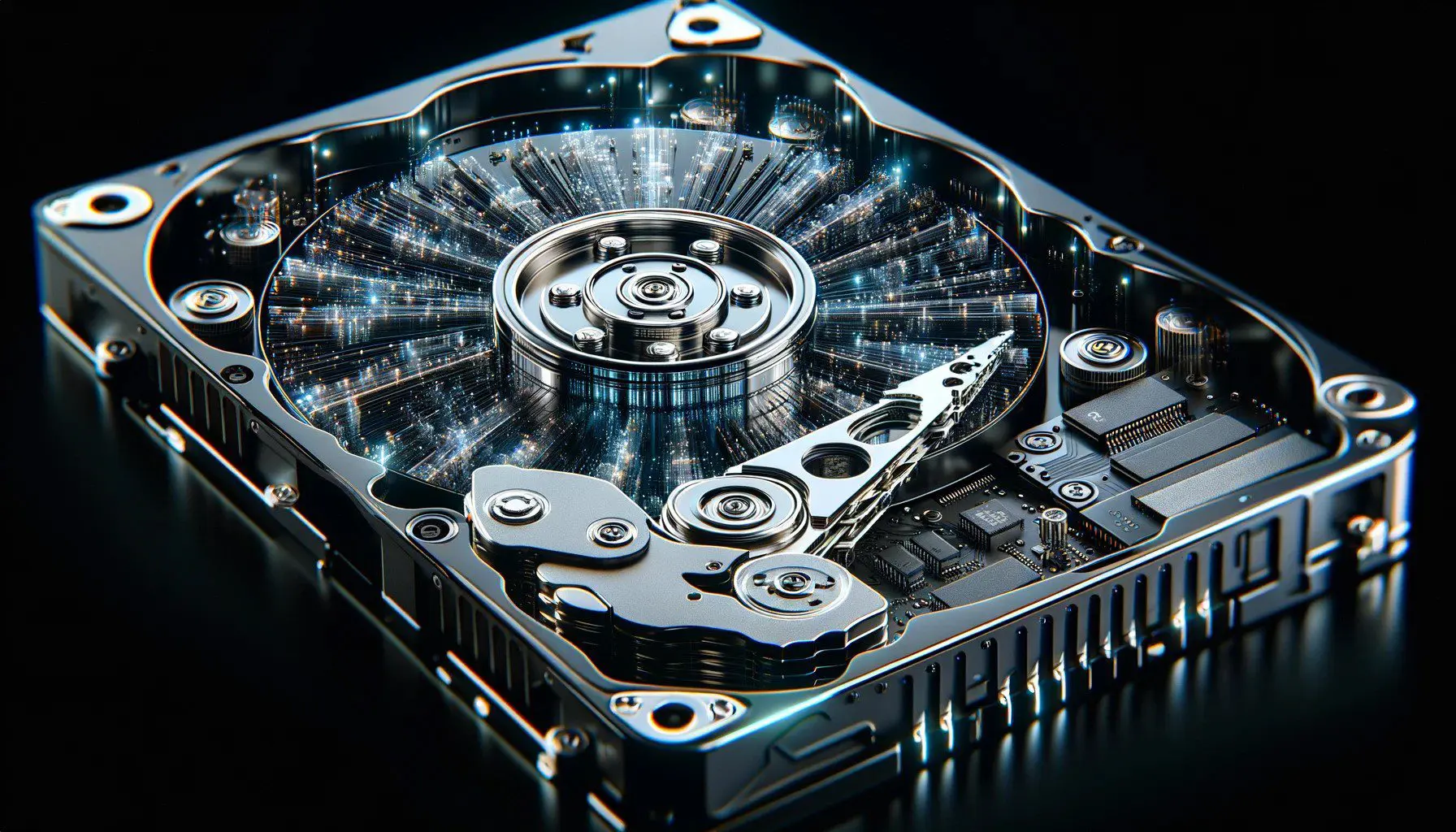
Bitrot can affect both HDDs and SSDs. The mechanical components in a hard drive are more sensitive to external influences. An unfortunate fall or extreme temperatures will have an impact on an HDD more quickly. What HDDs do have as an advantage is that they can retain their magnetic charge for a longer period of time.
But even hard drives cannot be stowed away in a safe cabinet forever without using them. Invisible things like electromagnetic radiation in the background can affect the hard drive. This is a process that normally takes ten to fifteen years.
Most models are equipped with corrective software, but that software can only work if the HDD is connected to a PC. So you will also have to activate your HDDs from time to time.
Keep a backup on hand
Whether you use SSDs or HDDs: no storage medium offers a one hundred percent guarantee. Even in a professional data center of a cloud provider, things can go wrong. Therefore, always provide a backup of your data. The 3-2-1 rule for backups (three versions of your data on two different media, of which one external) cannot be repeated enough.
read also
In 3-2-1 to a successful backup strategy
If you have a drawer full of SSDs, you don’t have to fear that data will disappear from one day to the next. But it also doesn’t hurt to dust them off every now and then and connect them to your PC again. Especially now that storage technology is almost literally worth its weight in gold, it would be a mortal sin to let your SSDs rot away in a drawer.
No storage medium offers a one hundred percent guarantee.