

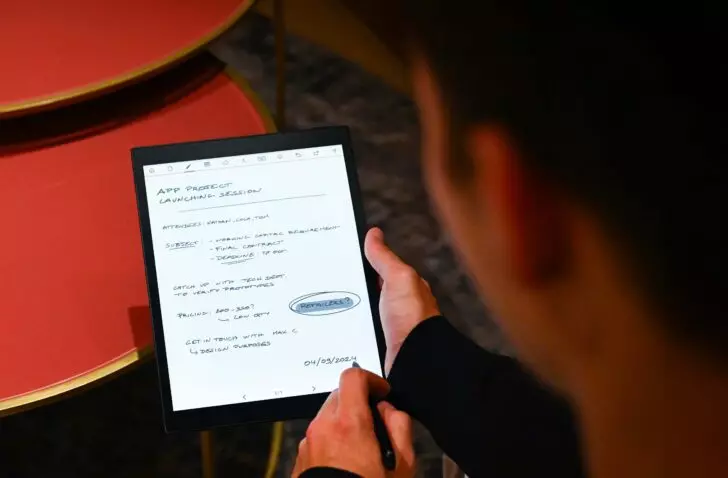
The Paperslate Pro takes digital writing to a higher level, but its outdated Android system seriously undermines reliability.
Writing tablets are appearing more and more often in the business world. They replace paper notebooks, but they are not comparable to an iPad, for example. The big difference is the type of screen and the intended use. We put the paper notebook aside for a moment and test the French Paperslate Pro, a writing tablet with a 10-inch e-ink screen of 1600 by 1200 pixels.
The Paperslate Pro comes with a USB-C cable and a stylus, and costs 429.99 euros incl. VAT with 64 GB of storage, expandable to 256 GB with an SD card. There is also a standard model available for 349.99 euros incl. VAT, which offers 32 GB of storage.
Paper-like screen
The Paperslate Pro is a digital notebook weighing just 430 grams. That makes the device very pleasant to use, including on the go. We previously reviewed the Paper Pro Move from competitor reMarkable, which is a lot smaller. That certainly has its advantages, but writing at this size feels better and more familiar. The Paperslate Pro has a slightly smaller screen than, for example, the comparable reMarkable Paper Pure, which measures 10.3 inches and has a resolution of 1872 x 1404 px.
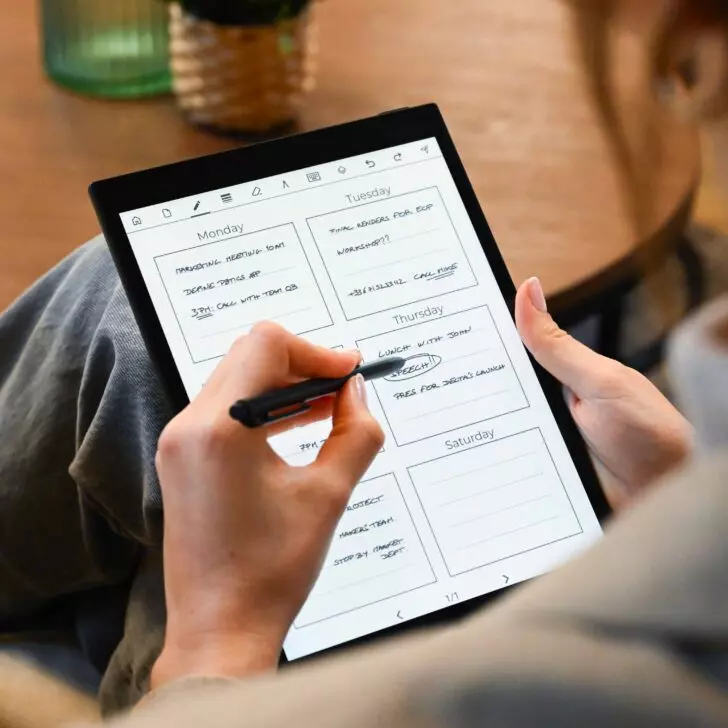
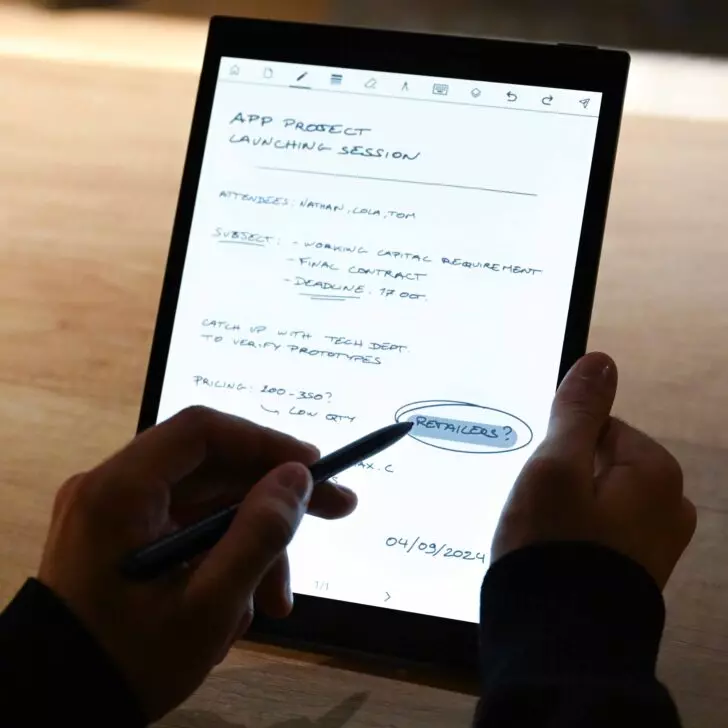
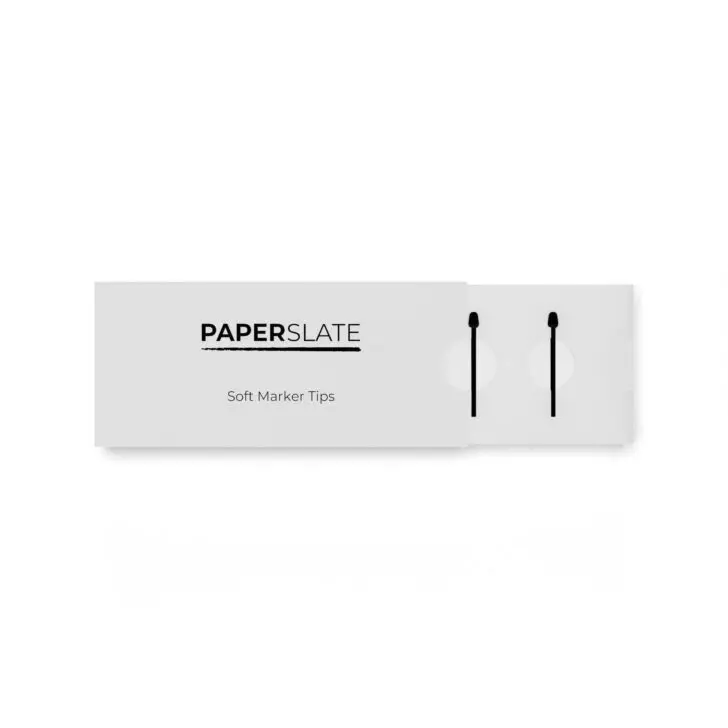
We write with the supplied stylus, which feels intuitive on the black-and-white screen, partly thanks to the 4096 pressure levels and the soft pencil tip, which according to the manufacturer lasts three months. After that, the pencil tip has to be replaced. After our one-month test period, the pen still wrote just as smoothly. For a quick correction, you use the back of the stylus, which works smoothly as an eraser. With the button on the side, you can also draw a circle around an object you want to remove.
French make
Although the Paperslate Pro supports several languages, including Dutch, it displays ‘en charge’ when charging. In sleep mode, we also see ‘en veille’. Not a disaster, but it comes across as somewhat sloppy. We are now certain that it is a French brand.
Bright (black-and-white) E-ink
Digital tablets will never fully match the feeling of writing on paper, but the Paperslate Pro makes a remarkably good attempt. You do have to make do with a digital pencil. The device only supports a black-and-white screen, unlike the reMarkable Paper Pro Move, where we could add more colour to our notes thanks to the colour screen.
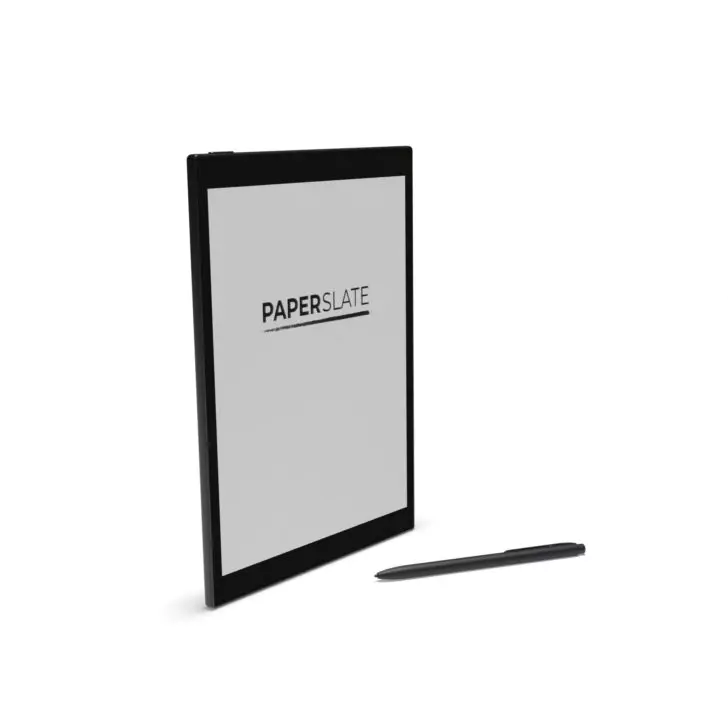
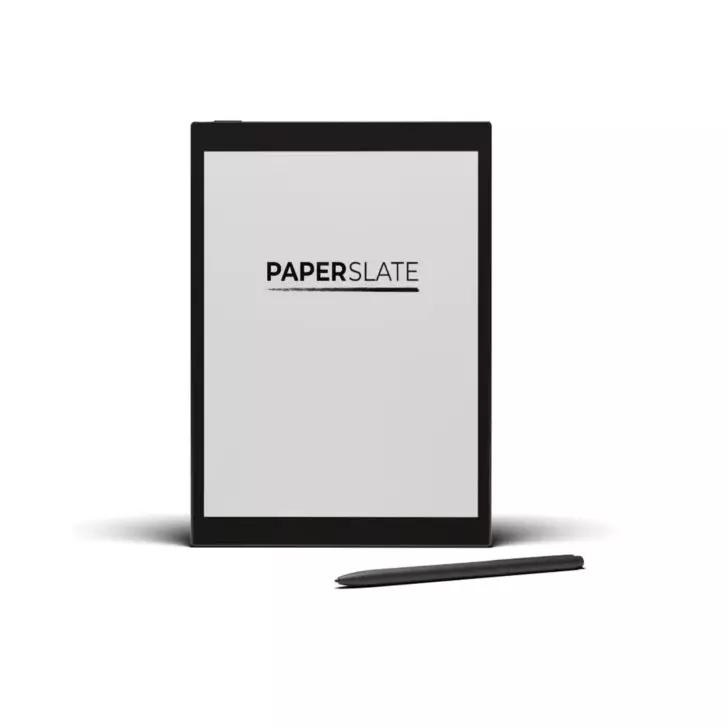
The Paperslate Pro does offer adjustable backlighting (warm and cool light). That let us read everything crystal clear even in full sun, even better than on a real sheet of paper in bright sunlight. You can also keep working easily when it gets darker, something the reMarkable Paper Pure deliberately left out and which we miss there.
Battery life
The minimalist E-ink technology has the advantage of using little energy. As a result, the Paperslate Pro can last a week without charging, even with intensive daily use. The device contains a 3,200 mAh battery. With its IPX8-certified waterproofing, use in various conditions is possible. Charging does take some time. Going from zero to 100 percent takes about 1.5 hours.
Organised doodles
A digital tablet replaces the paper notebook for those who like to doodle and jot down ideas. With handwriting recognition, you can also convert handwritten notes into digital text (PDF or Word). The Paperslate also recognises messy notes fairly well.
For those who prefer to type, a keyboard option is available. On the tablet, you can work with files in formats including pdf, doc, rtf, jpg and png.
Compatible with Android
Paperslate Pro is compatible with Android. That lets you download various apps via the Google Play Store. However, we have to make an important caveat: Paperslate runs on the six-year-old Android 11. The outdated Android version means apps do not work properly and security updates are lacking. That seems problematic to us in a business environment. How safe is it, then, to allow the Paperslate on your company network?
We installed one of the most popular note-taking apps to put it to the test. A black-and-white version of OneNote is unappealing to begin with, let alone in a sluggish version full of stutters. Other applications that require less interaction, such as scrolling through news apps, do work better. But that brings digital distraction back in, which is exactly what we want to avoid in a note-taking tablet.
Open notebook
The Paperslate wants to be more than just a digital notebook, although the device does not fully succeed in that aim. When we evaluate the tablet purely on its core task, digital writing, we can only recommend it. But do you work with confidential company data, or do you want to get everything out of the Android experience? Then we have to disappoint you, unfortunately.
The outdated Android version means apps do not work properly and security is non-existent. Finally, we wonder whether these apps don’t defeat the purpose of a digital notebook?
Pros
- Pleasant writing experience
- Leeslicht
- Handschriftherkenning
Cons
- Outdated Android system
- No security updates
- Zwart-wit-scherm